


Introduction
The Ultimate Toolkit for Telegram Promotion. All from automatic registration and to automated comments and AI-driven newsletters
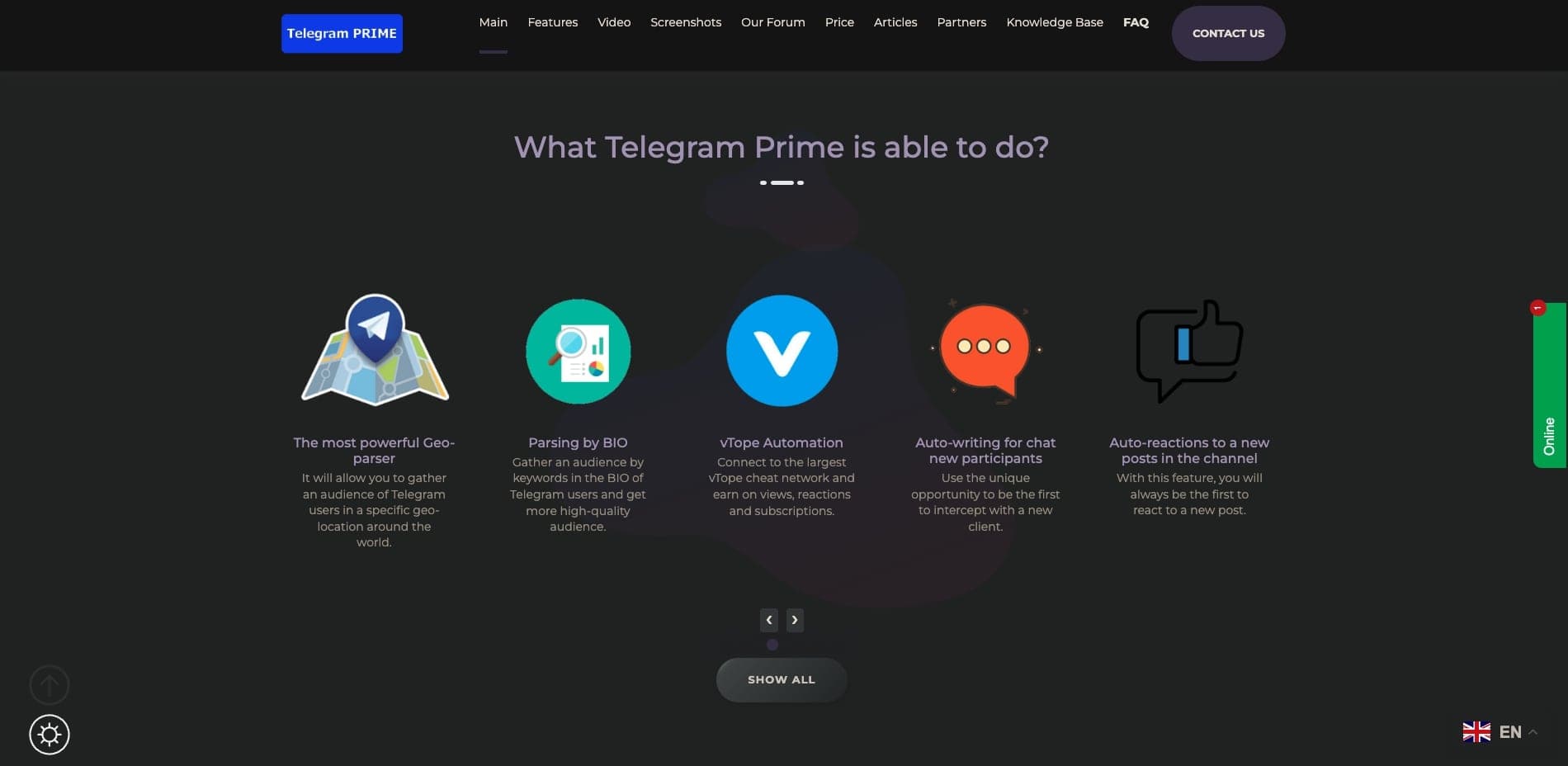
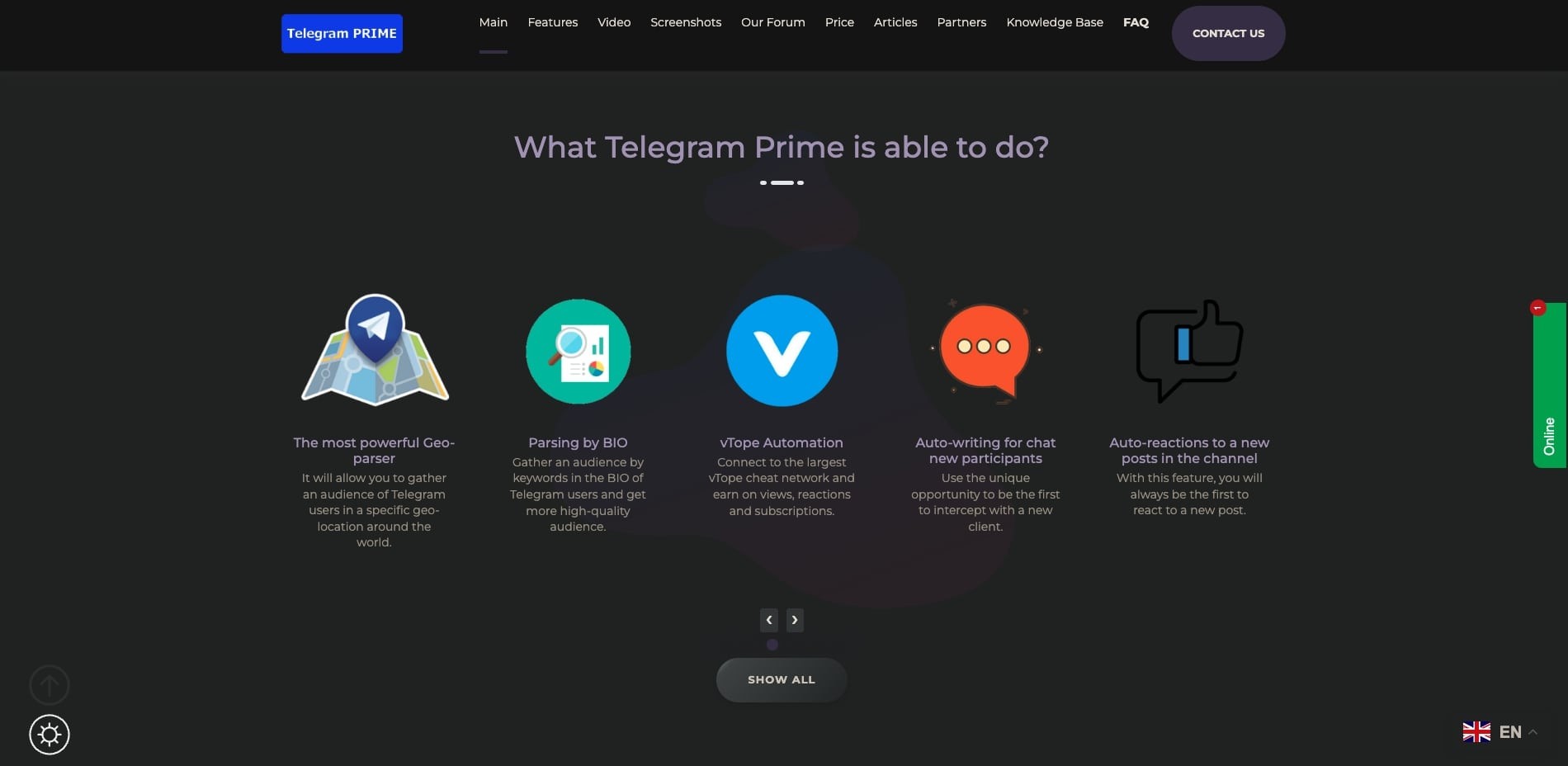
What is Telegram Prime?
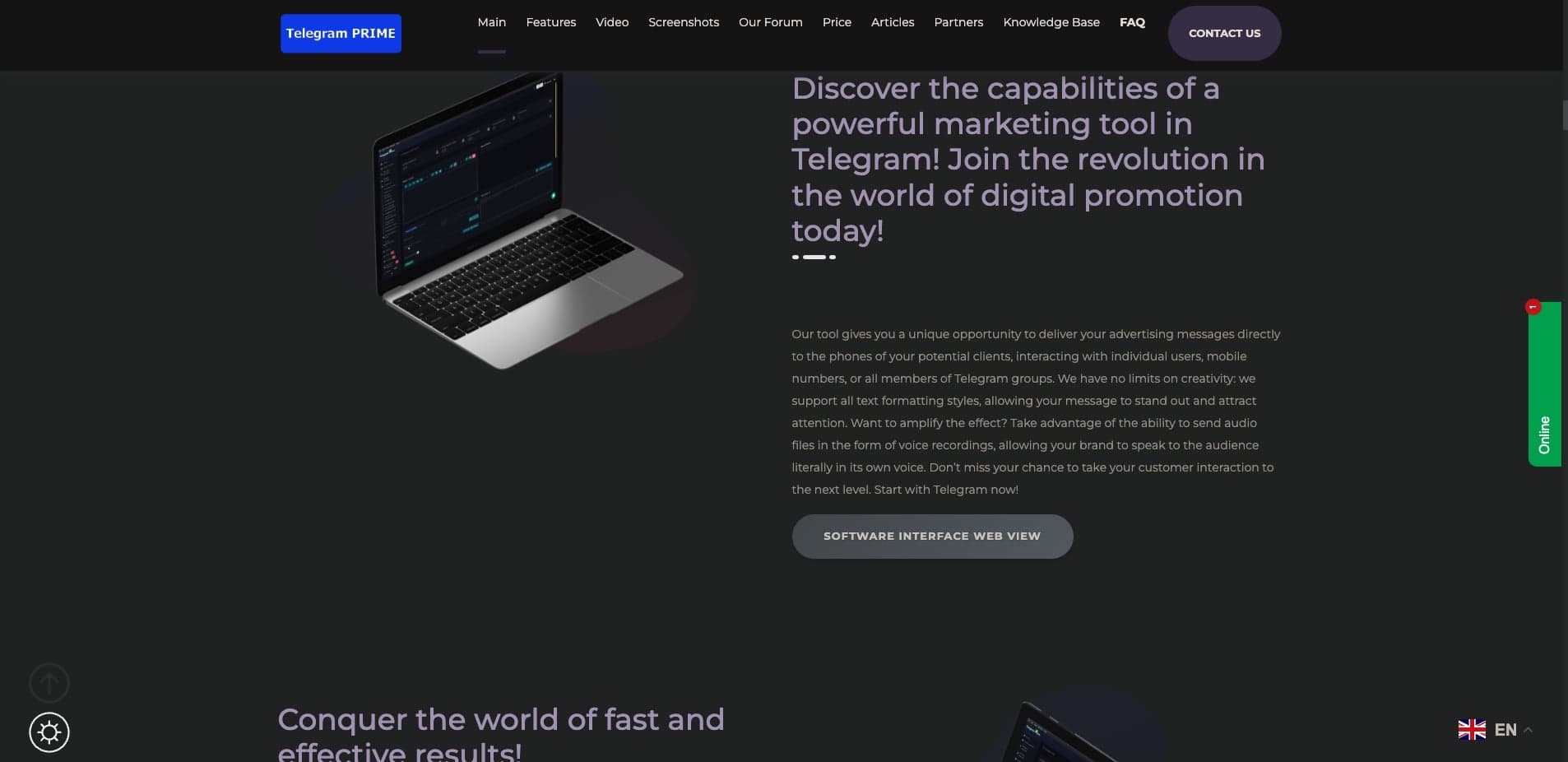
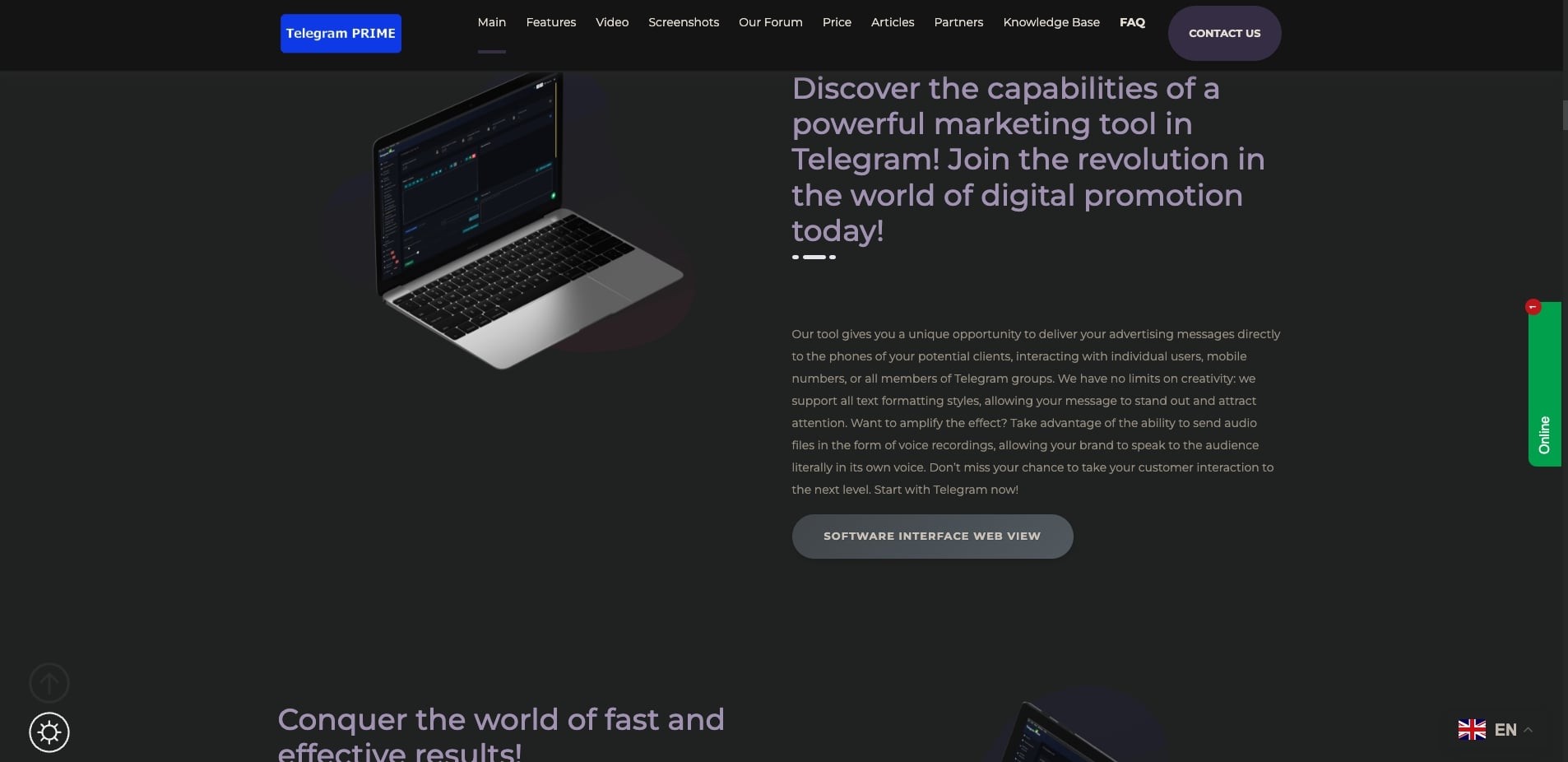
Telegram Prime lets you reach your audience directly on Telegram. You can message individual users, phone numbers, or entire groups, with full text formatting to make your content stand out. You can even send voice recordings so your brand literally speaks to your audience—making customer interaction more personal and effective.
Key Features
Accounts Auto registration
Multithreaded registration of Telegram accounts with a wide choice of SMS services. Parameters and instructions are available to everyone!
Auto Account Warmer
Launch automatic dialogues between your accounts using ChatGPT and get the highest quality consumables.
Telegram Chat & Channel Search
Find targeted groups and channels using keywords, quickly and conveniently.
Boost views and auto-views
Use accounts to increase views on publications in channels
Parsing Users
Collect your target audience from various Telegram chats and filter it by activity.
Auto-reactions to a new posts in the channel
With this feature, you will always be the first to react to a new post.
Auto-comments in channels
Usually the first comments to the post are the most frequently viewed, so let this comment be yours!
Text Randomizer
Text Randomizer 2.0: when spintax meets AI to achieve maximum uniqueness and content quality.
Pricing
See pricing on their web site
Frequently Asked Questions
Do you have a demo so I can try your product before purchasing?
Yes, we provide free access to our tool for 72 hours to everyone interested. To get it, please leave your request in the contact form on our website, or contact our sales manager directly via Telegram, TamTam, Discord, Element.
What features are included in the standard license?
When purchasing a standard license (1 Month or Permanent), you get access to all functionality except five additional modules that are paid separately. You can view the functionality in the interactive interface viewer.
What are the additional modules to the main Telegram PRIME license?
<ul><li><strong>Chat Cloner</strong> – as the name suggests, it is used for cloning Telegram chats (groups). But it should be understood that this cloner only clones the content and “transforms” your accounts to look as similar as possible to the users who wrote in the target group. i.e., the subscribers of the group are not transferred, which you will subsequently be able to do through the invite function.</li><li><strong>Reporter</strong> – this module is for sending mass complaints on channels, groups, and bots by the accounts you have added to the program. Also, there is the possibility of overwhelming a competitor’s bot with hundreds or thousands of requests to the bot, which will definitely disrupt its operation.</li><li><strong>Interceptor</strong> – this module can catch messages by trigger words from groups, channels, bots, or the personal chat of the account for which it is launched, and forward these messages where necessary (for example, a group, channel, or save a local copy). You can also set up all incoming messages from accounts to a general chat and reply to them directly. Your reply from the account where the message arrived will be sent to the author of the caught post (similar to a livegram bot).</li><li><strong>Channel Cloner</strong> – as in point 1, the name speaks for itself. This module is used to create a copy of someone else’s channel, and of course only its content. The module can clone both old posts and new ones in real time as they appear in the source channel. When cloning a post, you can replace elements such as all “Subscribe” links to point to your own channel and also set up keyword replacements in the post.</li><li><strong>Researcher</strong> – it is designed for in-depth searching of Telegram groups and channels on the internet, as well as for filtering and validating the database of chats and channels.</li></ul>
What are the minimum PC requirements for installing Telegram Prime?
Read our installation article, which already describes much of this in detail.
How often is your software updated and how to update it?
Updates are regular and the program checks for them automatically on each launch, i.e., restarting the program ensures you’re using the latest version. We invite you to read the update log in our Knowledge Base.