


GenLogin: Your one-stop store for digital accounts
Introduction
GenLogin is an antidetect browser and profile manager that lets you create isolated browser containers with unique, realistic fingerprints. Run many accounts safely from one computer, keep sessions separate, and collaborate with your team.
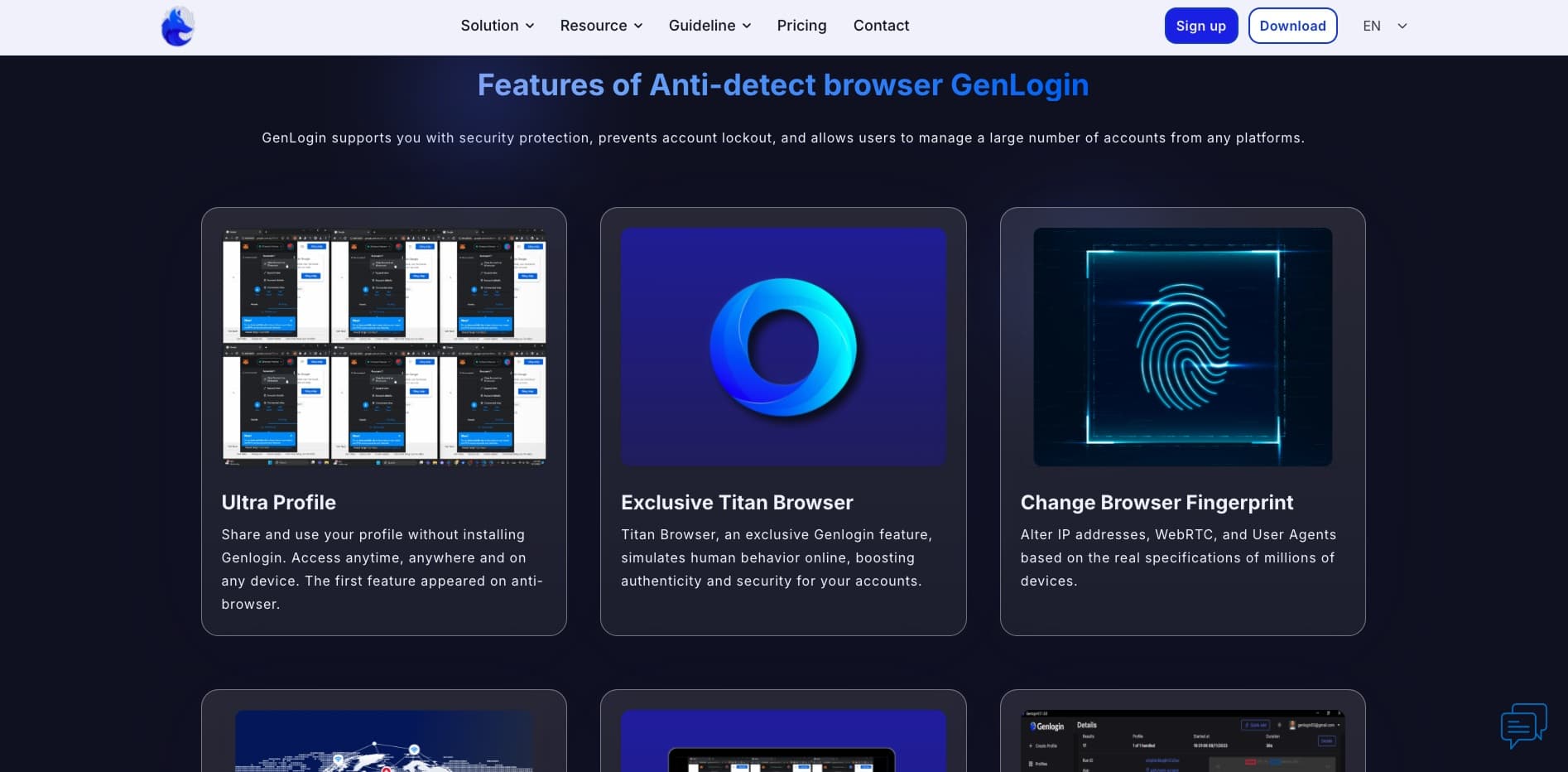
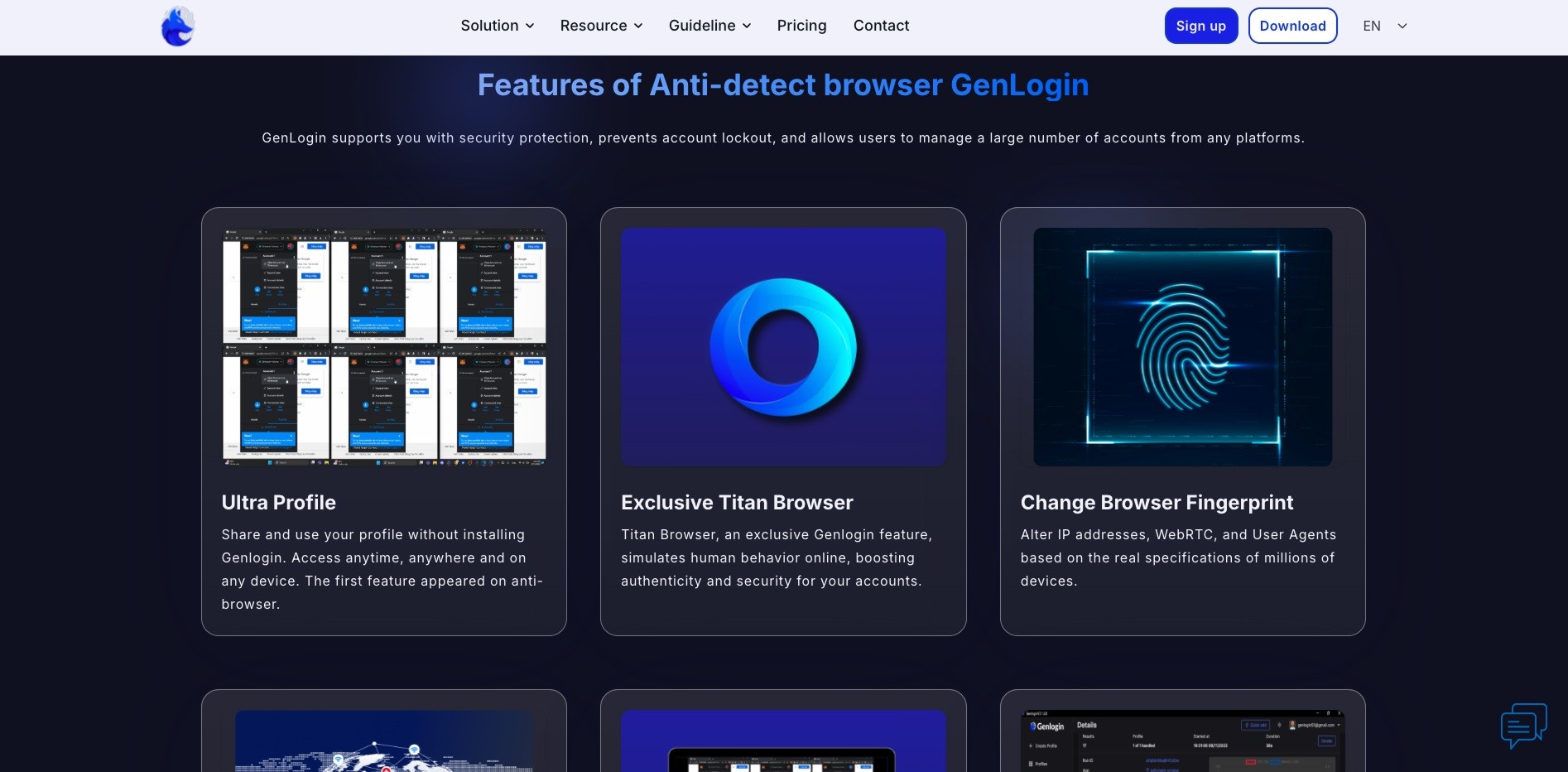
What is GenLogin?
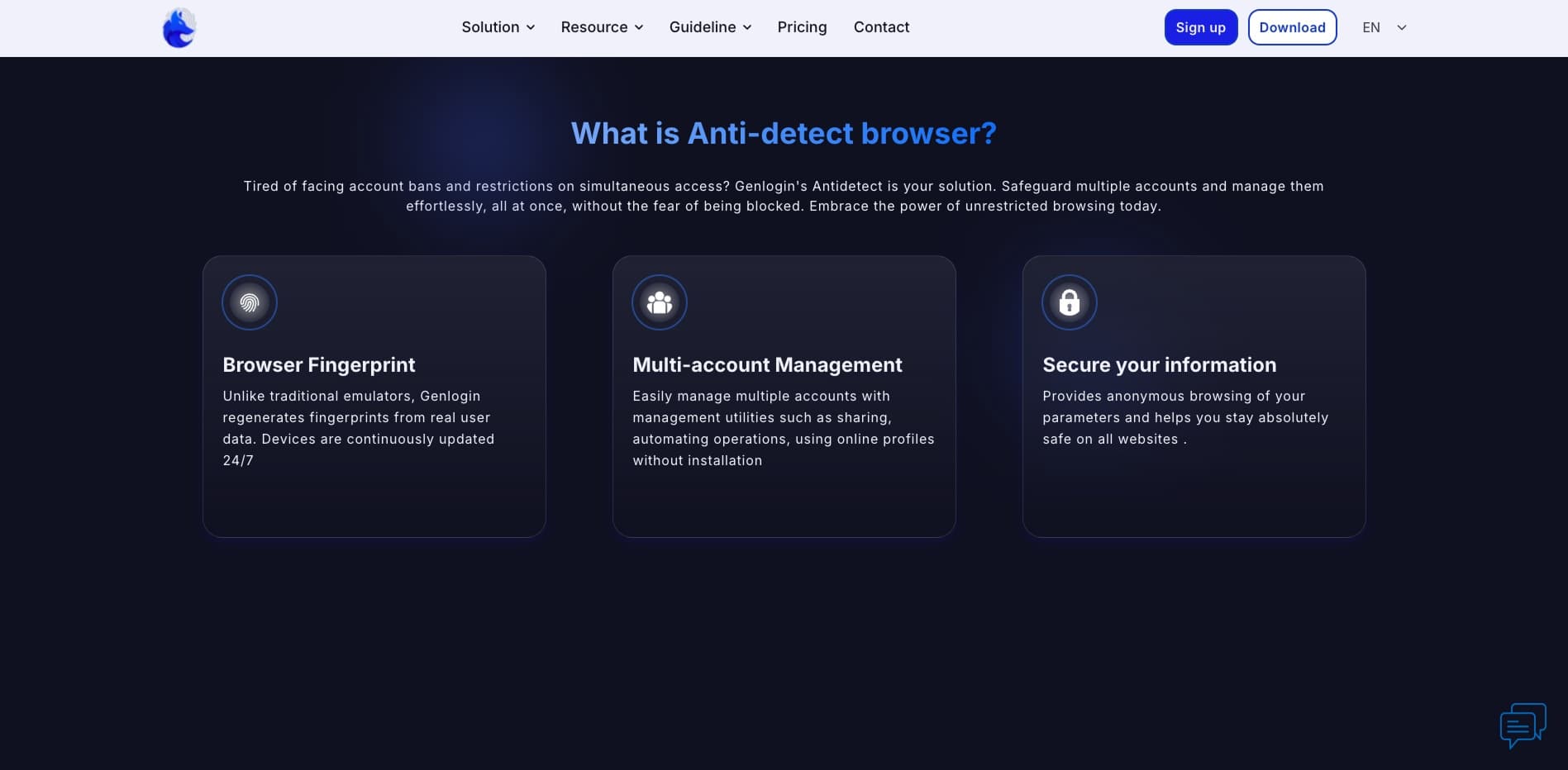
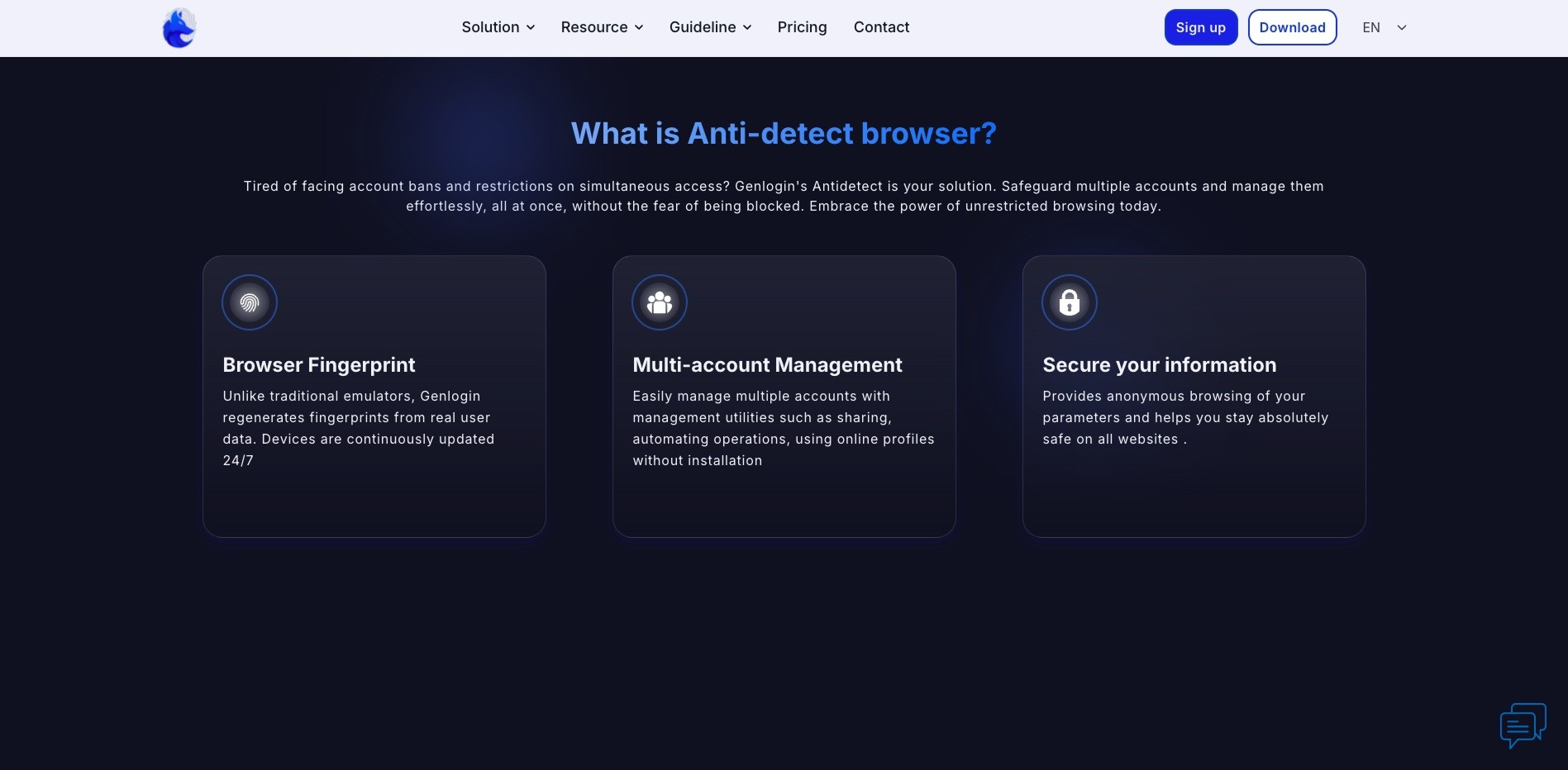
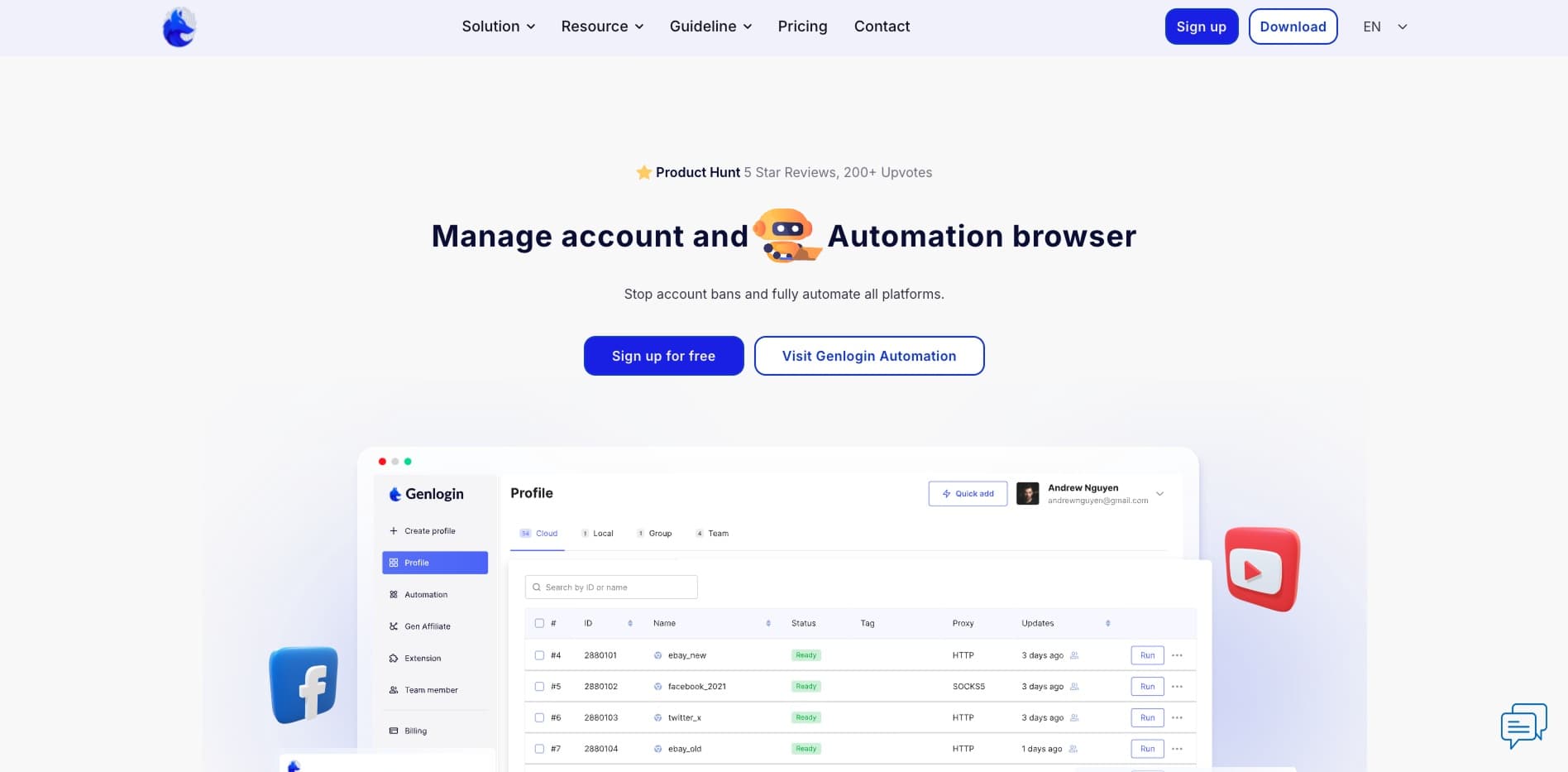
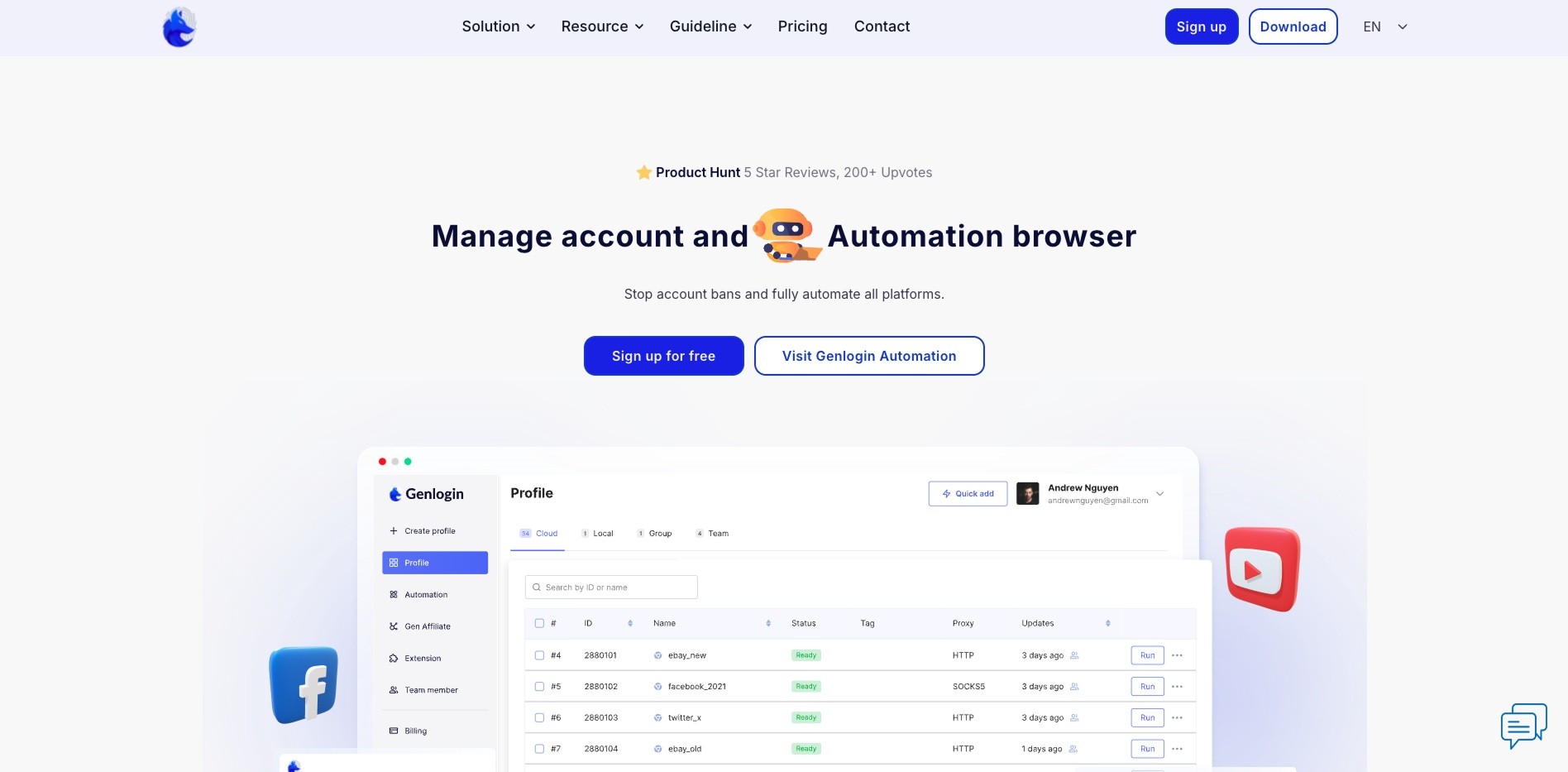
GenLogin creates self-contained browser profiles ("containers"). Each profile has its own cookies and storage plus distinct fingerprints for timezone, languages, WebGL/canvas/audio, fonts, GPU, media, and user-agent. You can assign a proxy per profile, launch locally or in the cloud, and share profiles with teammates.
Key Features
True Browser Core
Chromium-based sandbox with natural, non-repeating fingerprints to reduce detection and linkability.
Fingerprint Controls
Per-profile rules for Canvas/WebGL/Audio/Fonts/Media/Hardware, timezone, language, geolocation, and user-agent.
Proxy Integration
Attach HTTP(S)/SOCKS/SSH/Shadowsocks proxies per profile with auto IP check and geo-tagging.
Profile Sync & Sharing
Cloud backup, cross-device sync, tags/notes, activity logs, and role-based sharing for teams.
Automation Ready
Local API and compatibility with Puppeteer/Playwright/Selenium to script launches and actions.
Bulk & Templates
Create from templates, import/export cookies, and run bulk edits/launches to scale workflows.
Pricing
Plan names and prices may change—see the GenLogin site for the latest details.
FAQ
How do I use GenLogin?
To get started with GenLogin, download the software from the official website. If you don't have an account, register a new one; otherwise, log in to your existing account. Once logged in, you can begin creating and managing browser profiles tailored to your needs.
What operating systems does GenLogin support?
GenLogin is compatible with both Windows and macOS operating systems, allowing users on these platforms to utilize its features effectively.
Can I use my account on different computers simultaneously?
Yes, GenLogin supports the use of your account across multiple computers at the same time, facilitating seamless access and management of your profiles from various devices.
What are the service fees?
Service fees vary by platform: 1–4% for Facebook, 5–10% for Google, 3–5% for TikTok, and around 3% for Bing, depending on the account’s spending limit.
How many accounts can I use on one computer?
For paid plans, GenLogin allows you to use unlimited accounts on a single computer. However, the free plan restricts you to one account per computer. It’s important to note that using virtual machines to bypass this limitation is not effective.
How do I pay for my subscription?
GenLogin offers multiple payment options for your convenience:
• Direct Bank Transfer
• PayPal
• MetaMask (USDT) @ens.genlogin.com
These flexible payment methods ensure that users can choose the most suitable option for their needs.