



Top 4 Ad Spy Tools to Find Winning Facebook Ads by Country and Check Them with Mobile Proxies

David
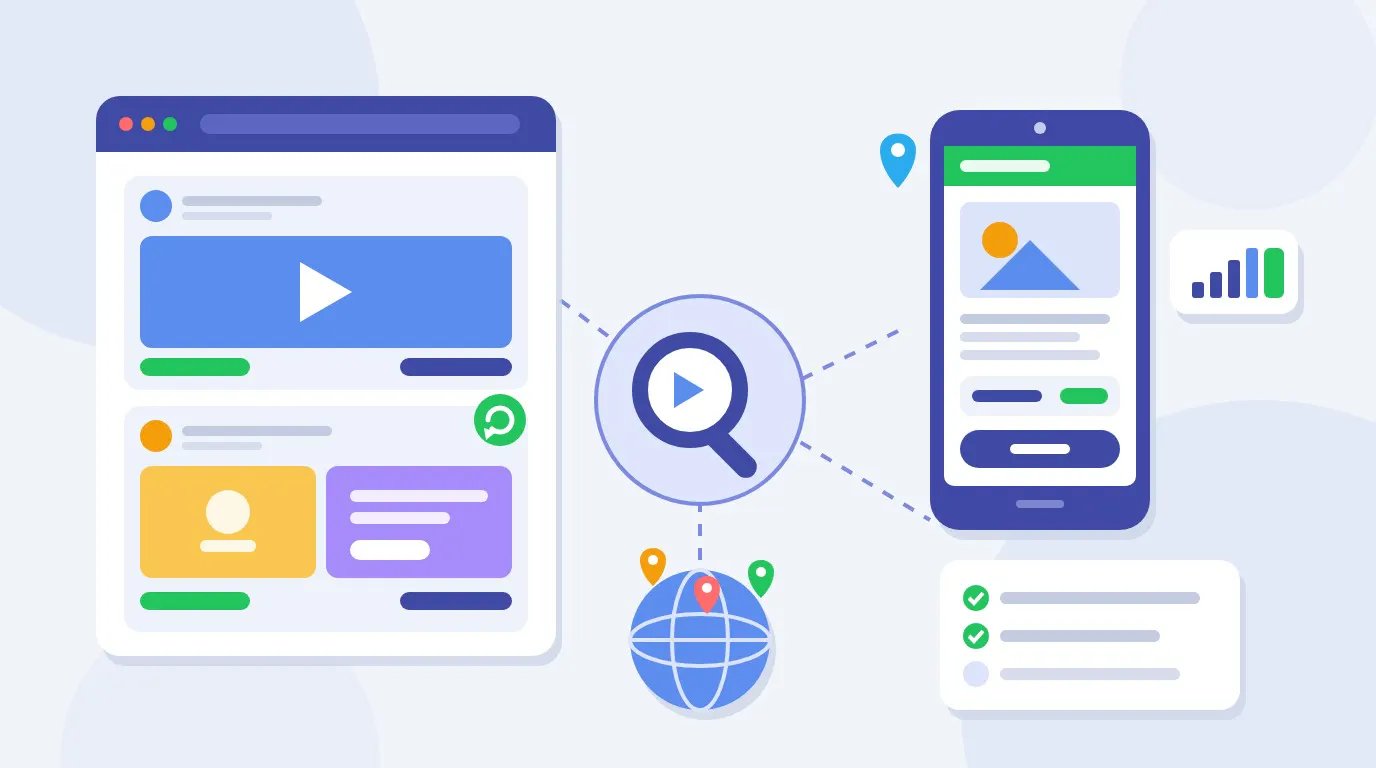
A Facebook ad that prints money in Germany can be dead in Brazil. The offer is different, the payment methods are different, the creative angle is different, and sometimes the landing page a German user sees is not the page you see from your office. That is why serious media buyers do ad research by country, not by niche alone.
This guide shows a working process to find winning Facebook ads for a specific GEO and check them the way a local user sees them. We use an ad spy tool to find the creatives and mobile proxies for ad research to open the full funnel from the target country. First we compare the best ad spy tools to spy on competitor Facebook ads by country, then walk through the process with two examples: a gambling search and a nutra search.

Key takeaways
- Search wide first. A country, a format and one vertical filter give you more real winners than a long list of narrow keywords.
- The best signal that an ad works is that the advertiser uploads the same or a very similar creative again and again.
- Landing pages often change by country and device. Open them through a mobile IP from the target GEO, or you may study the wrong page.
- Always uniquify a creative before launch, then improve it. Never run a copy as it is.
Why winning ads have to be researched country by country
Meta delivers geo-targeted ads, and advertisers build their funnels the same way. Three things change from one GEO to another:
- The creative. Local language, local faces, local celebrities and local payment logos. A video that works in Spain with a Spanish voiceover tells you little about the UK.
- The offer. Price, bonus size, delivery terms and the product itself are set per country. In gambling the same brand often promotes different games in different markets.
- The landing page. Many funnels check the visitor's IP and device. A visitor from the right country on a mobile carrier gets the prelander and the offer. A visitor from another country or from a datacenter IP may get a neutral page, a redirect or nothing.
So competitor ad research that ignores the country gives you half the picture. The process below fixes that in four steps.
Best ad spy tools to find winning Facebook ads by country
Before the process, a short comparison. These are the best ad spy tools for country-level research of Facebook and Instagram ads, from a full Facebook ads spy tool to the free official library.

1. Tyver: the best Facebook ad spy tool for country research
Tyver is a Facebook ads spy tool built only for Meta: Facebook, Instagram, Messenger and Audience Network. It adds about 4 million new ads a day from 140+ countries, refreshes the database every few hours and keeps ads after they are stopped or banned.
- Wide search by GEO, format, CTA and placements with 20+ filters, plus search inside ad links: UTM tags, sub IDs and domains.
- Gambling filters by game, provider, game type and approach (UGC or Life) for gambling creatives.
- Similar Ads to see how often an advertiser relaunches the same concept.
- Reach, gender and age for GEOs where Meta discloses audience data.
- Folders, shared collections, Team Mode, a creative uniquifier and an AI editor for your own versions.
Pricing: a Free plan, Pro at $79/month and Team at $119/month. Limit: Meta only, so no TikTok or Google ads. Best for media buyers who research winning ad creatives in specific countries every day.
2. Spy.House: an ad spy tool for several traffic sources
Spy.House covers Facebook, TikTok, push and in-page ads in one account. The database holds about 12 million ads from 185+ countries with 16+ filters, and the tool can download landing pages and make creatives unique. Plans start from $29, with a 7-day trial. Best for affiliate marketing teams that run push or TikTok next to Facebook. Its Facebook coverage is narrower than in a Meta-only tool.
3. AdSpy: a large archive for e-commerce
AdSpy is one of the oldest Facebook and Instagram ad spy tools, with 200M+ ads from 220+ countries and search by ad text, comments and landing page URL. It costs about $149/month and has no free trial. Best for e-commerce and dropshipping research, where a long archive matters more than fresh affiliate ads.
4. Facebook Ad Library: the free option
The official Facebook Ad Library is the closest thing to a free ad spy tool: it shows active ads on Facebook and Instagram by country and by page. It has no export, no search inside ad links and few filters, and most stopped commercial ads disappear from it. That makes it best for studying a single advertiser or brand.
To make the Ad Library faster to work with, install the free Chrome extension AdLib Pro. It adds what the library is missing:
- The number of active days, views and an approximate decline right in the feed, without opening each ad.
- The full ad link and caption, so you can copy the domain and tracking parameters.
- One-click download of videos, images and carousels, with an option to save media copies with small visual changes.
- Hidden filter blocks for a cleaner ad feed.
If you need Facebook Ad Library data in bulk, for example every ad in a niche across ten countries, there is also Metapi, a dedicated API for large volumes of Ad Library data with JSON and CSV export and a free plan of 3,000 records a month.
The rest of this guide combines them: Tyver to find the creatives and Proxied 4G and 5G mobile proxies to check funnels from the target country.
The research stack
Tool | Role in the process | Cost |
|---|---|---|
Tyver | Finds creatives across a country and niche, filters, saves and edits them | Free plan, Pro $79/month, Team $119/month |
Facebook Ad Library | Official source to cross-check an advertiser and its live ads | Free |
AdLib Pro (Chrome extension) | Shows activity days and views in the Ad Library feed, downloads media | Free |
Proxied mobile proxies | Real 4G/5G carrier IPs in the target country to open the funnel as a local user | From $1/hour, $10/day, $40/month |
Antidetect browser (optional) | A separate browser profile per GEO, so cookies and fingerprints do not mix | Depends on the tool |
Step 1. Search wide in an ad spy tool
The most common mistake in creative research is starting too narrow: ten specific keywords, a strict date range, a minimum number of active days. You end up with a few dozen ads and miss most of the market. Start wide, then cut.
We run the examples in Tyver, the first ad spy tool from the list above, because it covers 140+ countries and keeps stopped ads in the database. For country research that means you see what ran in a GEO last month, not only what is live today.
Example 1: gambling creatives for one country
To find gambling creatives, you do not need a single keyword:
- Set the GEO, for example Germany or Brazil.
- Set the format to video. In gambling, video creatives with gameplay, big wins and reactions carry most of the volume.
- Below the search bar, open the Gambling filters and press the button of a game type or a specific game. Tyver has filters by game, provider, game type and approach (UGC or Life), plus quick tags.
- Run the search and scroll. You will see which games and which formats advertisers push in this country right now.

Example 2: nutra creatives for one country
For nutra creatives the setup is different:
- Enter a few broad keywords in the local language. For a joint pain offer in Germany that could be "Gelenke", "Gelenkschmerzen", "Knie".
- Set the GEO.
- Set the format to image. In nutra, image creatives are almost always the better place to start: they are cheaper to test, easier to adapt and the "before and after" or "doctor recommends" angles read faster as a picture.


Optional filters when the results are too wide
If the wide search returns thousands of ads, narrow it with the filters you need, not all of them at once:
- Domain or URL fragment. Search inside ad links for parts like utm_campaign=, sub1= or a known tracker domain. This separates affiliate marketing campaigns from brand ads.
- Reach, gender and age. For GEOs where Meta discloses audience data (mainly the EU and part of Tier-2), you see who the ad actually reached. Useful when you need to match the audience of your offer.
- CTA, placements and platform. Handy for e-commerce and app installs.
Save anything interesting to a folder as you go. In Tyver you can keep collections per country and share them with your team, so the next step starts from a short list, not from memory.
Step 2. Pick the winners: look for repeat uploads
Many guides tell you to filter by "active for 10+ days". It is a weak signal. Ads get stopped and restarted, accounts get banned, and a strong creative often lives as several short-lived ads instead of one long one.
A better signal: the advertiser uploads the same creative, or a very similar one, again and again. If a team pays to relaunch the same video in new ads, from new pages or with a new first frame, it converts for them. Nobody re-uploads a loser.
How to spot it:
- Open an ad and use Similar Ads. Tyver shows similar ads and other ads from the same Fan Page or the same domain, so you see how many times a concept was launched.
- Look for the same hook with small changes: a new headline, a new thumbnail, a different first three seconds. That is an advertiser scaling and testing around a working idea.
- Check the dates. Repeat uploads over the last one or two weeks mean the concept is working now in this country.

By the end of this step you should have 5 to 15 creatives per country that you trust. That is enough to plan a test. Whatever you pick, never launch it as it is: every creative has to be uniquified first, see Step 4.
Step 3. Open the funnel from the target country with a mobile proxy
This is the step most people skip. You click the ad link from your laptop, see a plain article or a "page not found", and decide the funnel is weak. In reality you were never shown the real page.
Why your own IP shows you the wrong page
Funnels in gambling, nutra and many e-commerce verticals filter traffic before the offer page. They look at:
- Country and city of the IP. A visitor outside the target GEO gets a neutral page or a different offer.
- IP type. Datacenter and VPN IPs are easy to recognise and are often treated as bots or moderators. Mobile carrier IPs look like the people who actually click Facebook ads.
- Device. Most Meta traffic is mobile. Desktop visitors may see a simplified page or no prelander.
To check a landing page from another country the way a real user sees it, you need an IP from that country's mobile carrier and a mobile browser profile.
How to set up the check with Proxied
Proxied is a marketplace of dedicated 4G and 5G mobile proxies from real SIM-based devices. For ad research and ad verification it covers what the check needs: country and city targeting, carrier and connection type selection where available, HTTP/S and SOCKS5, and IP rotation on a timer, from the dashboard or by API. Hourly and daily rentals make one-off checks cheap, and a monthly proxy makes sense if you research the same GEO every day.
- In the Proxied dashboard, choose a proxy in the target country. If the offer is city-specific, pick the city too. Germany, the UK, the US, Brazil, Spain, France, India and other countries are available.
- Create a separate profile in your antidetect browser for this GEO, with a mobile fingerprint (Android or iOS) and the local language and time zone.
- Add the proxy to the profile and check the IP and its country on any IP checker before you open the ad links.
- Open each shortlisted ad link in this profile. Go through the funnel as a user would: prelander, landing, order form or registration.
- Rotate the IP before checking another advertiser's funnel, so one session does not affect the next.


What to record from each funnel
- Prelander type: article, quiz, review, video, fake news, "lucky wheel" for gambling.
- The offer: price, discount, bonus, free shipping, cash on delivery.
- Payment methods shown, which tell you a lot about the target audience.
- The language and tone of the page and whether it matches the creative.
- Tracker and network names in redirects, if you are looking for the affiliate program behind the ad.
Keep these notes next to the saved creatives. A creative without its funnel is only half a working pair of creative and landing.
Step 4. Uniquify and improve every creative
Uniquify every creative before launch, with no exceptions. Copying a creative frame by frame is the fastest way to get an ad rejected and to compete with the original advertiser on the same audience. Use what you found as a reference:
- Keep the idea, change the execution. The hook, the angle and the structure are what work. Faces, backgrounds, text and the first frame can and should be new.
- Uniquify the file. Tyver has a creative uniquifier that makes 1 to 10 copies with technical changes, so your file is not a duplicate of an existing one.
- Improve it. Tyver's AI editor lets you change text, swap elements and adapt the creative to your offer and language without starting from scratch in a design tool.
- Localise for the GEO. Use what you saw in the funnel: local currency, local payment logos, local wording.

Checklist before you launch a new country
- Wide search done for the GEO, by format and vertical filter.
- 5 to 15 creatives shortlisted, each with repeat uploads.
- Every shortlisted funnel opened through a mobile proxy from the same country, on a mobile profile.
- Offer, prelander type and payment methods recorded for each funnel.
- Your own creatives made from the references, uniquified and localised.
- Your own landing page checked through the same mobile proxy before launch.

FAQ
What is the best way to find winning Facebook ads for a specific country?
Use an ad spy tool with a country filter and search wide: GEO, format and one vertical filter. Then shortlist creatives that the advertiser relaunches again and again, and check their funnels from the same country. Tyver covers 140+ countries and keeps stopped ads, so you can research a GEO even when the best ads are no longer live.
Is the free Facebook Ad Library enough?
For checking one advertiser, yes, especially with the free AdLib Pro extension that adds activity days, views and media downloads. For researching a whole niche in a country it is slow: there is no search inside ad links, no grouping of similar creatives and no history of removed ads.
Why use mobile proxies for ad research instead of a VPN?
VPN and datacenter IPs are listed in public databases, and many funnels show those visitors a neutral page. Mobile proxies use real carrier IPs from the target country, the same type of connection most Facebook users have, so you see the funnel a real user sees.
Do I need a proxy to use an ad spy tool?
No. The ad spy tool works from any location and you pick the country in its filters. The proxy is needed when you leave the tool and open the advertiser's landing pages, because those depend on your IP and device.
How long should an ad run before I treat it as a winner?
Active days alone are a weak signal because ads get stopped, banned and relaunched. Look for repeat uploads of the same or a similar creative. That shows the advertiser keeps paying for the idea.
Can I reuse a competitor's creative as it is?
You should not. Use it as a reference for the hook and the structure, then make your own version, uniquify the file and adapt it to your offer and GEO.
Conclusion
Winning ads are local. To find them you need two views of the same market: the view from an ad spy tool, which shows what advertisers run across a country, and the view of a local user, which shows the funnel behind each ad. Search wide in Tyver, pick creatives with repeat uploads and open every funnel through a Proxied mobile proxy from the target country. Then uniquify and improve every creative you took as a reference and test it in the same GEO.