
PWA Builder for iGaming & Betting

Introduction
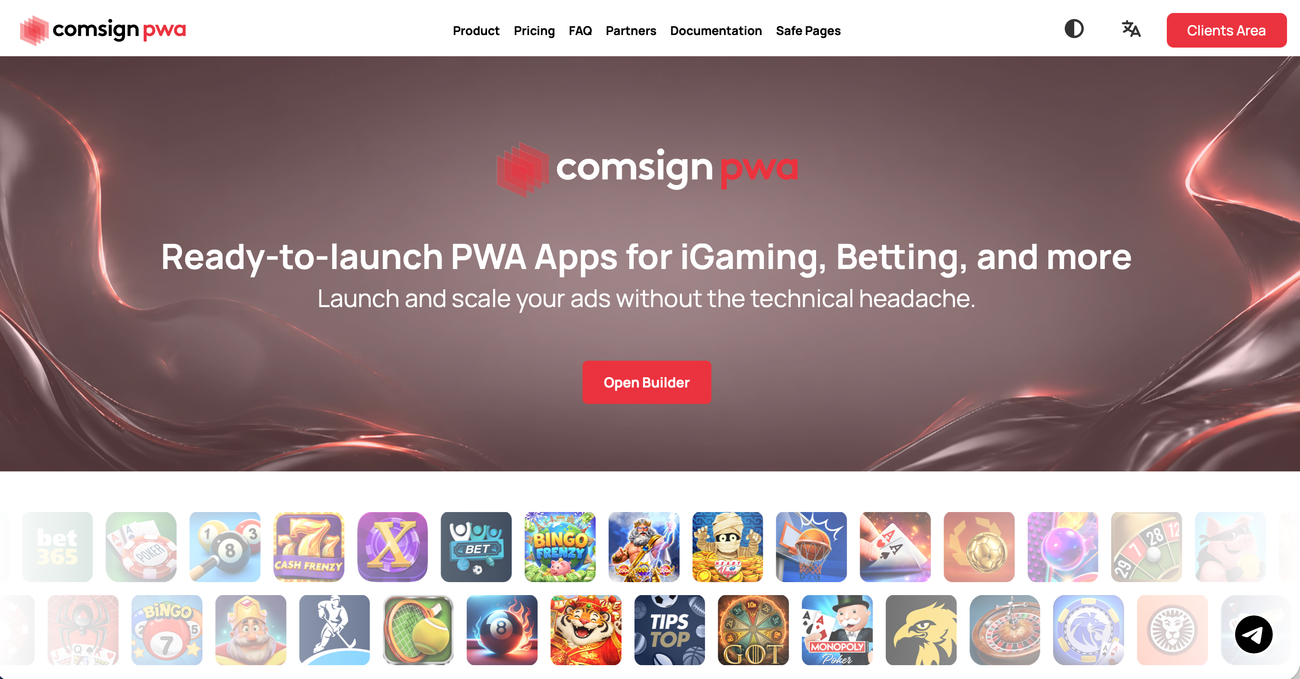
Comsign PWA is a platform for launching mobile affiliate campaigns, combining a flexible app builder, automatic translation, push notifications, built-in analytics, ready-made safe pages, and Adspect integration.
comsignpwa showcase image 1
comsignpwa showcase image 2
comsignpwa showcase image 3

What is Comsign PWA?

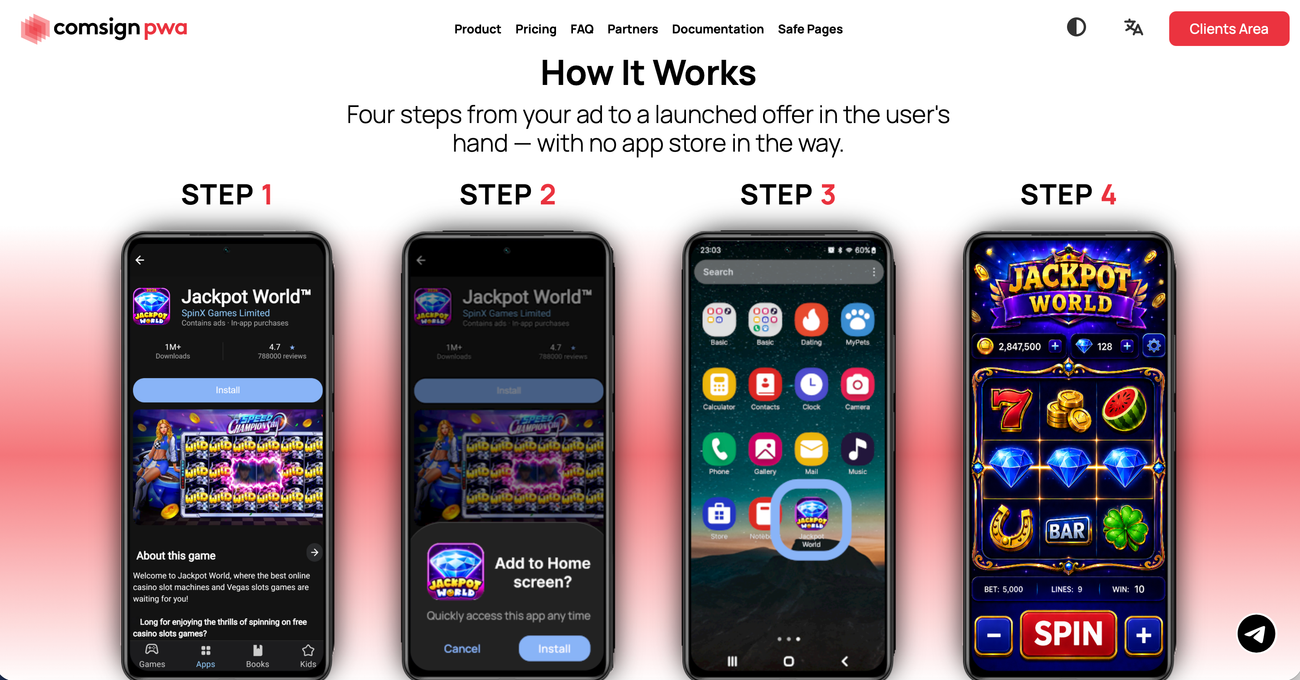
Comsign PWA is a Progressive Web App builder designed for affiliate marketers working with iGaming, betting, and other verticals. It helps marketers create installable web apps that open campaign offers directly from a user’s home screen, without publishing through an app store.

Key Features

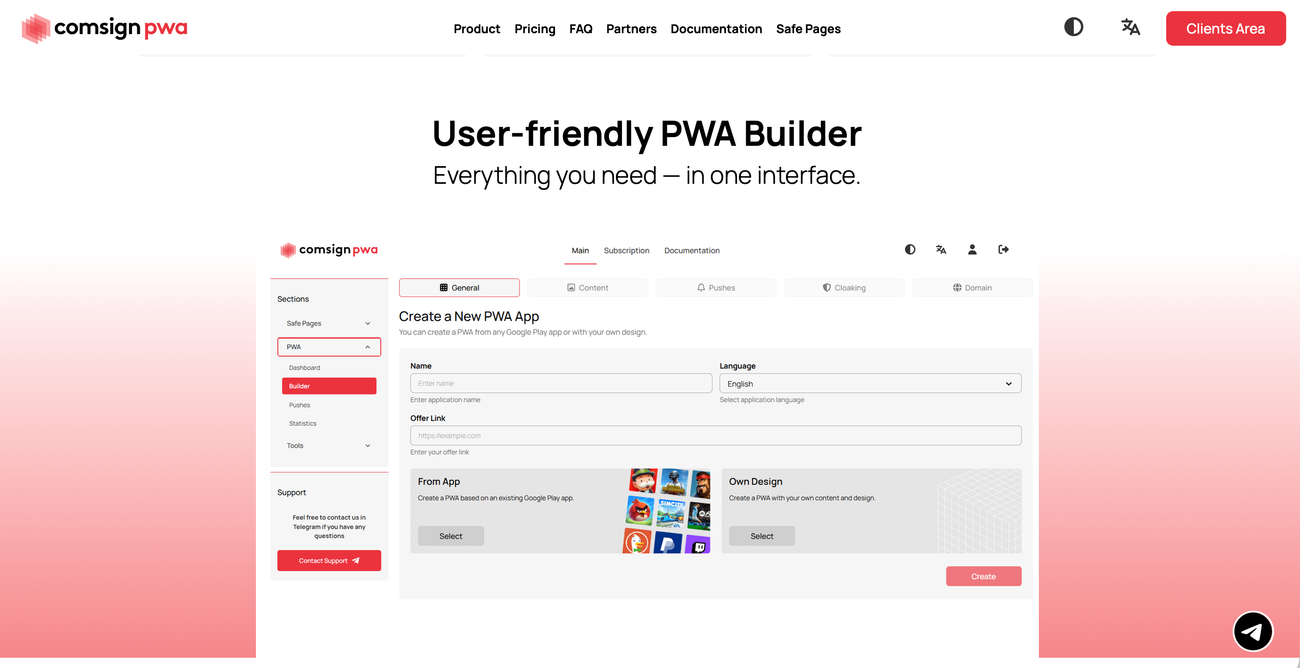
Flexible PWA Builder

Create apps with your own images, text, and branding, or use content from Google Play listings to set up your PWA and tailor it to your campaign.

Automatic Translation

Translate app content into 48 languages, making it easier to adapt campaigns for audiences across different markets.

Built-in Push Notifications

Bring users back to your app with push notifications that support ongoing engagement after the initial installation and encourage repeat visits.

Campaign Analytics

Evaluate campaign performance with built-in statistics, helping you monitor results and make informed adjustments to your campaigns.

Direct Web Installation

Let users install your PWA directly from a web page and access it from their home screen at any time without visiting an app store.

Safe Pages and Adspect Integration

Launch with a ready-made Comsign safe page and Adspect cloaking integration, bringing these tools into your PWA setup.

Pricing

From $299/month for up to 20 PWAs. The Advanced plan costs $499/month for up to 50 PWAs, while Ultimate offers unlimited PWAs for $1,499/month. All plans include the core features.

Frequently Asked Questions

What is Comsign PWA?
Comsign PWA is a Progressive Web App builder for affiliate marketers working with iGaming, betting, and other verticals. It lets you create installable web apps that open your campaign offers directly from a user’s home screen.
Do users need to visit an app store to install my PWA?
No. Users can install your PWA directly from a web page and access it from their home screen. This removes the need to publish your app on Google Play or guide users through an app store listing.
Can I customize my PWA’s appearance and content?
Yes. You can use your own images, text, and branding to create an app that matches your campaign. The builder also supports content from Google Play listings, giving you another starting point for your PWA design.
Does Comsign PWA support campaigns in different languages?
Yes. Comsign PWA offers automatic translation into 48 languages, helping you adapt app content for different audiences. This simplifies preparing localized versions when you want to launch campaigns across multiple markets.
Can I send push notifications to bring users back?
Yes. Built-in push notifications let you re-engage users after installation and encourage them to return to your app. This feature is included in every plan, so you can use it with Beginner, Advanced, or Ultimate.
Which Comsign PWA plan should I choose?
Choose based on the number of PWAs you need. Beginner costs $299/month for up to 20 PWAs, Advanced costs $499/month for up to 50, and Ultimate costs $1,499/month for unlimited PWAs. All three include the core features.

Find the Perfect
Proxy for Your Needs

Join Proxied