





Afina Browser: workspace for multi-accounting and automation
Introduction
What is Afina Browser?
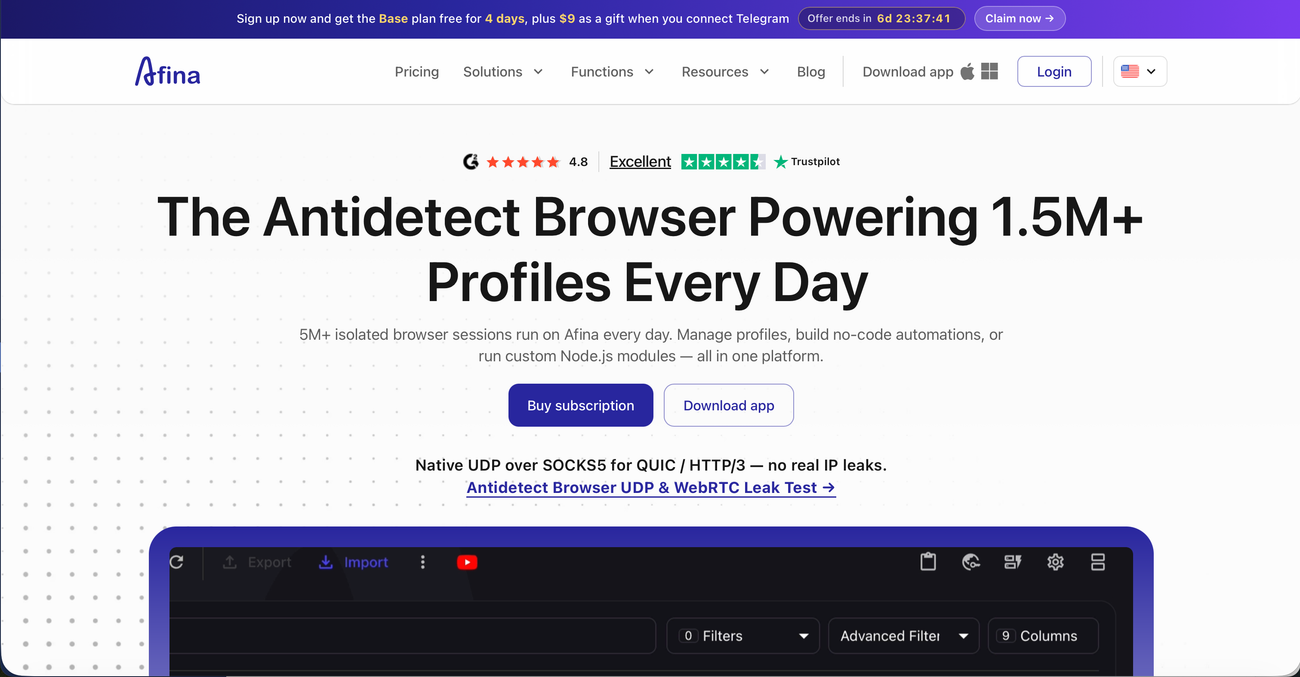
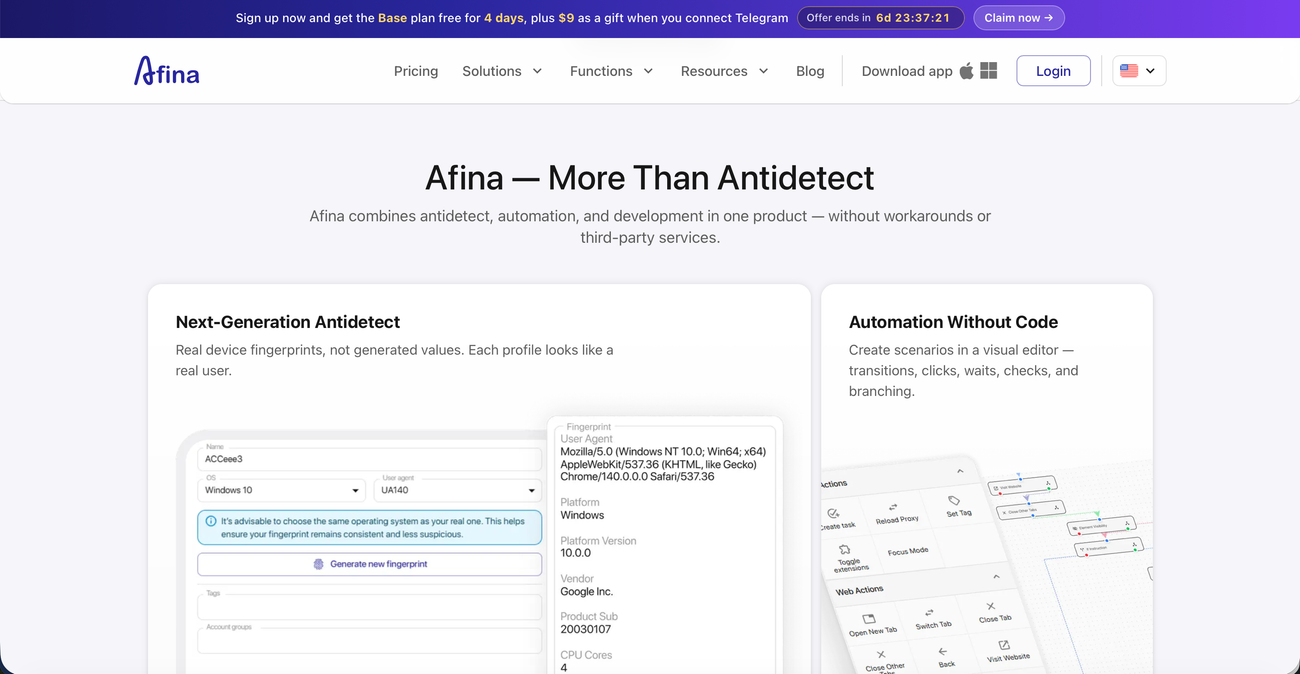
Afina Browser helps organize work with a large number of accounts in one environment. Each account can run in a separate browser profile with its own cookies, data storage, fingerprint settings, proxy, and working context.
The platform is suitable for teams working with ad accounts, social networks, Web3 projects, e-commerce, marketplaces, SEO research, SMM processes, or browser automation. Afina does not simply store profiles. It helps build a controlled workflow from account preparation to task execution, team collaboration, and integrations with external systems.
- Why choose Afina?
Afina should be viewed not only as an anti-detect browser, but as a full operating platform for browser-based work. It brings profiles, network settings, team permissions, automation, and AI control into one interface.
- MCP Server for AI agents that can work with profiles, tasks, scripts, and modules
- Visual RPA builder for creating automation without complex code
- API for connecting Afina to internal systems, trackers, or work tools
- Synchronizer for repeating actions across multiple profiles at once
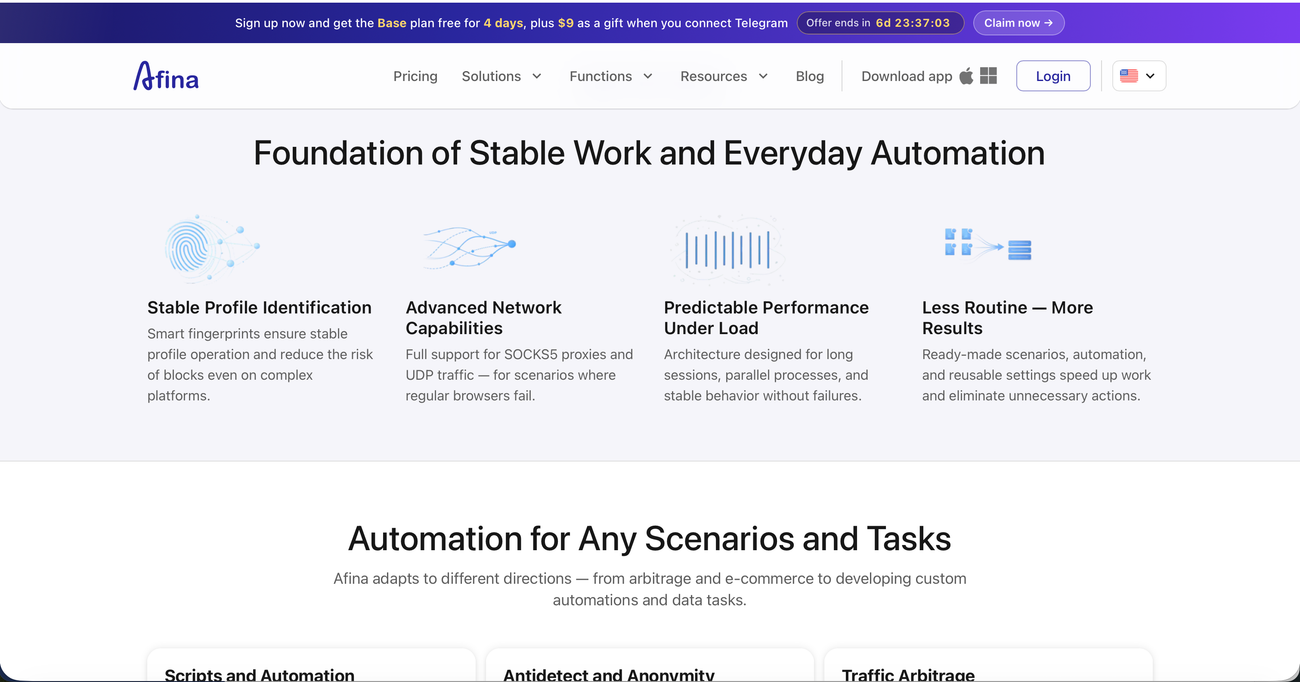
- UDP over SOCKS5, WebRTC, DNS, and proxy control for stable network logic
- Zero-knowledge encryption and team roles for access and data management
Key Features
AI and MCP Server
Afina has its own MCP Server that allows AI agents to connect to browser workflows. Through it, users can create profiles, prepare tasks, launch scripts, work with modules, and manage processes without constant manual actions in the interface.
Visual browser automation
Afina supports RPA automation through scripts, tasks, triggers, modules, and scheduled processes. This is useful when a team regularly repeats the same actions: opening pages, clicking, entering data, working with tabs, running checks, or preparing profiles.
Fingerprint and proxy control
Each profile in Afina can have its own fingerprint settings, proxy, and network configuration. The platform supports HTTP, SOCKS5, and UDP over SOCKS5, while also helping control WebRTC, DNS, IP, country, and proxy quality before a profile is launched.
Team workflow
Afina is built for team collaboration. Profiles can be organized by projects, clients, platforms, or GEOs, while access can be distributed between team members through roles, synchronization, profile transfer, and shared account organization.
Synchronizer and bulk operations
The Synchronizer allows users to perform the same actions across several profiles at once. For large-scale work, Afina also supports mass profile creation, import, export, duplication, fingerprint changes, proxy assignment, tags, groups, and profile launching.
Built-in data tools
Afina includes tools for working with data inside the browser environment: Cookie Robot, cookie import and export, additional and encrypted account data, IMAP email manager, 2FA autofill, SQLite database, and a mini SQL editor for more advanced automation scenarios.