
Receive SMS from Apple Online

Read 127 SMS from Apple received on free virtual numbers. Get verification codes from Apple online, with no signup and no personal phone number.

  1. 101
    To+6146*******
    Messageرمز حساب Apple هو: 542139. إياك ومشاركته.
    Time
  2. 102
    To+6146*******
    Messageرمز حساب Apple هو: 786416. إياك ومشاركته.
    Time
  3. 103
    To+6146*******
    Messageرمز حساب Apple هو: 460455. إياك ومشاركته.
    Time
  4. 104
    To+6146*******
    Messageرمز حساب Apple هو: 398072. إياك ومشاركته.
    Time
  5. 105
    To+6146*******
    Messageرمز حساب Apple هو: 691159. إياك ومشاركته.
    Time
  6. 106
    To+6146*******
    MessageApple Hesabı Kodu: 946807. Paylaşmayın
    Time
  7. 107
    To+6146*******
    MessageApple Hesabı Kodu: 931598. Paylaşmayın
    Time
  8. 108
    To+6146*******
    MessageApple Hesabı Kodu: 470349. Paylaşmayın
    Time
  9. 109
    To+3164*******
    Message你的Apple账户验证码是 899876,切勿向任何人泄露,以防账户或信息被盗。
    Time
  10. 110
    To+3164*******
    MessageYour Apple Account Code is: 850992. Don't share it with anyone.
    Time
  11. 111
    To+3937*******
    MessageYour Apple Account code is: 232001. Do not share it with anyone.
    Time
  12. 112
    To+4917*******
    Messageرمز حساب Apple هو: 003787. إياك ومشاركته.
    Time
  13. 113
    To+3937*******
    MessageYour Apple Account code is: 227919. Do not share it with anyone.
    Time
  14. 114
    To+4917*******
    MessageYour Apple Account Code is: 536655. Don't share it with anyone.
    Time
  15. 115
    To+3937*******
    MessageYour Apple Account Code is: 753783. Don't share it with anyone.
    Time
  16. 116
    To+3937*******
    MessageYour Apple Account Code is: 361390. Don't share it with anyone.
    Time
  17. 117
    To+3164*******
    MessageYour Apple Account Code is: 311697. Don't share it with anyone.
    Time
  18. 118
    To+3164*******
    MessageYour Apple Account code is: 993869. Do not share it with anyone.
    Time
  19. 119
    To+3164*******
    MessageYour Apple Account code is: 125738. Do not share it with anyone.
    Time
  20. 120
    To+3164*******
    MessageYour Apple Account code is: 802811. Do not share it with anyone.
    Time
  21. 121
    To+4367*******
    MessageYour Apple Account Code is: 086741. Don't share it with anyone.
    Time
  22. 122
    To+4367*******
    MessageYour Apple Account Code is: 805578. Don't share it with anyone.
    Time
  23. 123
    To+6146*******
    MessageApple Hesabı Kodu: 459049. Paylaşmayın
    Time
  24. 124
    To+6146*******
    MessageApple Hesabı Kodu: 488463. Paylaşmayın
    Time
  25. 125
    To+8525*******
    MessageYour Apple Account Code is: 408645. Don't share it with anyone.
    Time

Receive SMS online with free virtual numbers powered by real SIM-based mobile devices.

Learn how free numbers work

How to Receive SMS from Apple Using Proxied

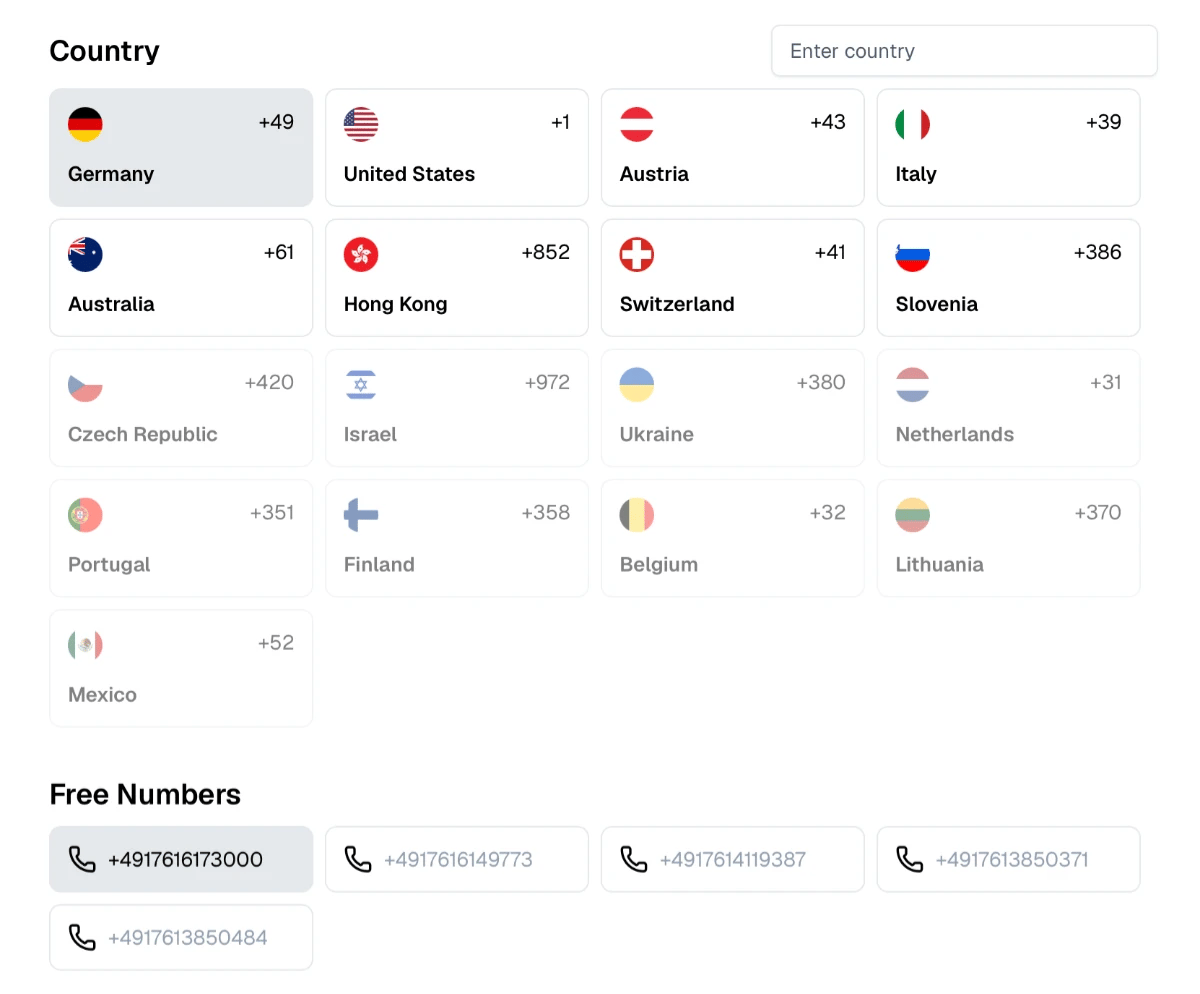
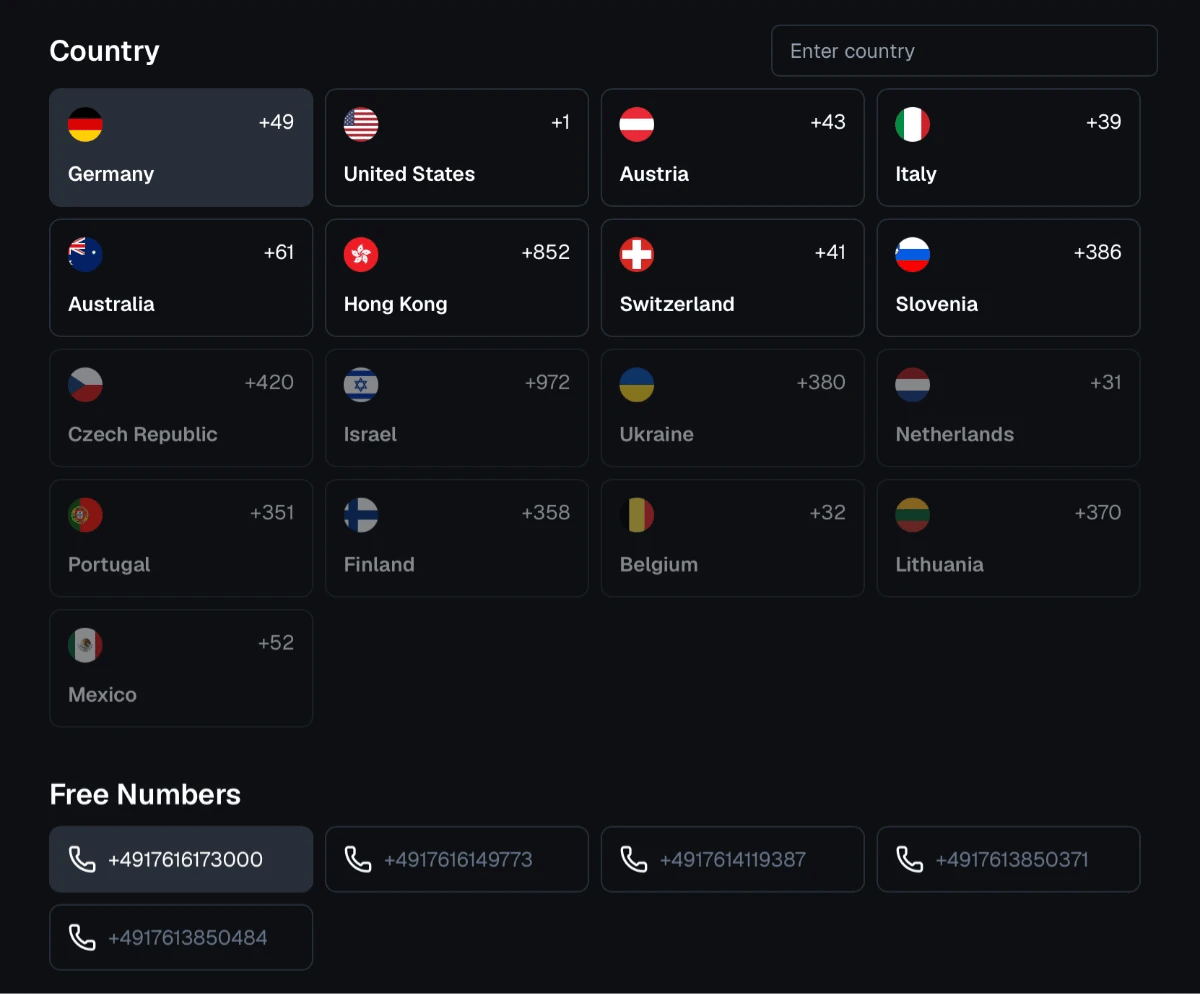
  1. 1. Choose the Country and the Number

    Browse available countries and choose a phone number that suits your needs.

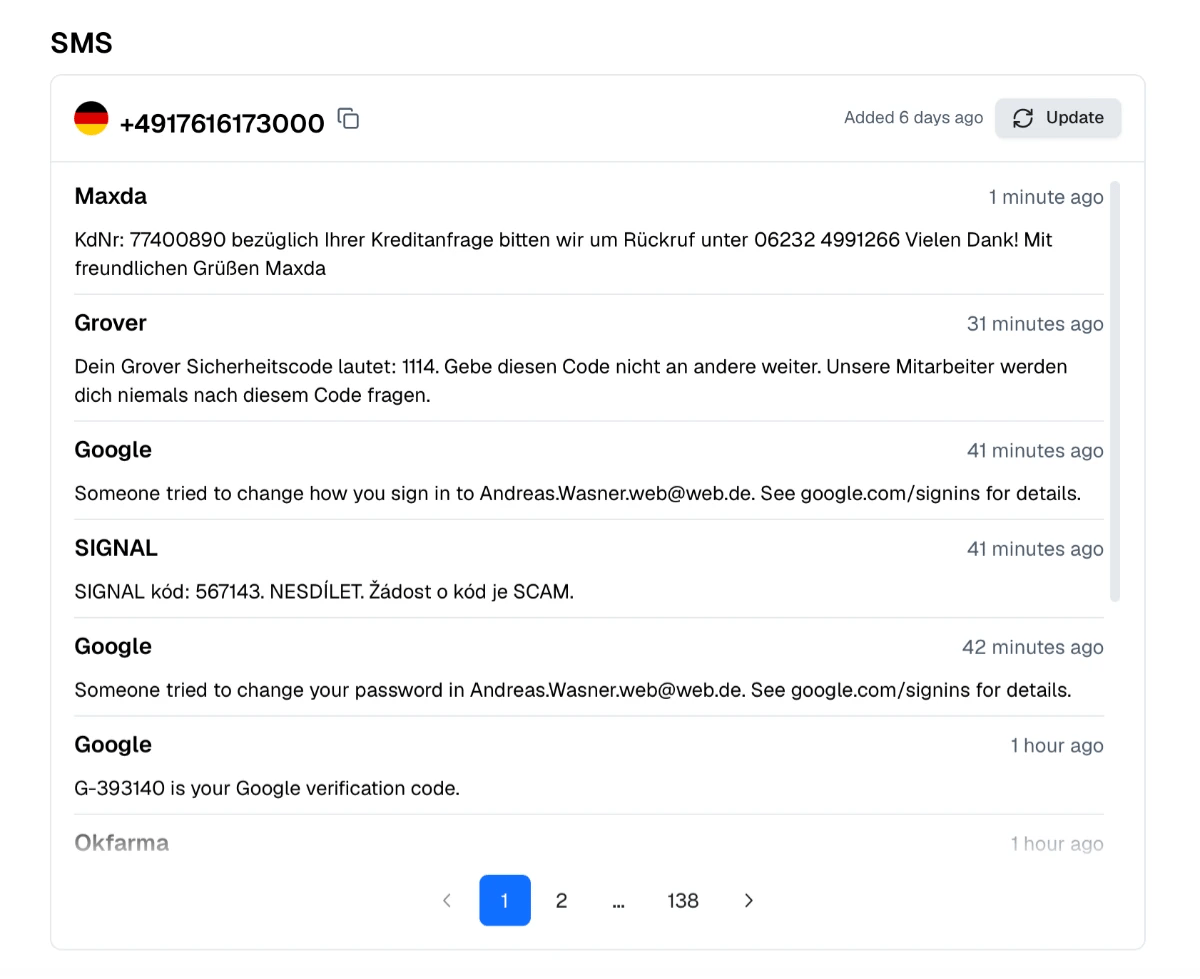
    Choose the Country and the Number
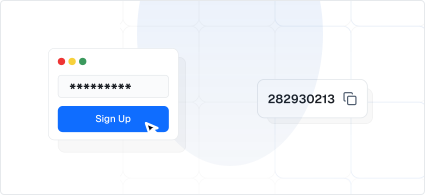
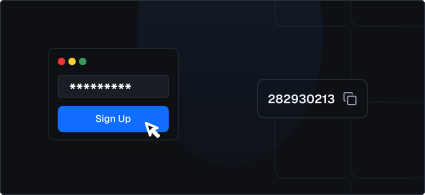
  2. 2. Use the Number to Sign Up

    Enter your chosen number on the website or app where you’re signing up.

    Use the Number to Sign Up
  3. 3. Wait for Your SMS

    Check your selected number’s inbox on our website for the incoming SMS.

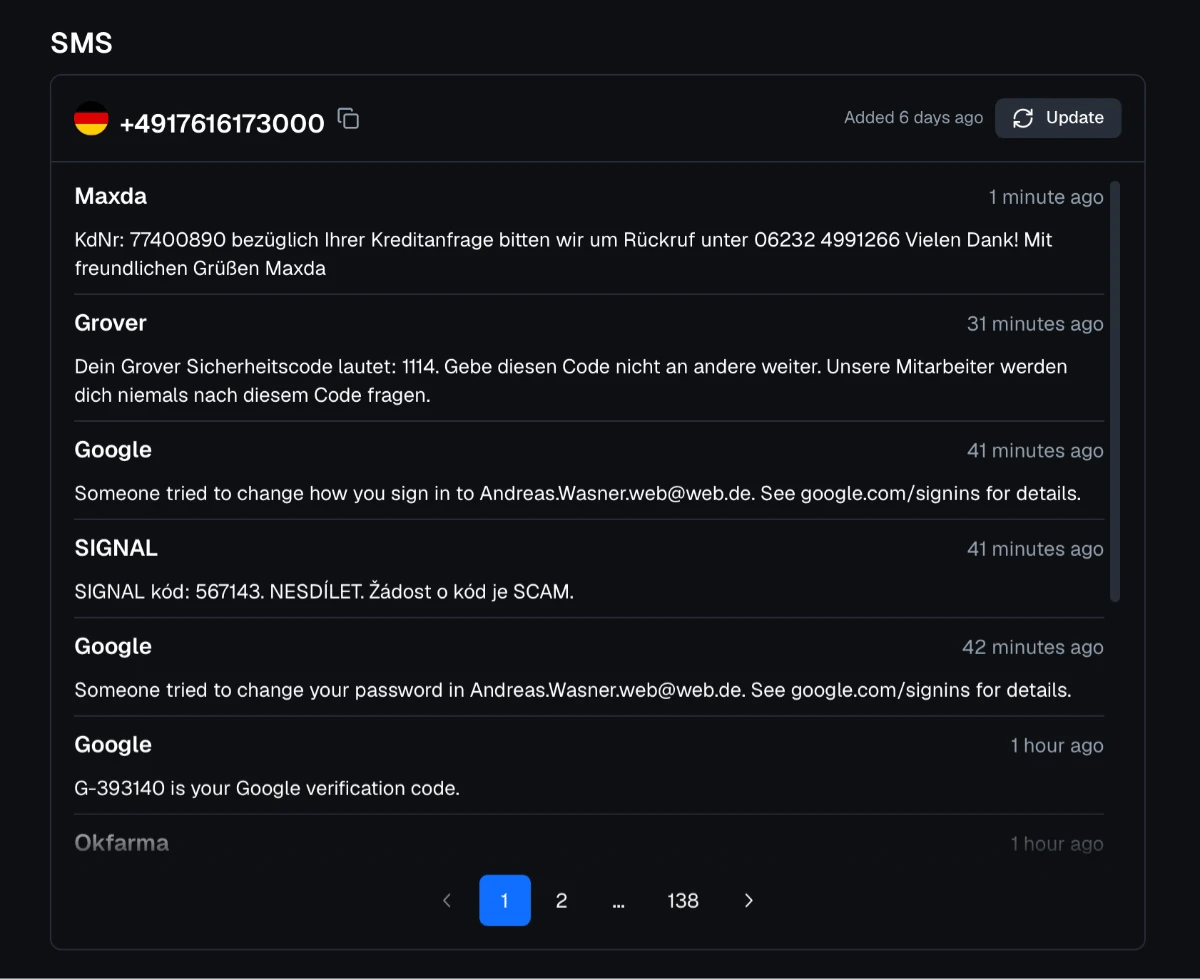
    Wait for Your SMS
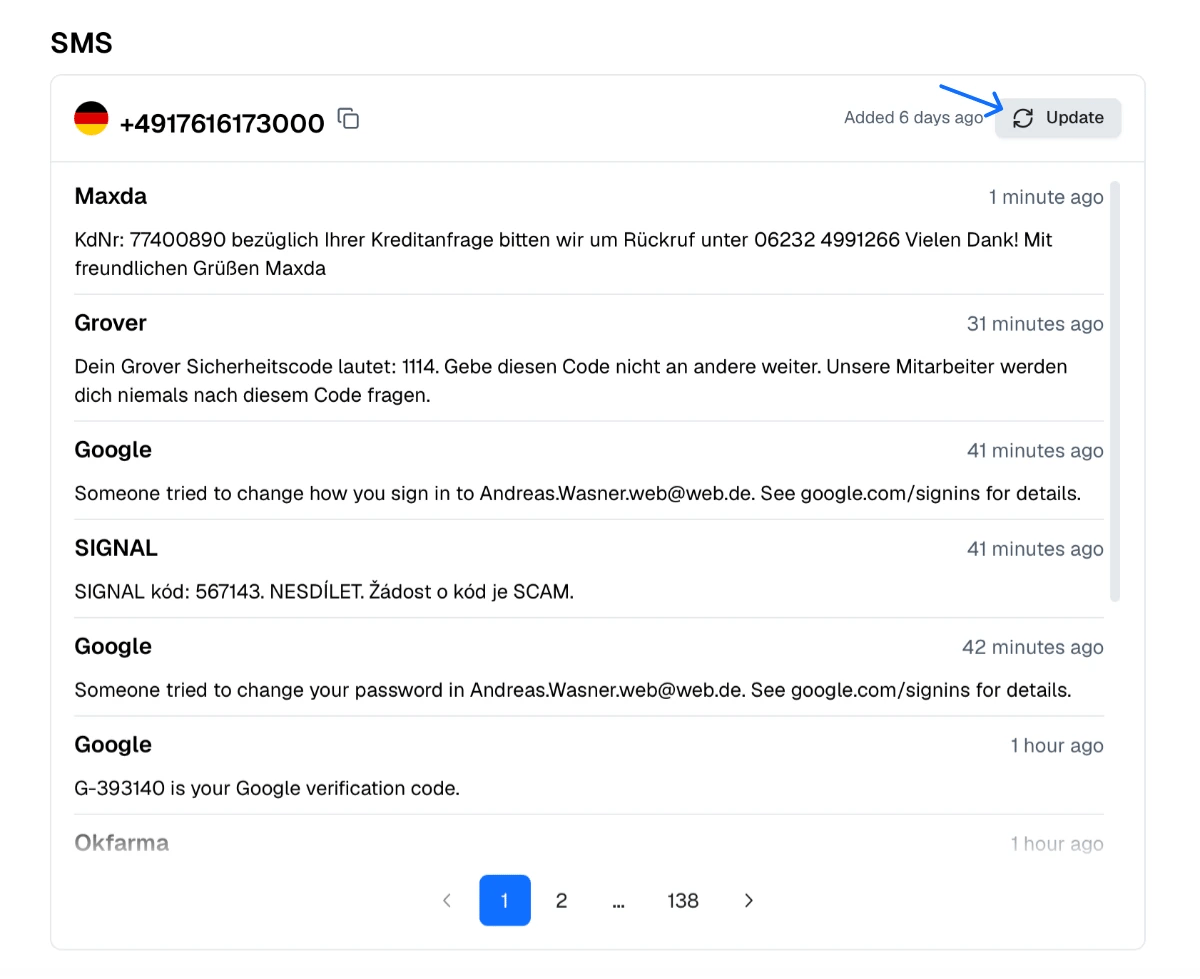
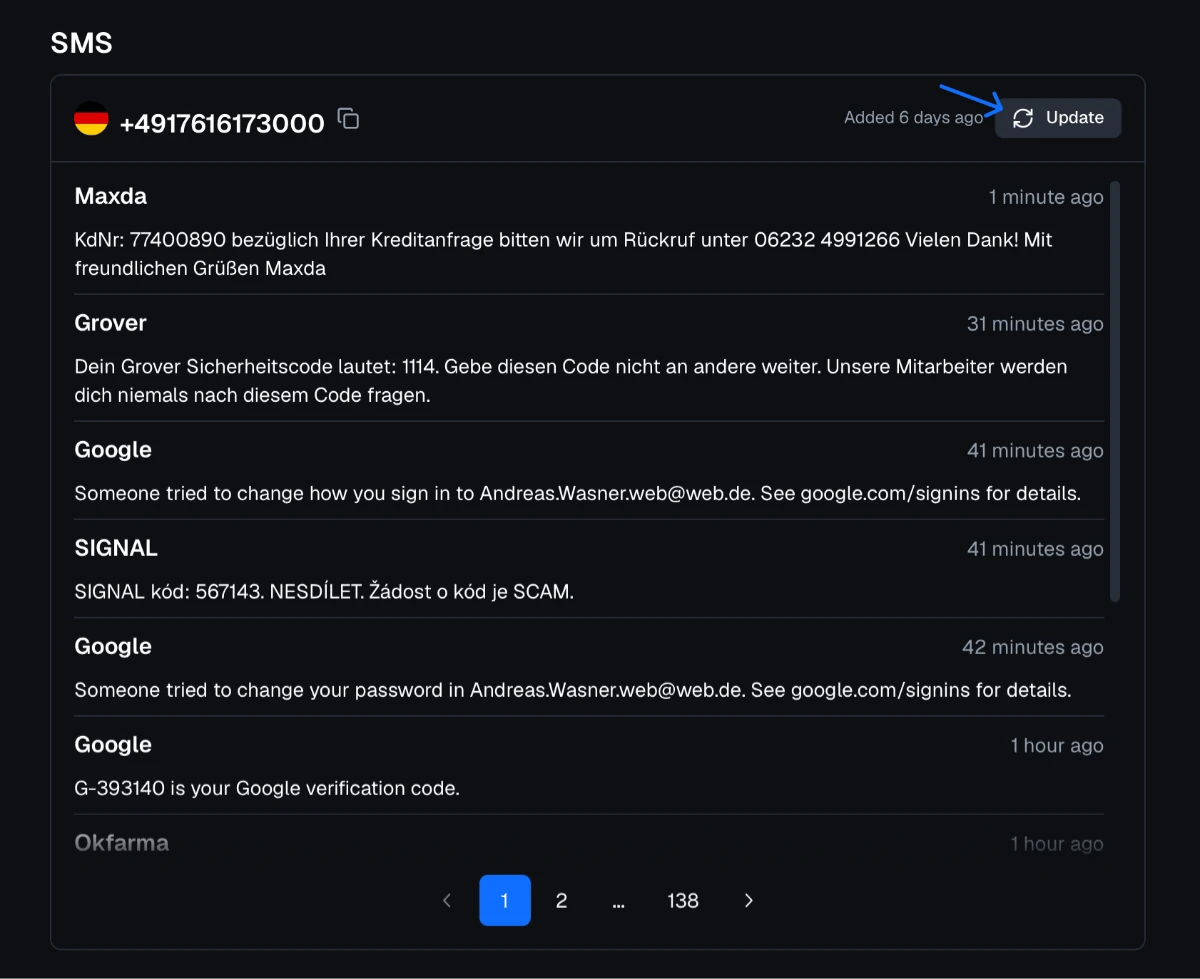
  4. 4. Refresh the Page Every Few Seconds

    If the message doesn’t show up, simply click “Update”.

    Refresh the Page Every Few Seconds

About Apple

Apple is the technology company headquartered in Cupertino, California. Its customers sign in with an Apple Account, which was called Apple ID until 2024. Apple sends SMS codes to confirm trusted phone numbers, during account creation and recovery, for two-factor authentication on devices that cannot display a code, and, in countries where it is offered, to confirm mobile phone billing as a payment method for Apple services.

Why People Receive Apple Codes Online

Developers test apps on spare iPhones and iPads that need their own Apple Account, testers check sign-up flows in different countries, and some people set up a secondary account for a shared or test device without linking their personal number.

How to Receive an Apple Code Here

  1. Choose a number from our free numbers.

  2. Enter it on the Apple sign-up or verification screen with the correct country.

  3. Refresh the inbox after 20–30 seconds.

  4. Enter the six-digit code.

Trusted Phone Numbers Are Part of Your Security

With two-factor authentication, Apple uses your trusted phone number to verify you when a trusted device is not available, and the number plays a role in account recovery. A public number should therefore never be the trusted number of an Apple Account that holds photos, backups, payment details or Find My. For long-term use, add your own number and a recovery contact or recovery key.

Never Share Apple Codes

Apple does not call or text to ask you to read back a verification code. Messages claiming that your account is locked or your storage is full often lead to phishing pages, so check notifications in Settings on your device instead of tapping links.

Apple and Proxied Mobile Proxies

App Store availability and pricing differ by country. Proxied provides 4G/5G mobile proxies with real mobile carrier IPs in countries such as the United States, the United Kingdom, Germany, France and Spain, so developers and marketers can view storefronts and onboarding flows in these markets.

Find the Perfect
Proxy for Your Needs

Join Proxied