
Receive SMS from InPost Online

Read 30 SMS from InPost received on free virtual numbers. Get verification codes from InPost online, with no signup and no personal phone number.

  1. 1
    To+3937*******
    MessageIl tuo pacco da Vinted è al Punto InPost, Via Rivalta 29. PIN 879238
    Time
  2. 2
    To+3937*******
    MessageIl tuo pacco da Bosco è al Locker InPost, Via Edolo 26. PIN 245851
    Time
  3. 3
    To+3937*******
    MessageInPost: Il tuo codice di verifica è 284107 Saluti, Team InPost
    Time
  4. 4
    To+3937*******
    MessageIl tuo pacco da Roberta è al Punto InPost, Via Giovanni Cantoni 12. QR code: https://qr.inpost.pl/share/gLmMwR64PfrlYY PIN 498002
    Time
  5. 5
    To+3937*******
    MessageInpost: Your verification code is 119533 Regards, InPost Team
    Time
  6. 6
    To+3937*******
    MessageInpost: Your verification code is 682800 Regards, InPost Team
    Time
  7. 7
    To+3937*******
    MessageInpost: Your verification code is 275184 Regards, InPost Team
    Time
  8. 8
    To+3937*******
    MessageInPost: Il tuo codice di verifica è 283238 Saluti, Team InPost
    Time
  9. 9
    To+3937*******
    MessageInPost: Il tuo codice di verifica è 867931 Saluti, Team InPost
    Time
  10. 10
    To+3937*******
    MessageInPost: Il tuo codice di verifica è 634023 Saluti, Team InPost
    Time
  11. 11
    To+3937*******
    MessageInPost: Il tuo codice di verifica è 866846 Saluti, Team InPost
    Time
  12. 12
    To+3937*******
    MessageInPost: Il tuo codice di verifica è 069326 Saluti, Team InPost
    Time
  13. 13
    To+3937*******
    MessageInPost: Il tuo codice di verifica è 356351 Saluti, Team InPost
    Time
  14. 14
    To+3937*******
    MessageInPost: Il tuo codice di verifica è 867507 Saluti, Team InPost
    Time
  15. 15
    To+3937*******
    MessageInpost: Your verification code is 441651 Regards, InPost Team
    Time
  16. 16
    To+3937*******
    MessageIl tuo pacco da Antonella è al Punto InPost, Piazzale Luigi Cadorna, 11, Milano, MI, Italy 11. QR code: https://qr.inpost.pl/share/08962YjVDTm6Xq PIN 963955
    Time
  17. 17
    To+3937*******
    MessageIl tuo pacco da Gio è al Locker InPost, Via dei Prati Fiscali 63/69. QR code: https://qr.inpost.pl/share/A3q6marMnirOVO PIN 855405
    Time
  18. 18
    To+3937*******
    MessageInpost: Your verification code is 203878 Regards, InPost Team
    Time
  19. 19
    To+3937*******
    MessageIl tuo pacco da Antonietta è al Punto InPost, Via Washington 3. QR code: https://qr.inpost.pl/share/3zQrb6yn1FWZJ3 PIN 529308
    Time
  20. 20
    To+3937*******
    MessageIl tuo pacco da InPost è al Punto InPost, Via Guido Longhin, 89A, 35129 Padova PD, Italia 89A. QR code: https://qr.inpost.pl/share/8GQgDkMlnTYAkb PIN 706049
    Time
  21. 21
    To+3937*******
    MessageInpost: Your verification code is 498627 Regards, InPost Team
    Time
  22. 22
    To+3937*******
    MessageInpost: Your verification code is 443731 Regards, InPost Team
    Time
  23. 23
    To+3937*******
    MessageInpost: Your verification code is 320264 Regards, InPost Team
    Time
  24. 24
    To+3937*******
    MessageInpost: Your verification code is 106347 Regards, InPost Team
    Time
  25. 25
    To+3937*******
    MessageIl tuo pacco da Vinted è al Locker InPost, Via Milano 70. PIN 475737
    Time

Receive SMS online with free virtual numbers powered by real SIM-based mobile devices.

Learn how free numbers work

How to Receive SMS from InPost Using Proxied

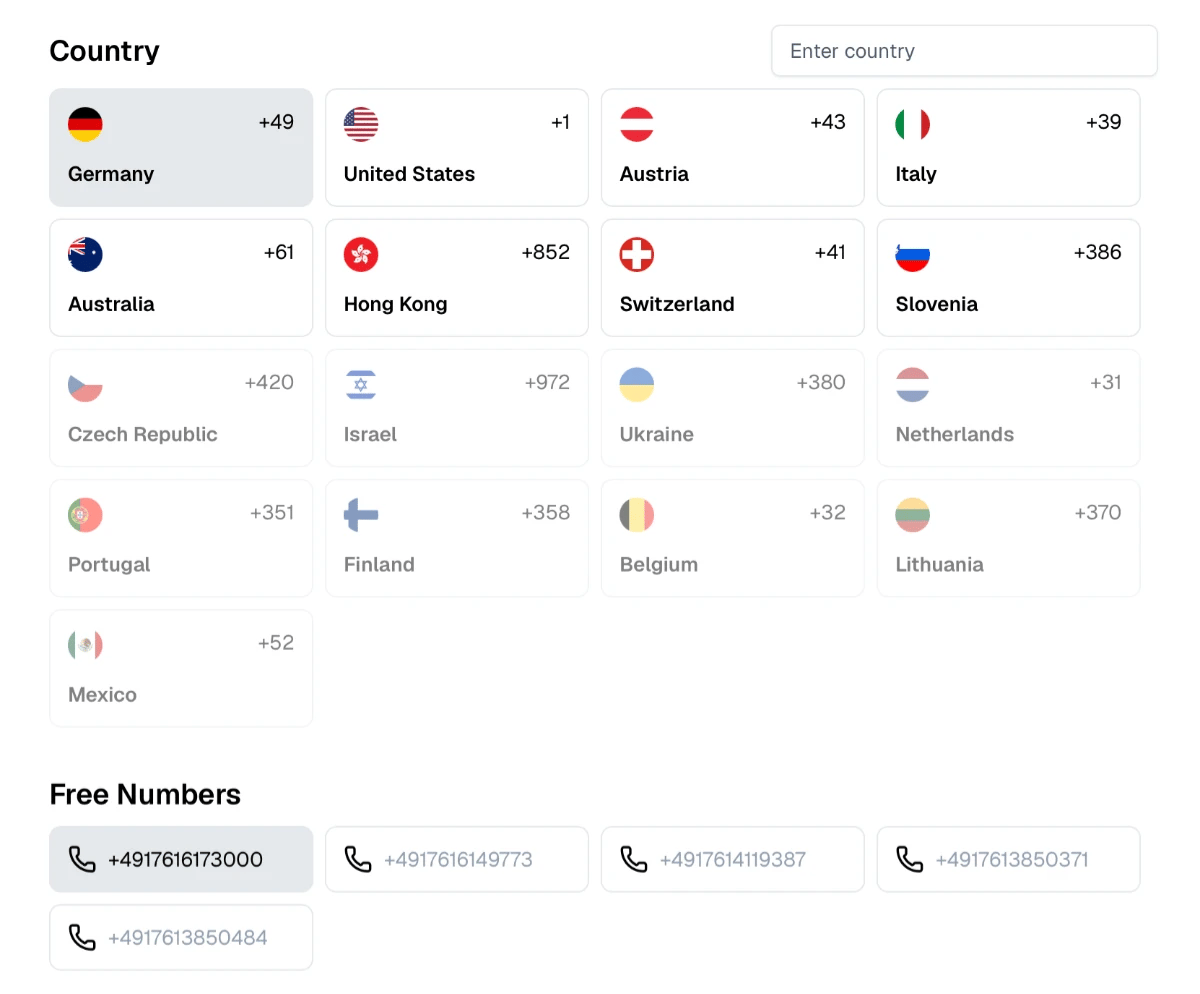
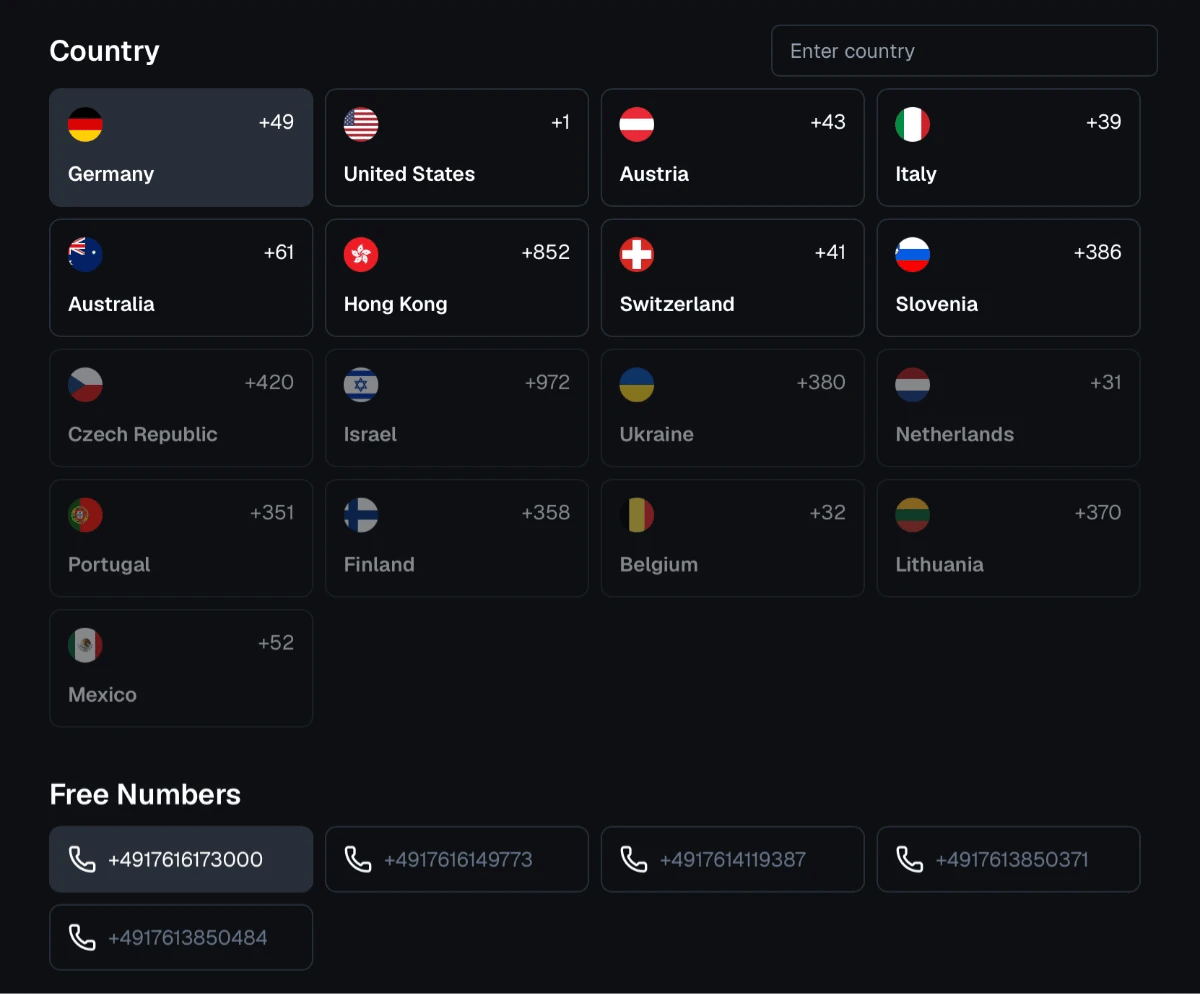
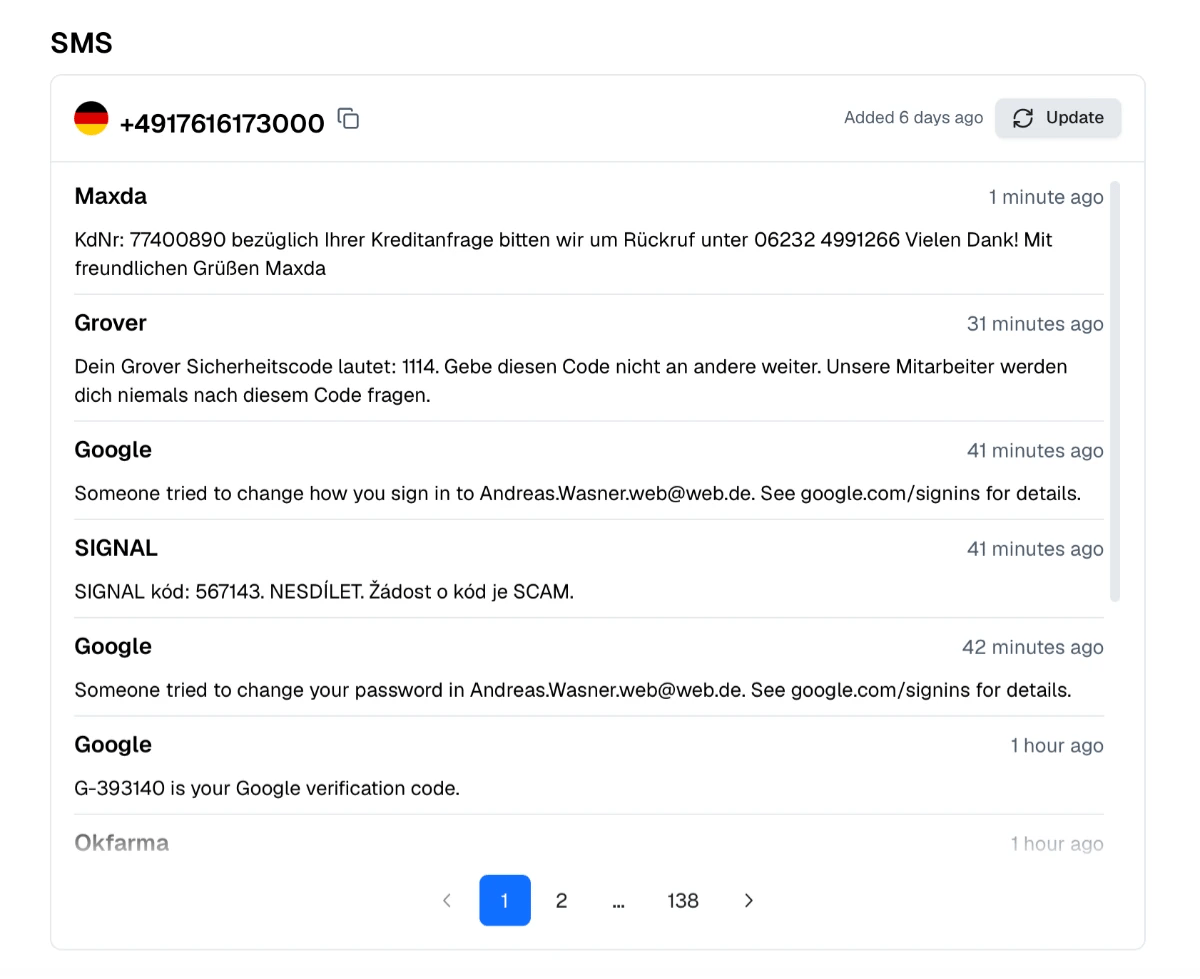
  1. 1. Choose the Country and the Number

    Browse available countries and choose a phone number that suits your needs.

    Choose the Country and the Number
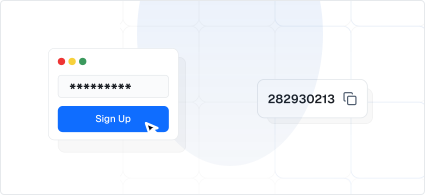
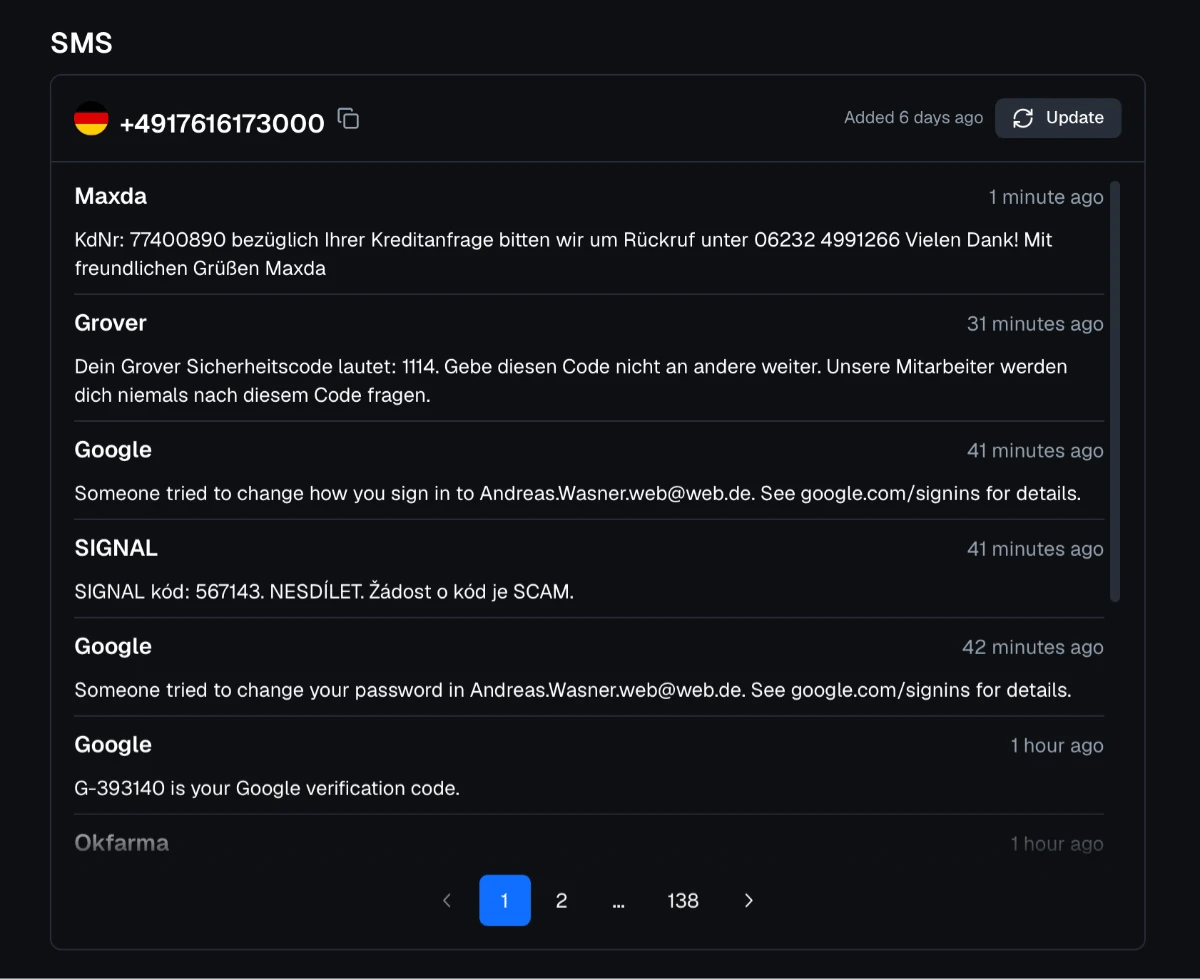
  2. 2. Use the Number to Sign Up

    Enter your chosen number on the website or app where you’re signing up.

    Use the Number to Sign Up
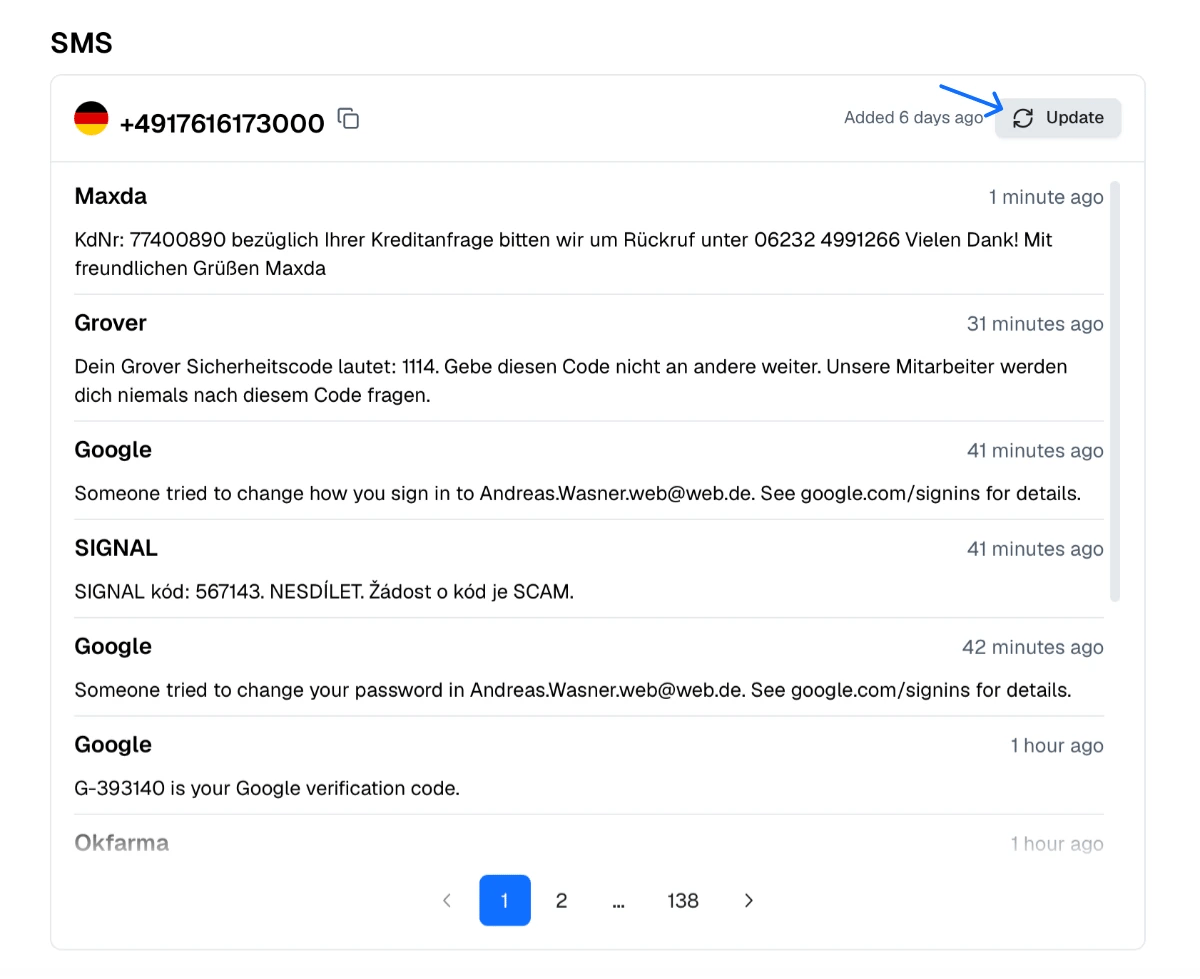
  3. 3. Wait for Your SMS

    Check your selected number’s inbox on our website for the incoming SMS.

    Wait for Your SMS
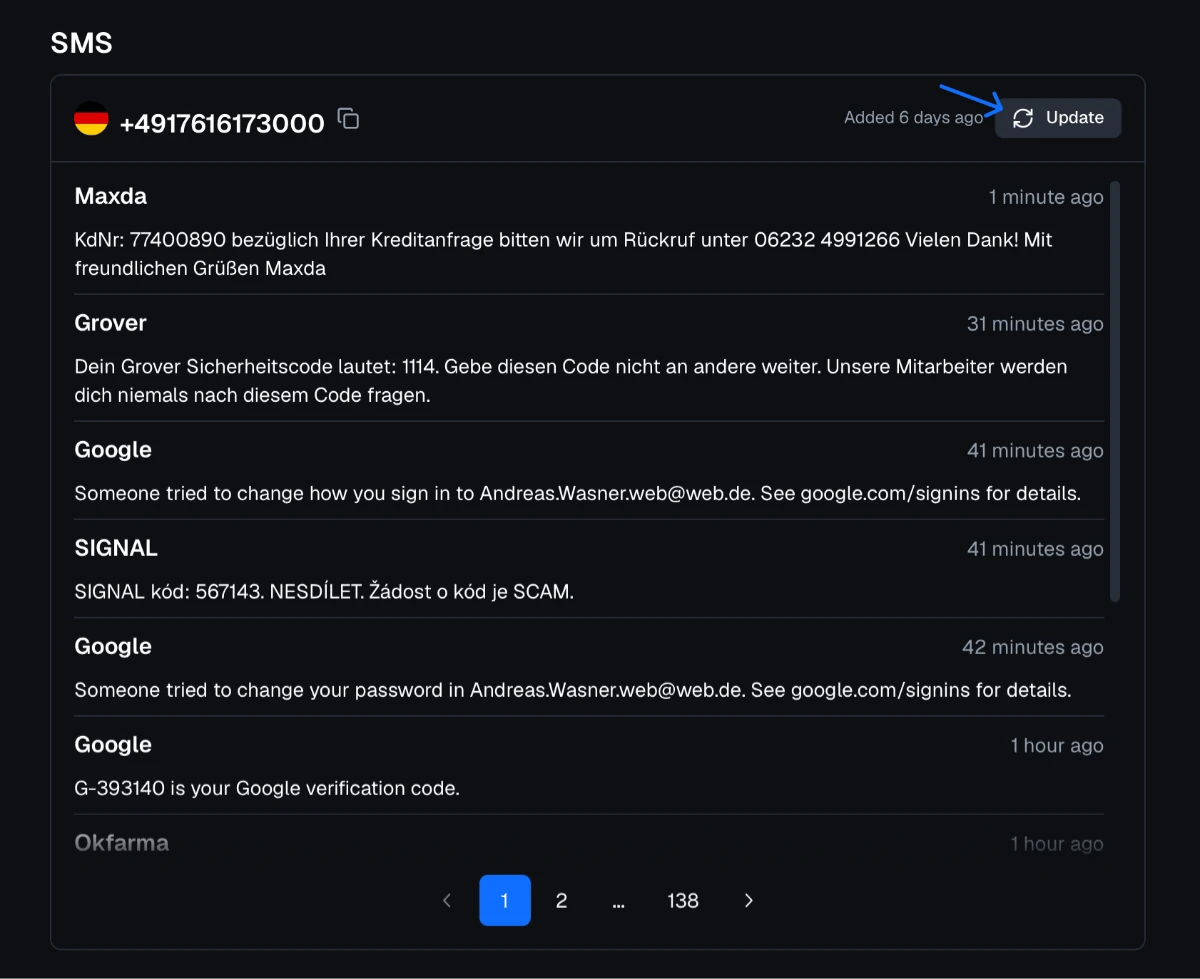
  4. 4. Refresh the Page Every Few Seconds

    If the message doesn’t show up, simply click “Update”.

    Refresh the Page Every Few Seconds

Receive SMS from InPost Without Using Your Personal Number

Receive SMS from InPost online with Proxied.com using an available public phone number. Choose a number, enter it when InPost requests SMS verification, and check its inbox on our website for your code. InPost may not accept every temporary number, and messages in public inboxes are visible to everyone.

From Number Selection to Message Access in a Few Steps

Getting started is simple:

  1. Browse the free numbers by country and select a phone number.

  2. Enter that number on the website or app requesting SMS verification.

  3. Return to the number’s page on our website.

  4. Refresh the inbox periodically to check for the incoming code.

Delivery times vary, and some platforms may reject temporary numbers or prevent messages from reaching them.

Receive SMS from InPost for Free

Use Proxied.com to receive SMS from InPost without creating a Proxied account or installing an app. Choose an available number and check its public inbox directly from your phone, tablet, or computer.

Receive SMS from InPost Without Sharing Your Everyday Number

A temporary number lets you receive SMS from InPost without providing your personal phone number, where accepted. With Proxied.com, you can check incoming messages in a public online inbox through your browser.

Other practical benefits include:

  • Browser-based access: View incoming InPost messages wherever you have an internet connection.

  • No additional SIM card: Check SMS online without setting up another mobile line.

  • Country selection: Choose from phone numbers in the available locations.

  • Simple access: Open the selected number’s inbox on our website and refresh to check for your code.

Use InPost With Proxied Mobile Proxies

Proxied provides 4G/5G mobile proxies with real mobile carrier IPs in countries such as the United States, the United Kingdom, Germany, France and Spain. Choosing a proxy in the same country as your number keeps your connection and your phone number in one location when you use InPost.

Find the Perfect
Proxy for Your Needs

Join Proxied