



 Receive SMS from Telegram Online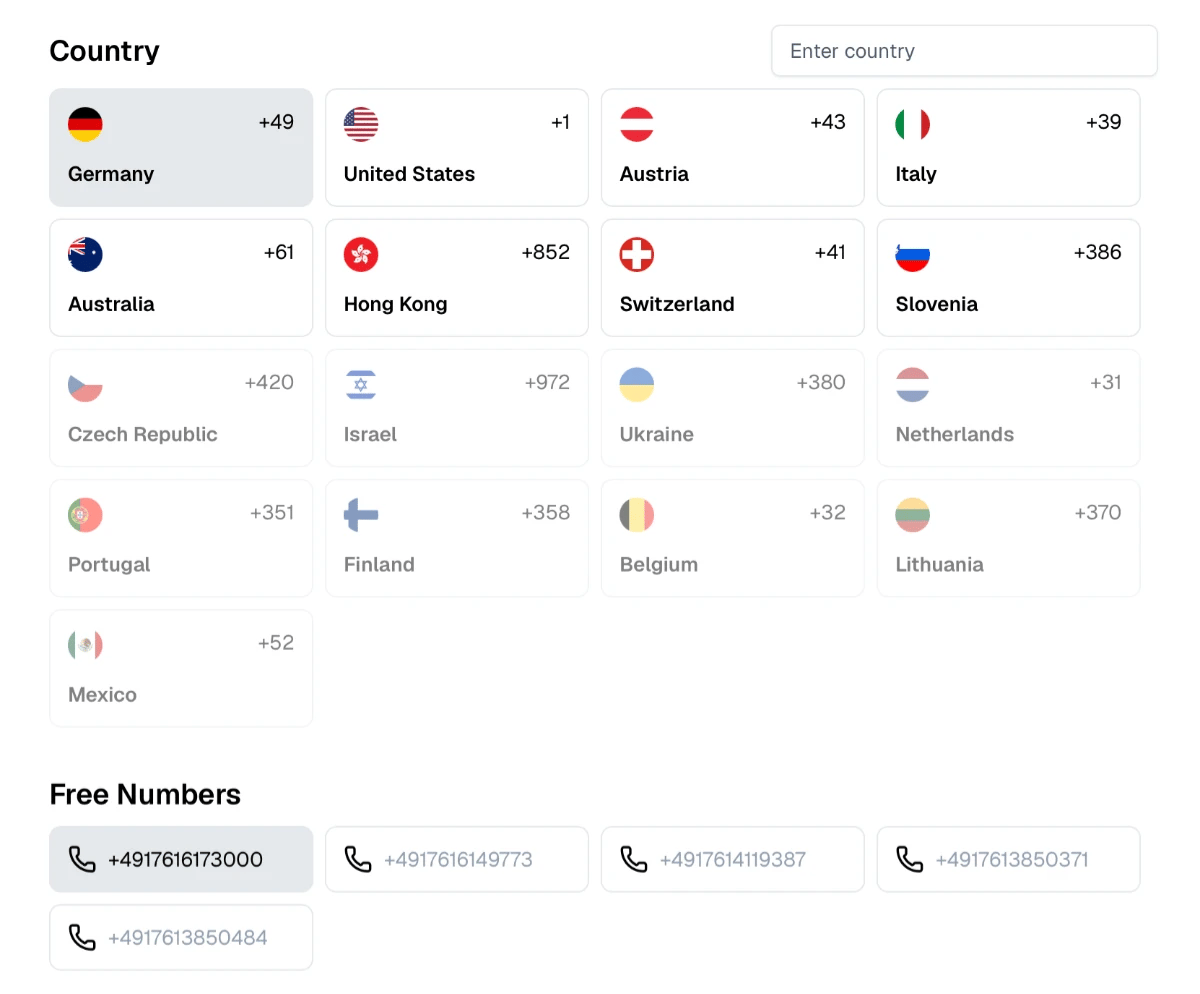
About Telegram
Telegram is a cloud-based messaging app founded in 2013 by Pavel and Nikolai Durov. Every Telegram account is registered with a phone number, and logging in on a new device requires a code. If the account is already open on another device, Telegram delivers the code inside the app; otherwise it sends it by SMS.
Why People Receive Telegram Codes Online
People use temporary numbers for Telegram to create accounts for groups, channels and bots they manage, to test bots during development, or to join communities without sharing their personal number with other members. Channel owners and community moderators often keep a separate account for each project.
How to Receive a Telegram Code Here
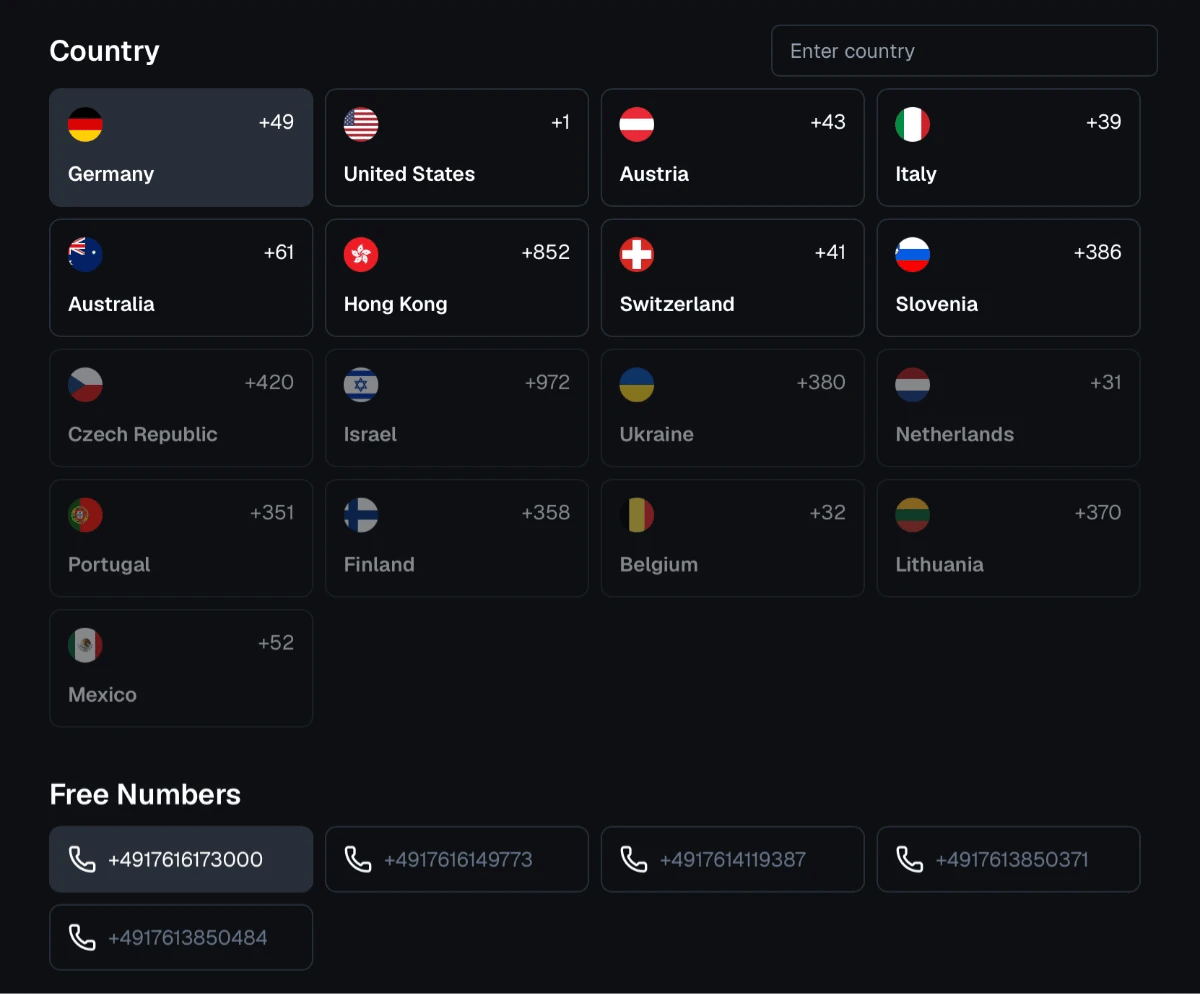
Choose a number on our free numbers page.
Enter it in Telegram with the correct country code.
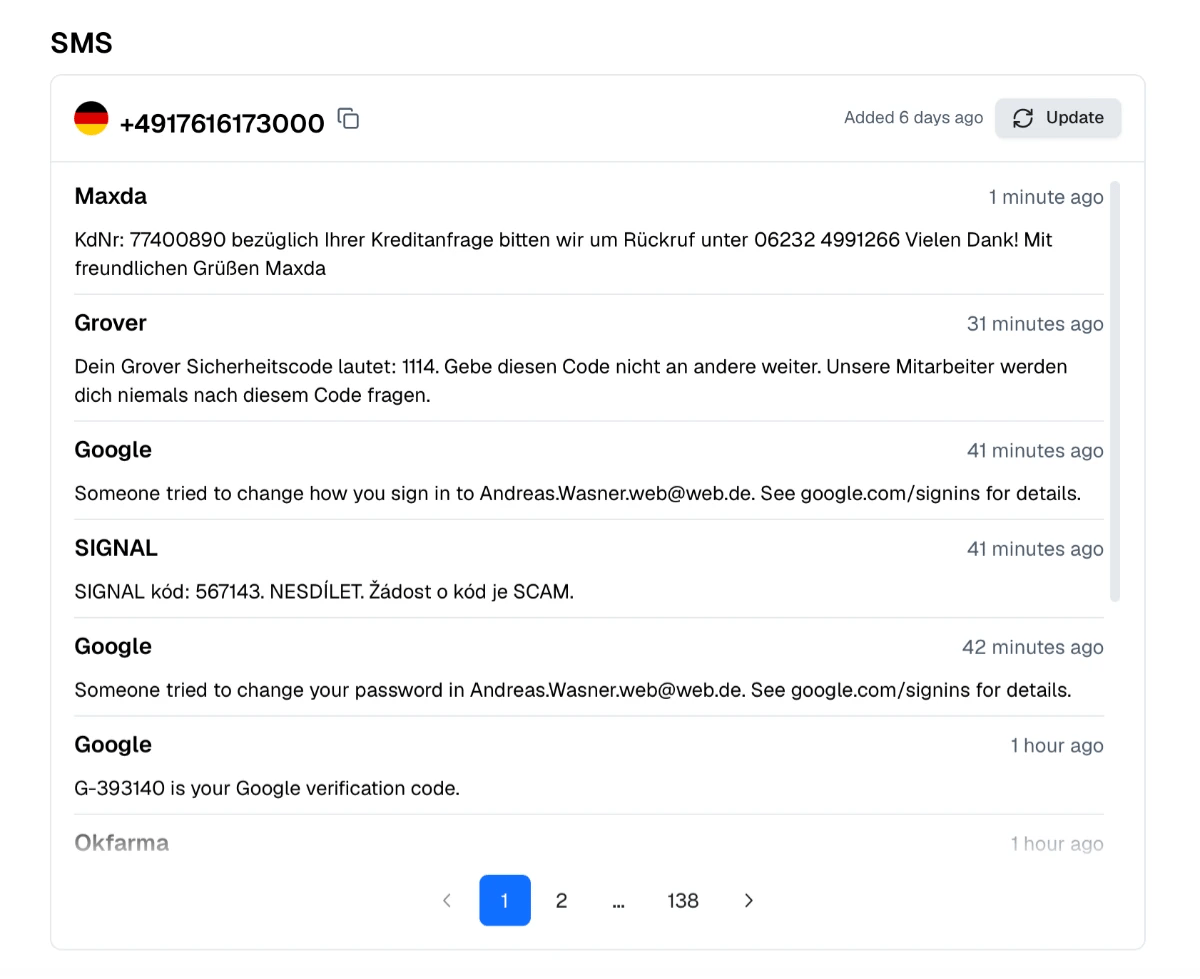
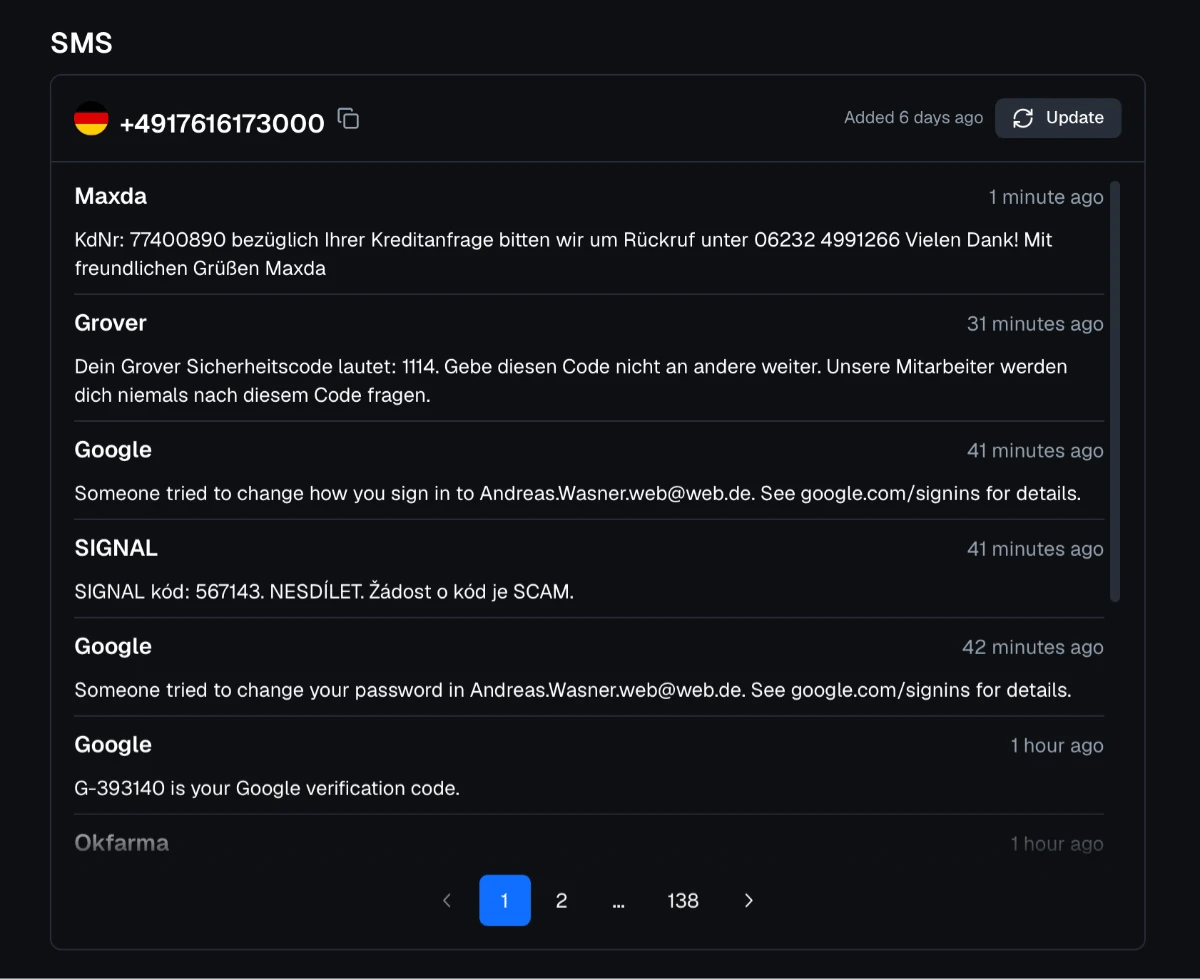
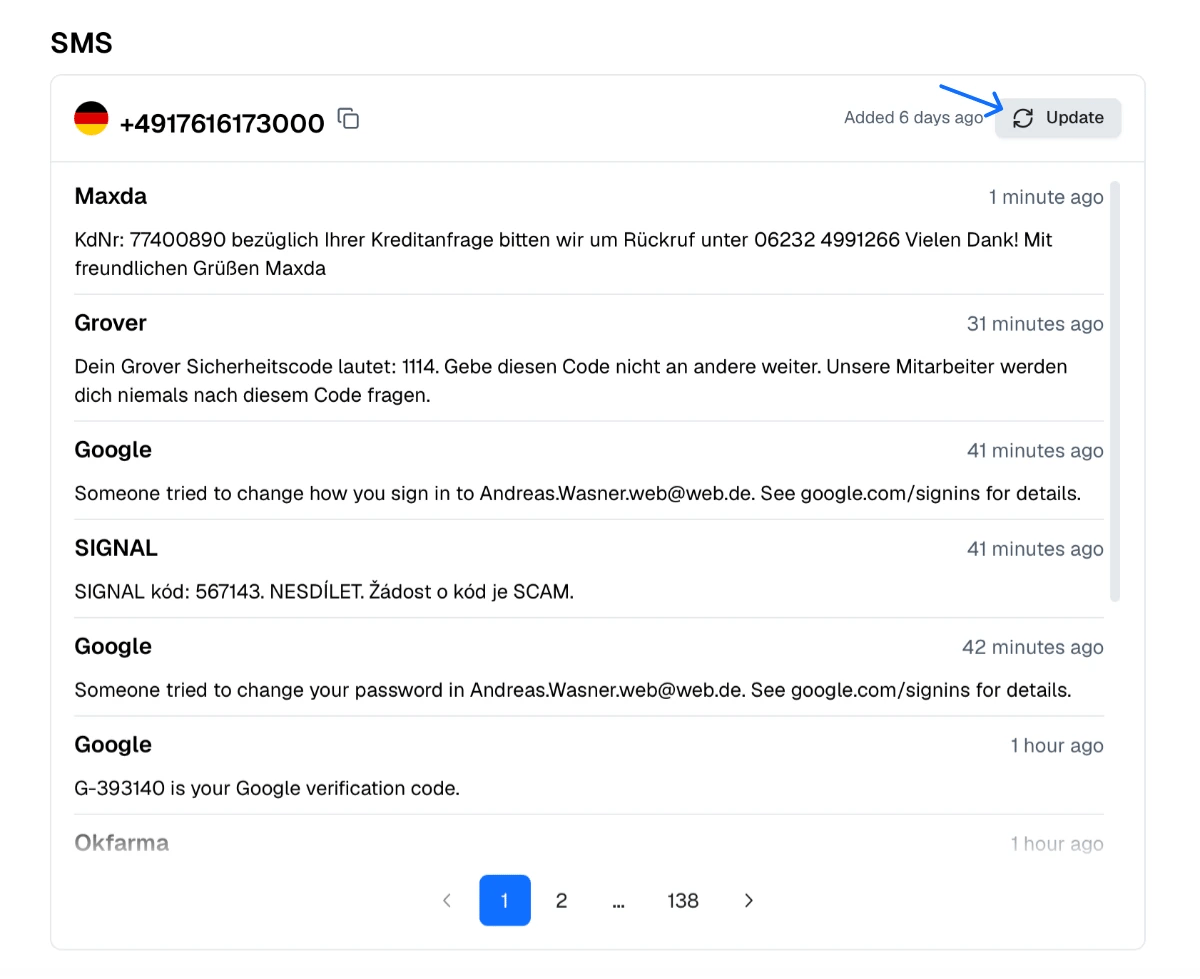
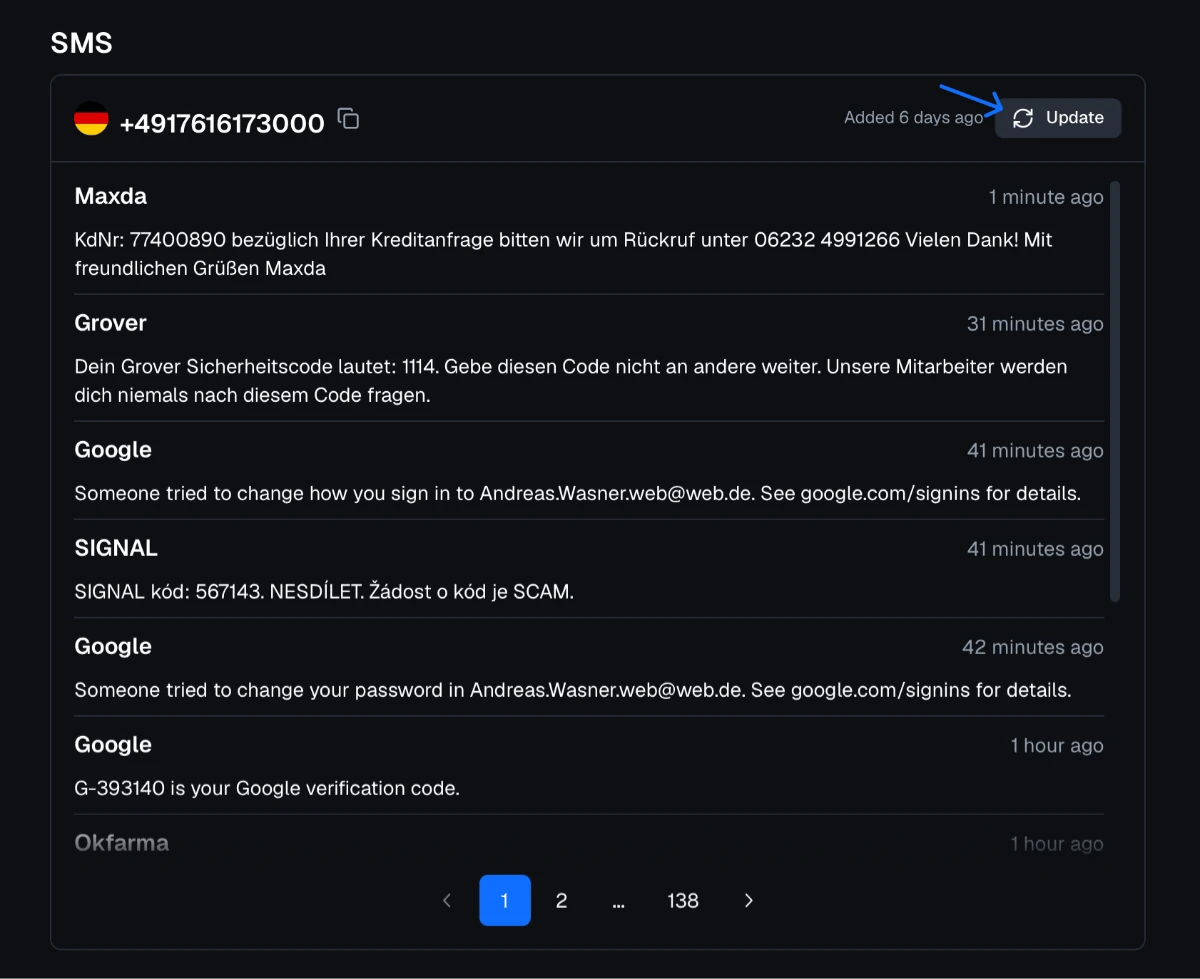
Refresh the number's inbox after 20–30 seconds and enter the newest code.
If Telegram reports that the code was sent to the app on another device, the number already belongs to an existing account. Choose a different number.
Why Important Accounts Belong on Your Own Number
Telegram signs you in with the code sent to the phone number. Because our inboxes are public, the next code for the same number can be read by anyone. Treat an account created this way as temporary. If you decide to keep it, set a two-step verification password in Settings → Privacy and Security, add a recovery email and change the number to one you own.
Hiding Your Number in Telegram
Telegram lets you create a public username and choose who can see your phone number. Contacts who have your number saved can still find you, so a separate number for public groups and channels keeps your personal number out of those communities.
Telegram and Proxied Mobile Proxies
Proxied provides 4G/5G mobile proxies with real mobile carrier IPs in countries such as the United States, the United Kingdom, Germany, France and Spain. Bot developers and channel managers can choose a proxy in the same country as the phone number on the account.