



 Receive SMS from WhatsApp Online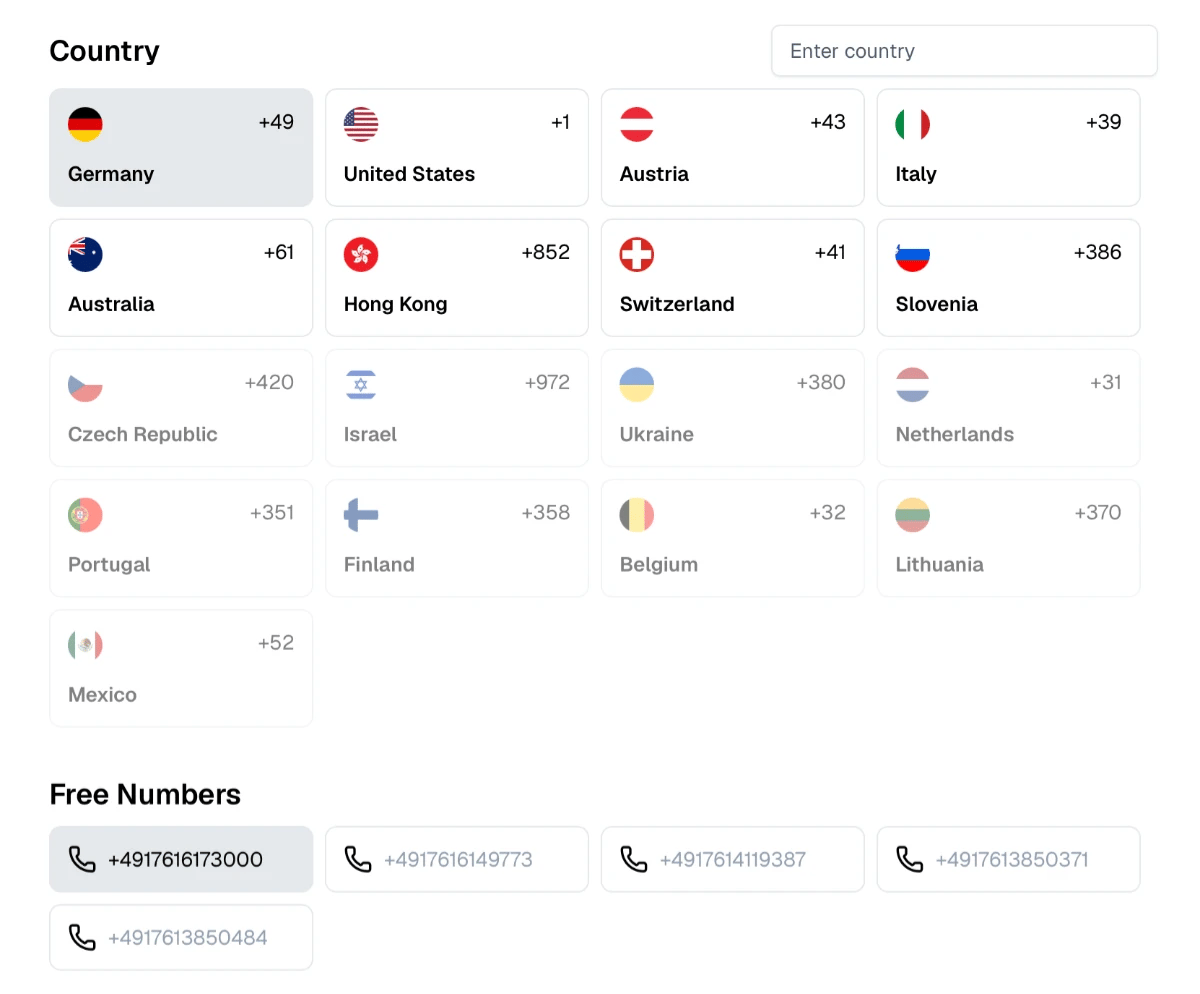
About WhatsApp
WhatsApp is a messaging app owned by Meta Platforms. Each WhatsApp account is registered to one phone number, which WhatsApp verifies with a six-digit code sent by SMS or voice call. The code is also requested when you move WhatsApp to a new phone. A number can be active on only one phone at a time: when the number is verified on another phone, the previous one is logged out.
Why People Receive WhatsApp Codes Online
Temporary numbers are used for WhatsApp to test WhatsApp Business setups, to try the registration process, or to get a short-term contact for classifieds, rentals and one-off conversations without giving out a personal number.
How to Receive a WhatsApp Code Here
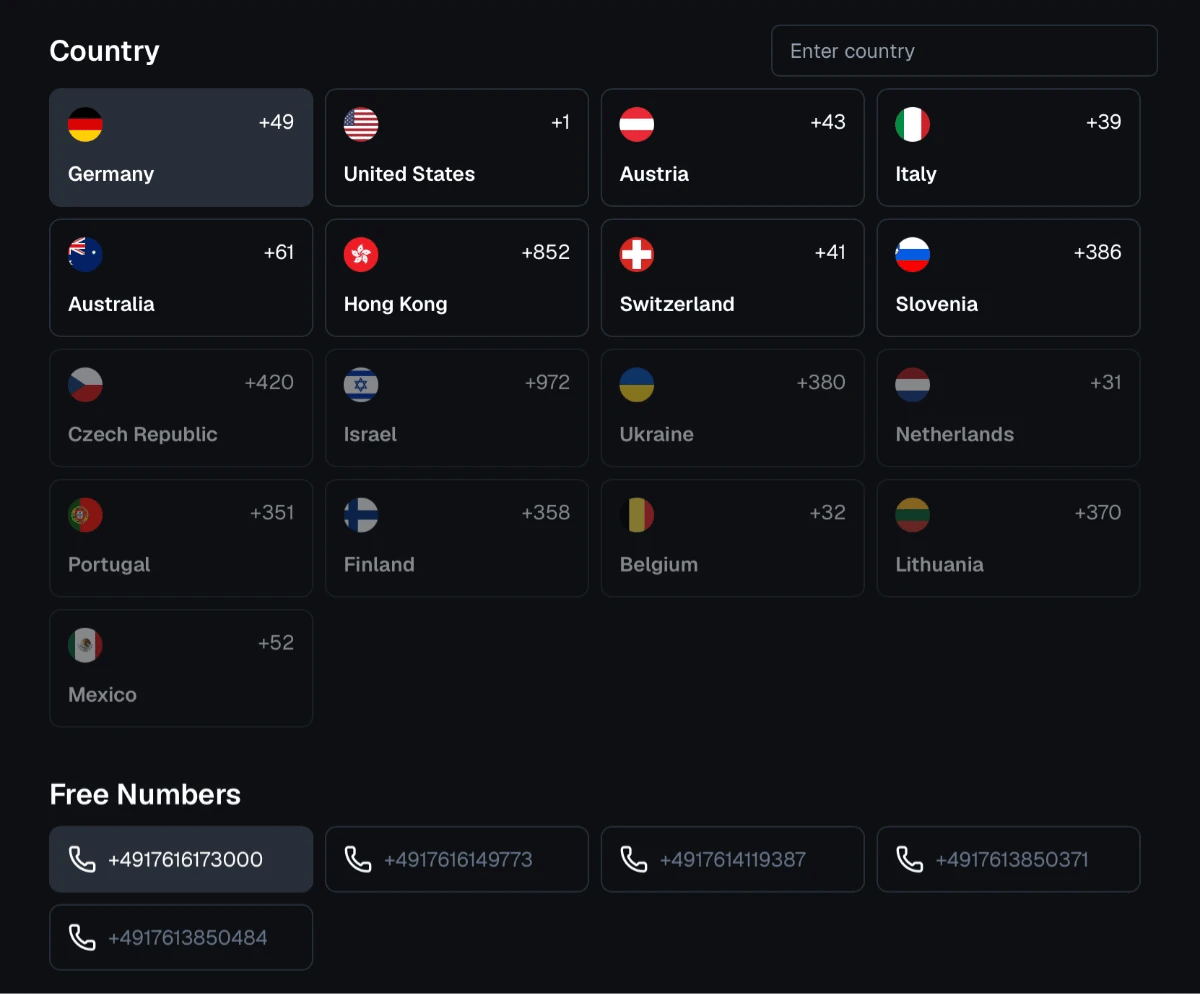
Pick a number on the free numbers page.
Enter it in WhatsApp and choose to receive the code by SMS.
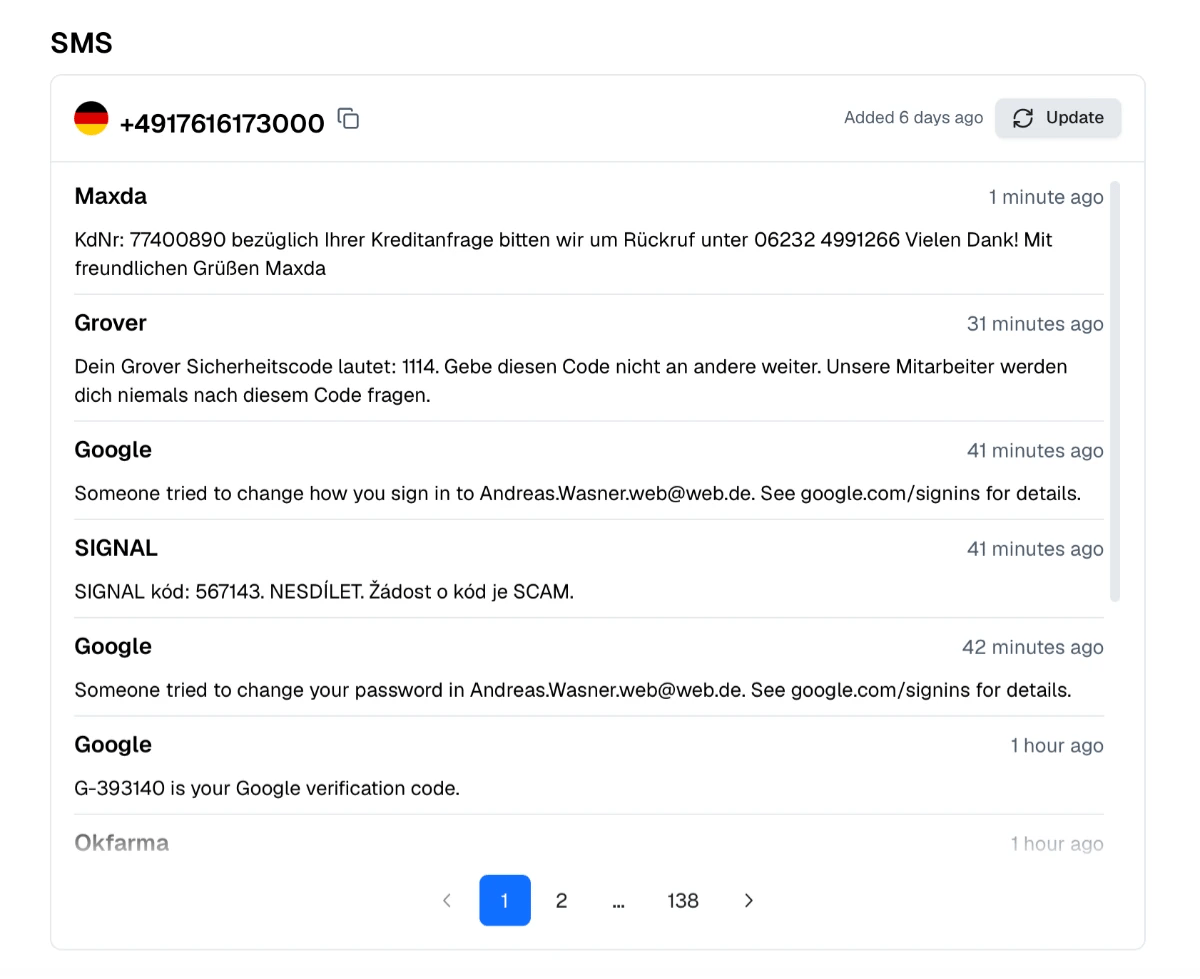
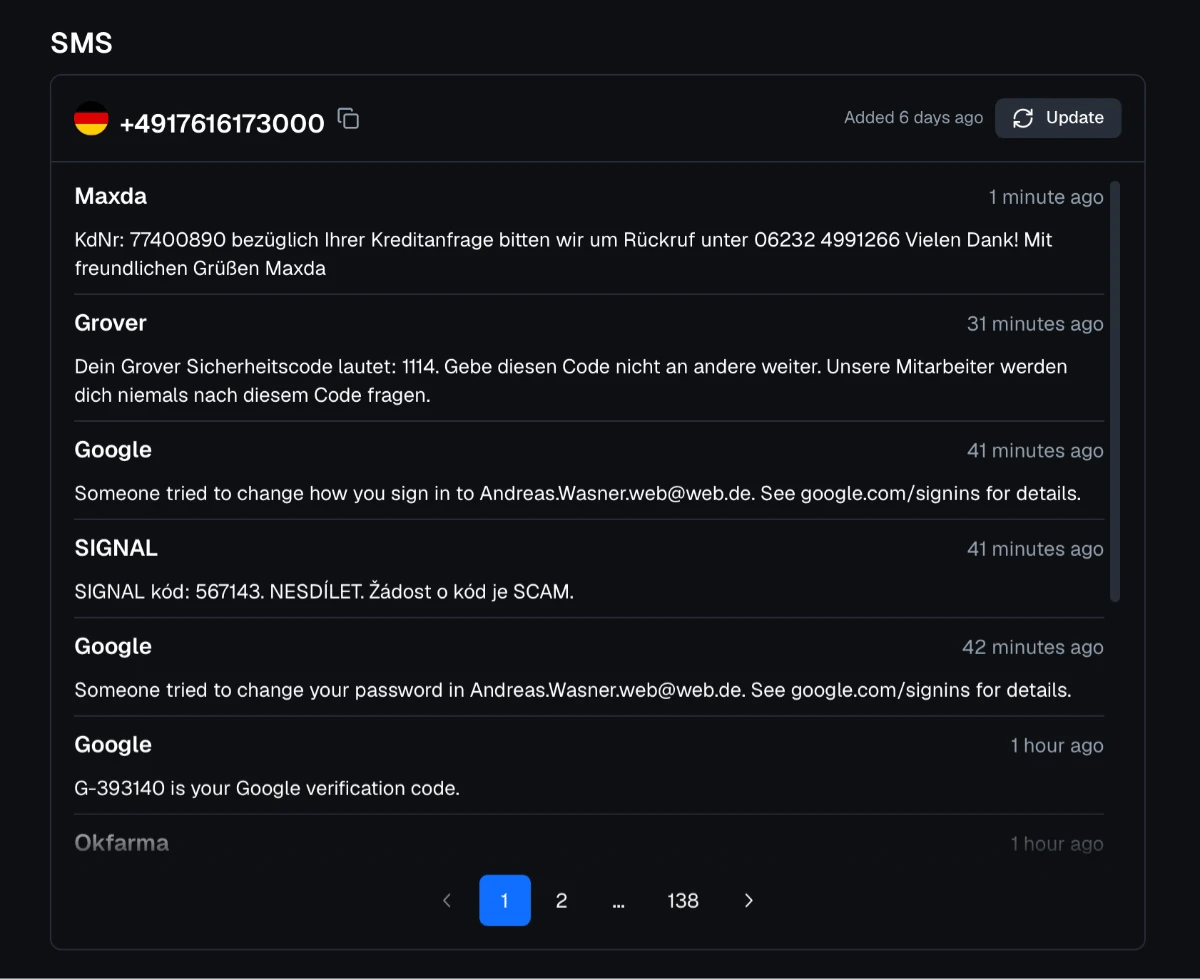
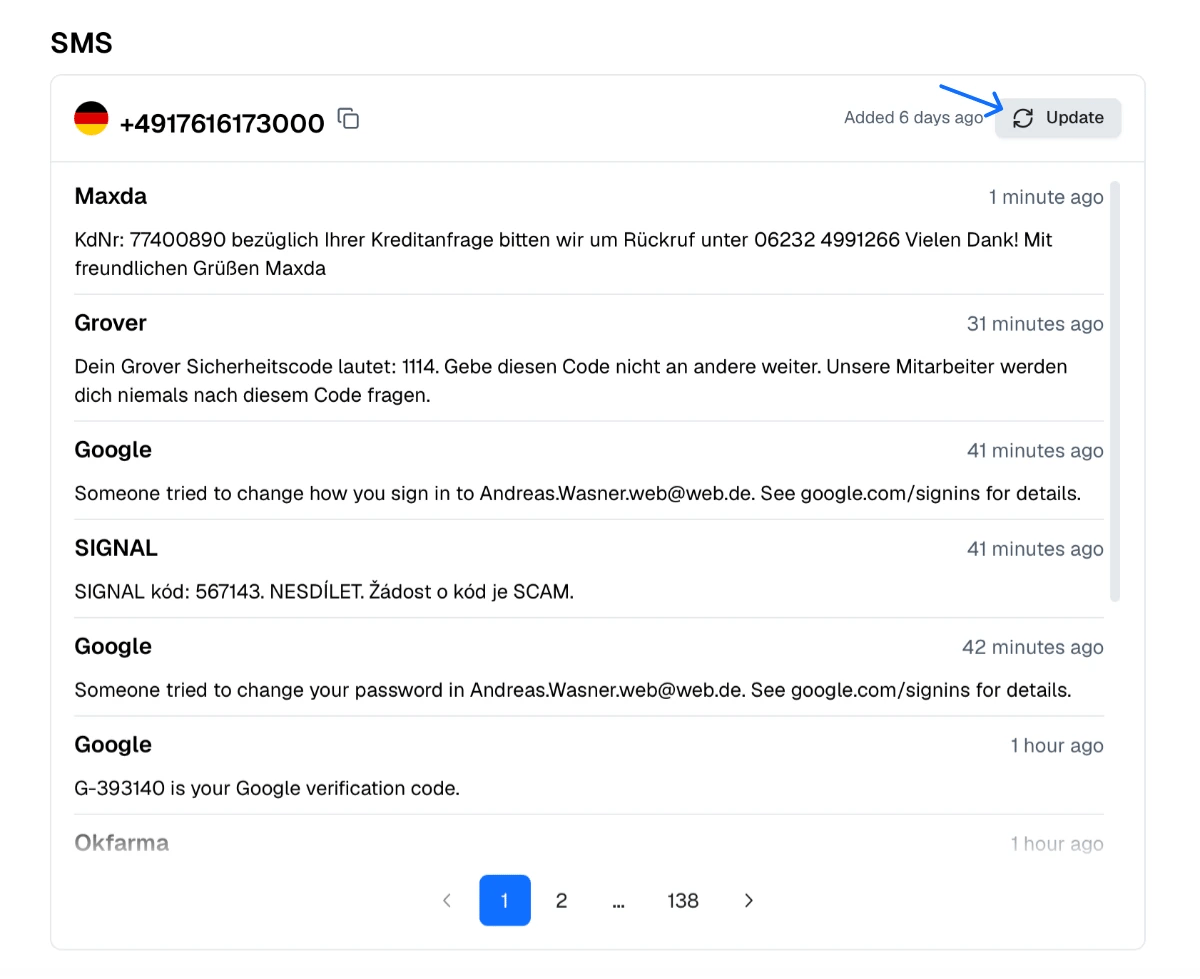
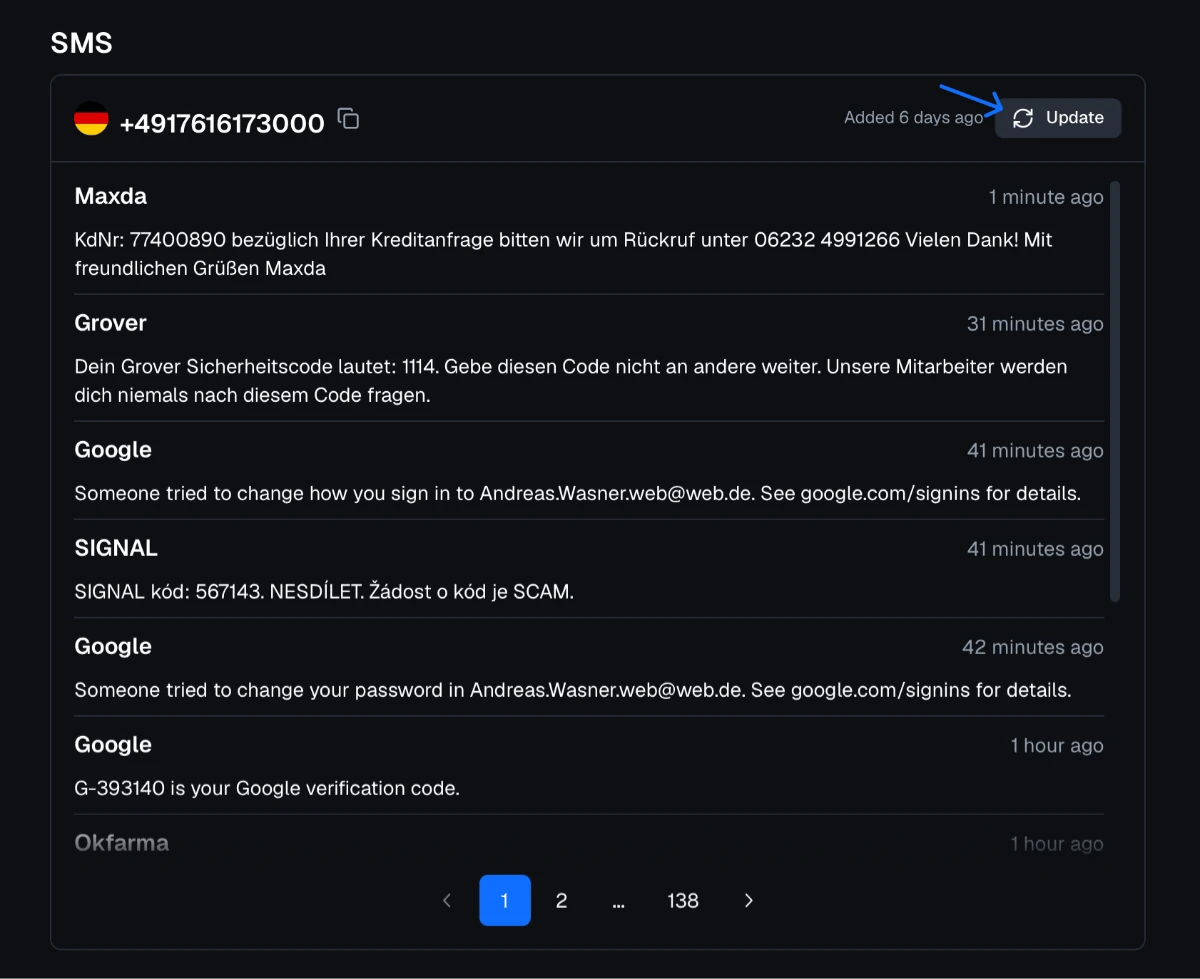
Refresh the number's inbox after about 30 seconds.
Enter the six-digit code in WhatsApp.
If WhatsApp shows that the number is not supported, choose a number from another country.
A Shared Number Can Be Registered Again
Our numbers are shared, so another visitor can verify the same number later and take over the WhatsApp account on it. Use public numbers only for short-term purposes. If you keep such an account for a while, turn on two-step verification with a PIN in Settings → Account and do not store private photos or documents in it.
Keeping Your Number Out of Strangers' Contacts
People you message on WhatsApp can see your phone number unless you use privacy features such as usernames where available. For marketplaces, short-term rentals and similar contacts, a separate number keeps your personal number private.
WhatsApp and Proxied Mobile Proxies
Proxied provides 4G/5G mobile proxies with real mobile carrier IPs in countries such as the United States, the United Kingdom, Germany, France and Spain. Businesses that use WhatsApp Web or WhatsApp Business tools for a specific market can choose a proxy in the same country as their number.