





URL Redirect & Link Management Platform
Introduction
What is Redirect Service?
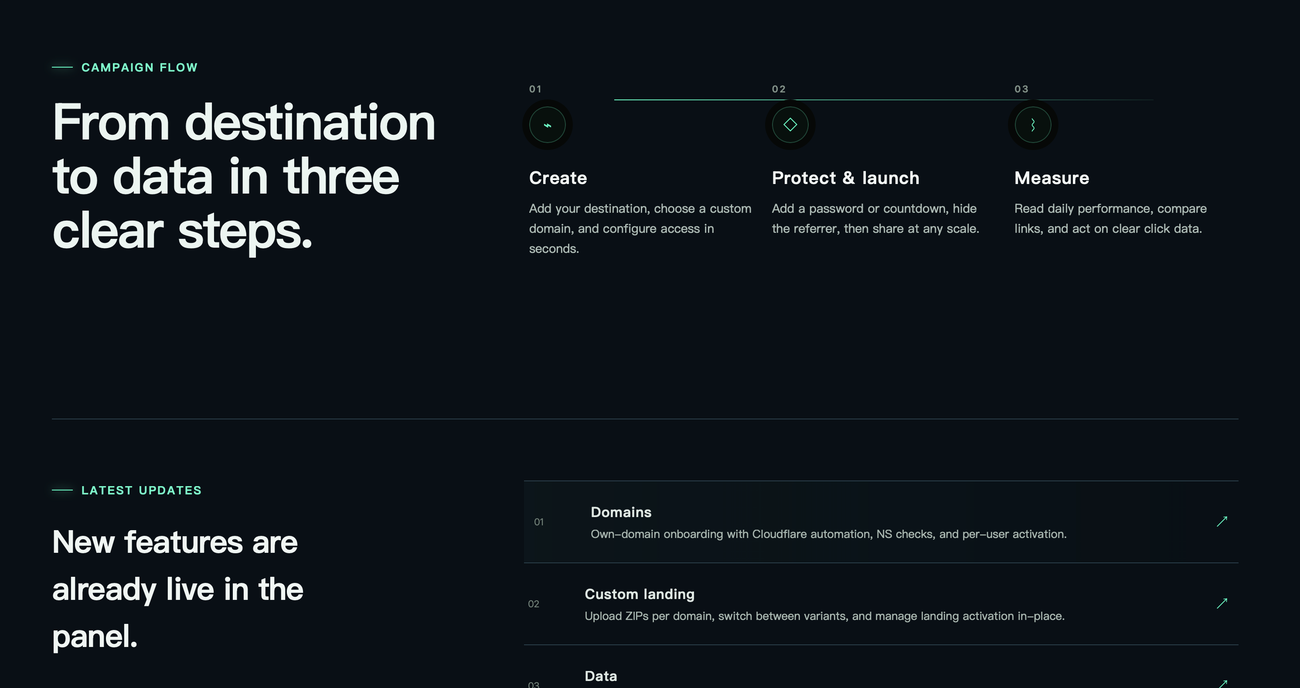
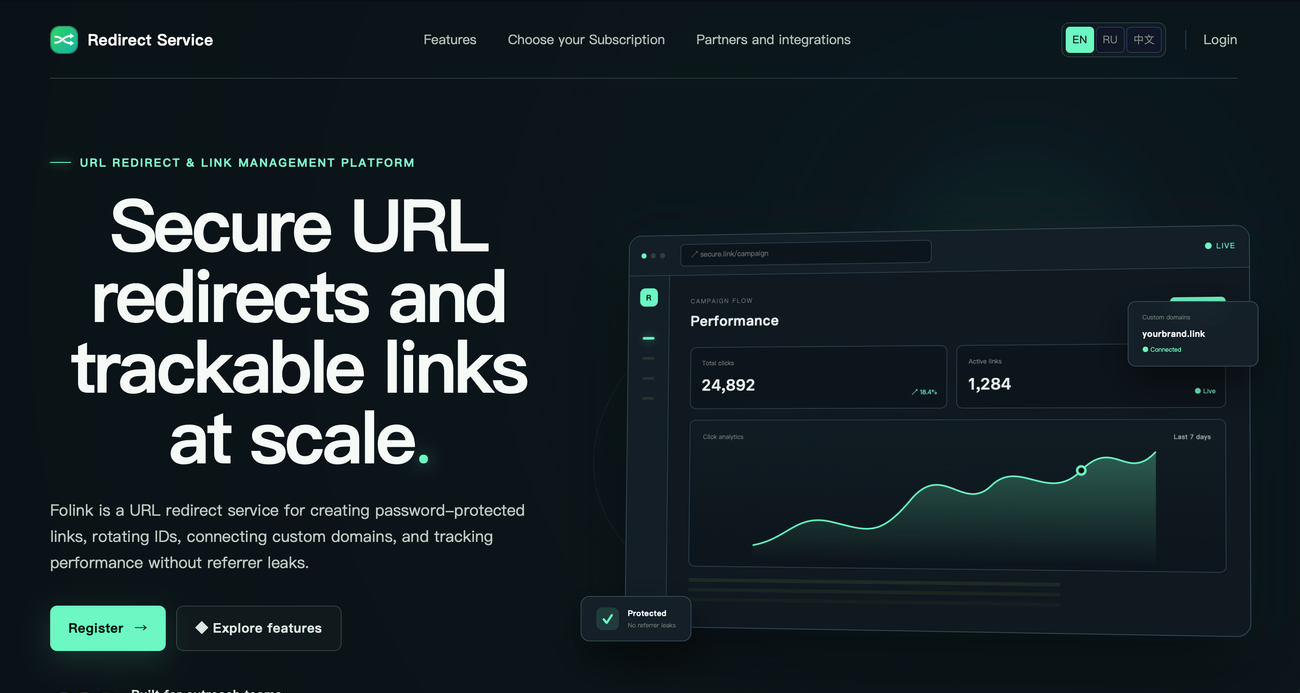
Redirect Service is a browser-based service for creating and managing trackable redirect links. Users can add destination URLs, connect their own domains, and configure passwords, countdowns, or custom messages before sharing links.
The platform also supports team administration, data exports, and daily click statistics, making it useful for managing links across multiple campaigns and collaborators.
Key Features
Password-Protected Links
Add passwords to shared links to control access to their destinations, making them suitable for content intended for selected recipients.
Custom Domain Support
Create branded links using your own domains, with nameserver verification and automated DNS and SSL configuration to simplify domain setup.
No-Referrer Redirects
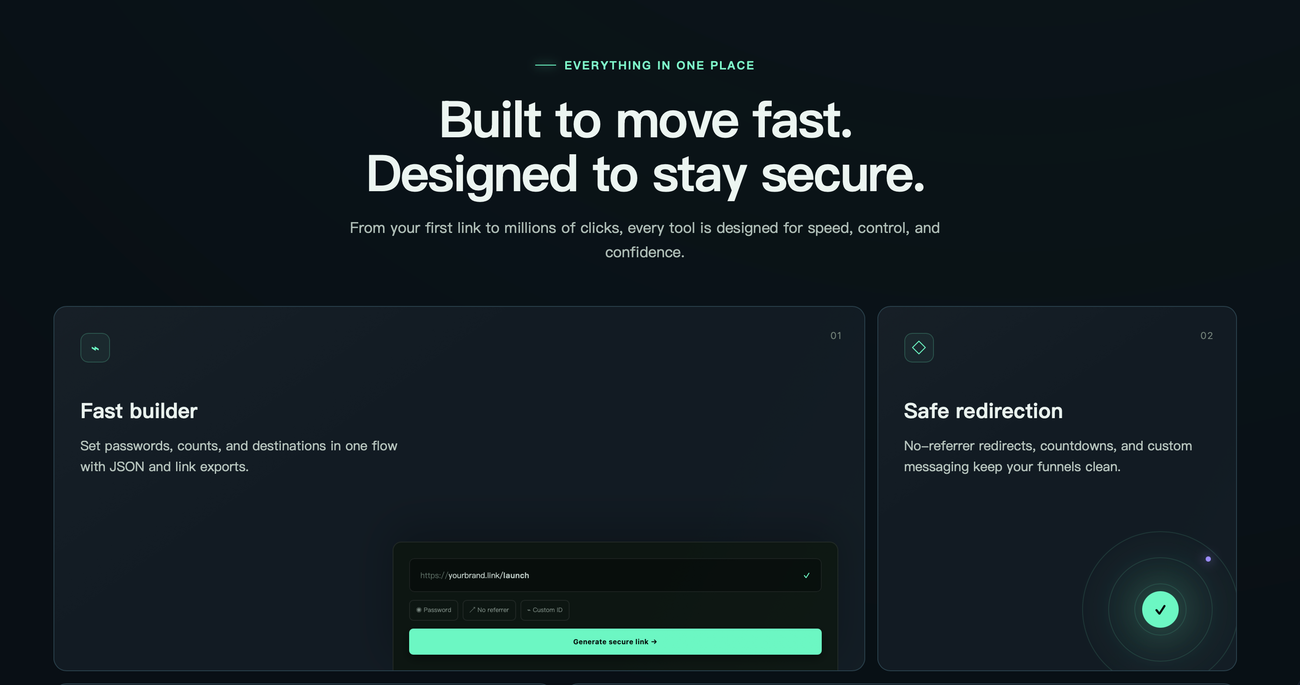
Forward visitors without passing referrer information to the destination website, helping limit the source information shared during a redirect.
Link Performance Analytics
Track clicks for individual links and review daily summaries to compare performance across campaigns and identify links attracting more engagement.
Team Access Controls
Invite administrators, assign owner and co-owner roles, manage limits, and control domain access to coordinate link management across your team.
Flexible Link Configuration
Set destinations, custom IDs, countdowns, and redirect messages through the link builder, with JSON and link exports available for your workflow.
Pricing
Redirect Service offers a free 24-hour trial with all features and a 500-link limit. Paid plans cost $15 for 7 days, $35 for 30 days, $65 for 90 days, or $185 for 365 days.
The respective paid link limits are 2,000, 20,000, 100,000, and 500,000. All plans include saved statistics and customer support.