





Image, Video & Audio Randomization Tool
Introduction
What is MediaUniq?
Key Features
Image Customization
Adjust rotation, cropping, brightness, contrast, and other effects. Add text, borders, or watermarks to create variations of your images.
Video Processing
Modify video speed, framing, colors, and volume. Apply overlays, trim clips, and configure encoding settings for your output files.
Audio Editing and Conversion
Convert audio formats and adjust speed, pitch, volume, equalization, and fades, with options for output bitrate and tags.
Batch Generation
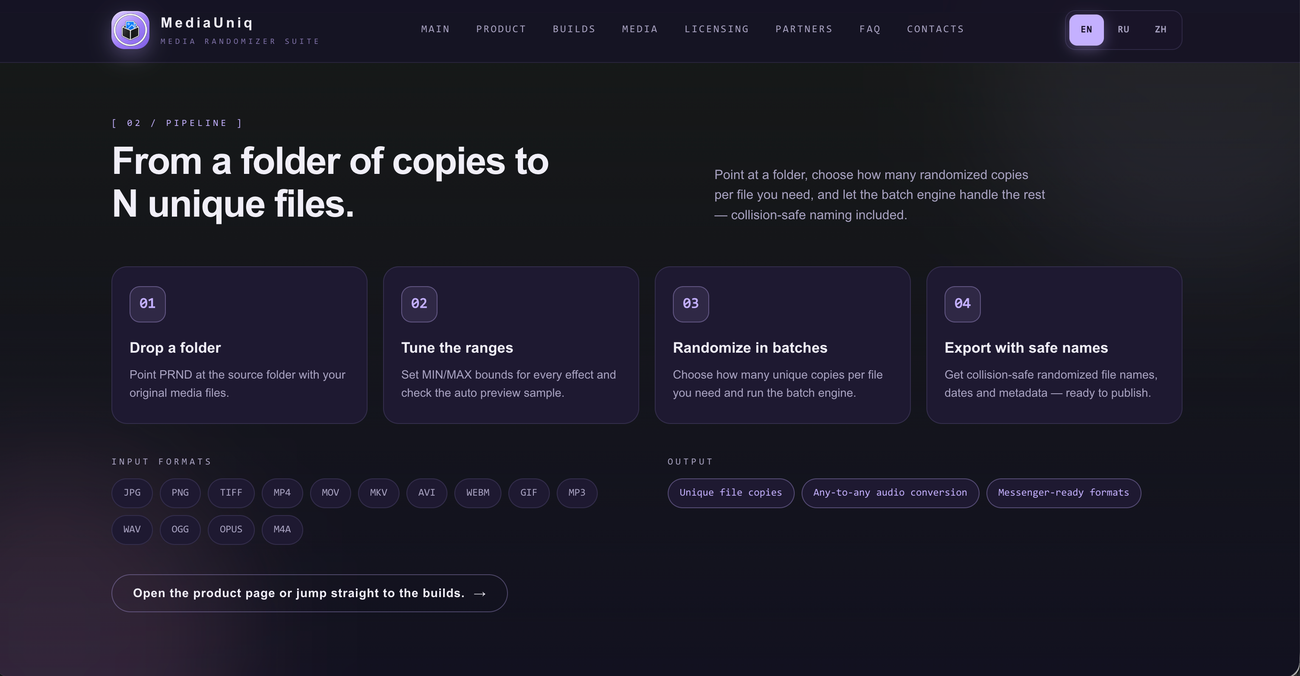
Select a source folder and generate multiple randomized copies per file, using naming rules that prevent existing files from being overwritten.
Metadata and File Controls
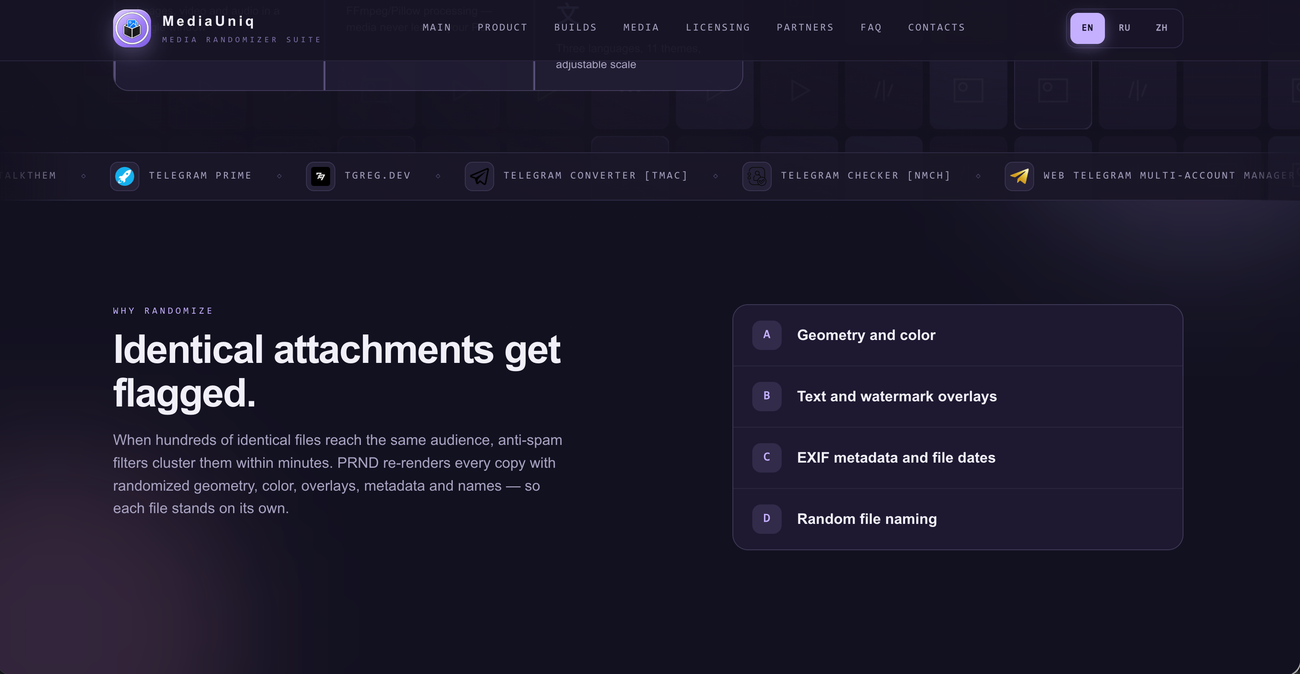
Clear or randomize supported metadata, adjust file dates, and customize output names to organize generated media.
Adjustable Effects and Previews
Set minimum and maximum values for effects, preview images and video frames, and listen to audio changes before running a batch.