





Bulk Telegram Account Conversion
Introduction
Telegram Converter brings Telegram account conversion tools together in one Windows application. It supports bulk processing, multiple account formats, and flexible session controls to simplify migration and account management.
What is Telegram Converter?
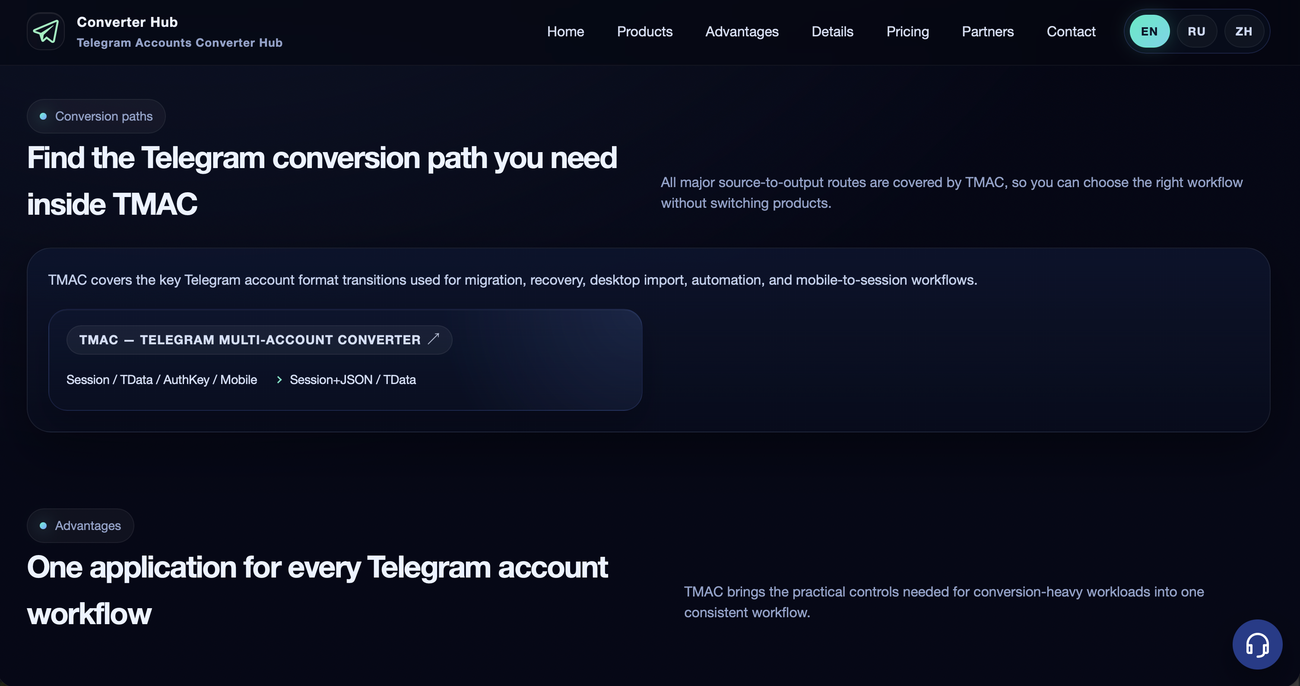
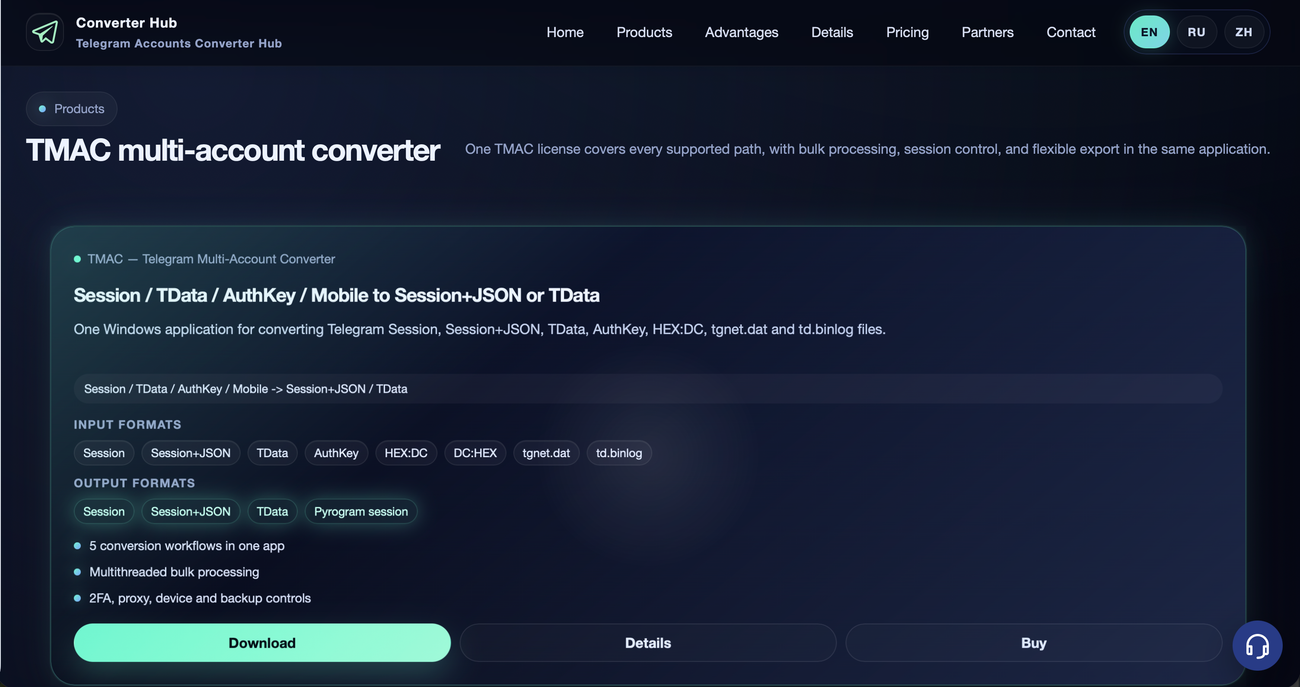
Telegram Converter offers TMAC, a desktop application for converting Telegram account data between compatible formats. It accepts Session, TData, AuthKey, and supported mobile files, with exports including Session+JSON, TData, and Pyrogram sessions. The software runs on Windows 10 and 11, with English, Russian, and Chinese interfaces.
Key Features
Multiple Account Formats
Convert supported Telegram account files into formats compatible with your desktop tools and workflows.
Bulk Processing
Process account batches with multithreading, retries, and result sorting to organize larger conversions.
Session Management
Choose fresh login flows or current-session handling, with options for cleaning up other sessions where supported.
Proxy and Device Settings
Configure proxies, device emulation, and two-factor authentication settings to suit your conversion workflow.
Offline Conversion
Use offline cold conversion for supported workflows, with availability depending on the selected conversion path.
Backups and Detailed Logs
Keep backups and review conversion logs to track results and investigate processing issues.
Pricing
TMAC costs $35 for 30 days or 1,000 accounts, $50 for 365 days or 10,000 accounts, and $85 for permanent access with unlimited accounts. A 24-hour free trial includes five conversions, with up to 25 accounts per operation.
Frequently Asked Questions
What is Telegram Converter used for?
It converts Telegram account data between supported formats for migration, desktop import, and compatible software workflows.
Which input formats are supported?
Supported inputs include Session, Session+JSON, TData, AuthKey, HEX, DC, tgnet.dat, and td.binlog.
Which formats can I export?
Available outputs include Session, Session+JSON, TData, and Pyrogram sessions, depending on the conversion path.
Can I convert multiple accounts at once?
Yes. TMAC supports multithreaded batch processing, with sorting, retries, and backups to help manage results.
Does Telegram Converter support proxies?
Yes. Proxy settings are available alongside device and two-factor authentication controls.
Do I need separate licenses for different conversions?
No. One TMAC license covers all supported conversion workflows within the application.