



AI Fingerprint Browser for Automation
Introduction
Web4 Browser helps e-commerce, advertising, social media, research, and automation teams manage multiple accounts in separate browser environments. Each profile can use its own fingerprint, proxy, cookies, storage, and account data, reducing overlap between browsing sessions.
The platform also includes AI Agents, reusable Skills/MCP workflows, headless automation, team permissions, and browser automation integrations for repetitive operations.
What is Web4 Browser?
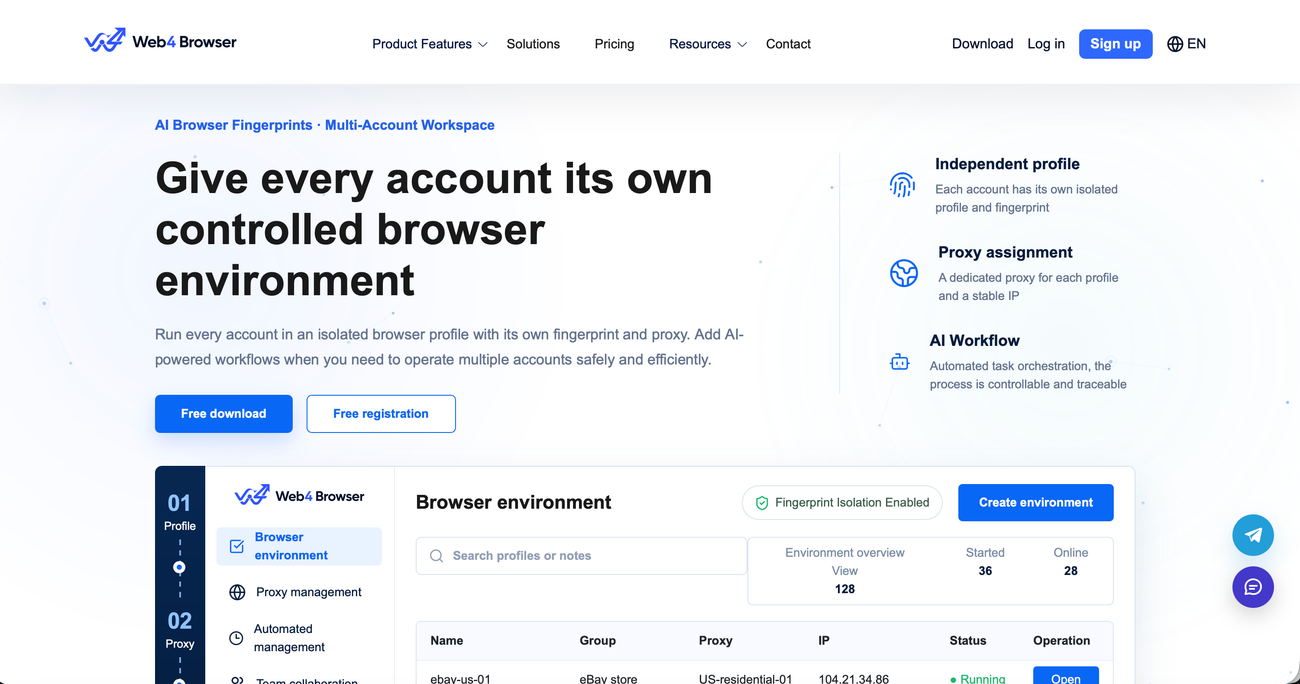
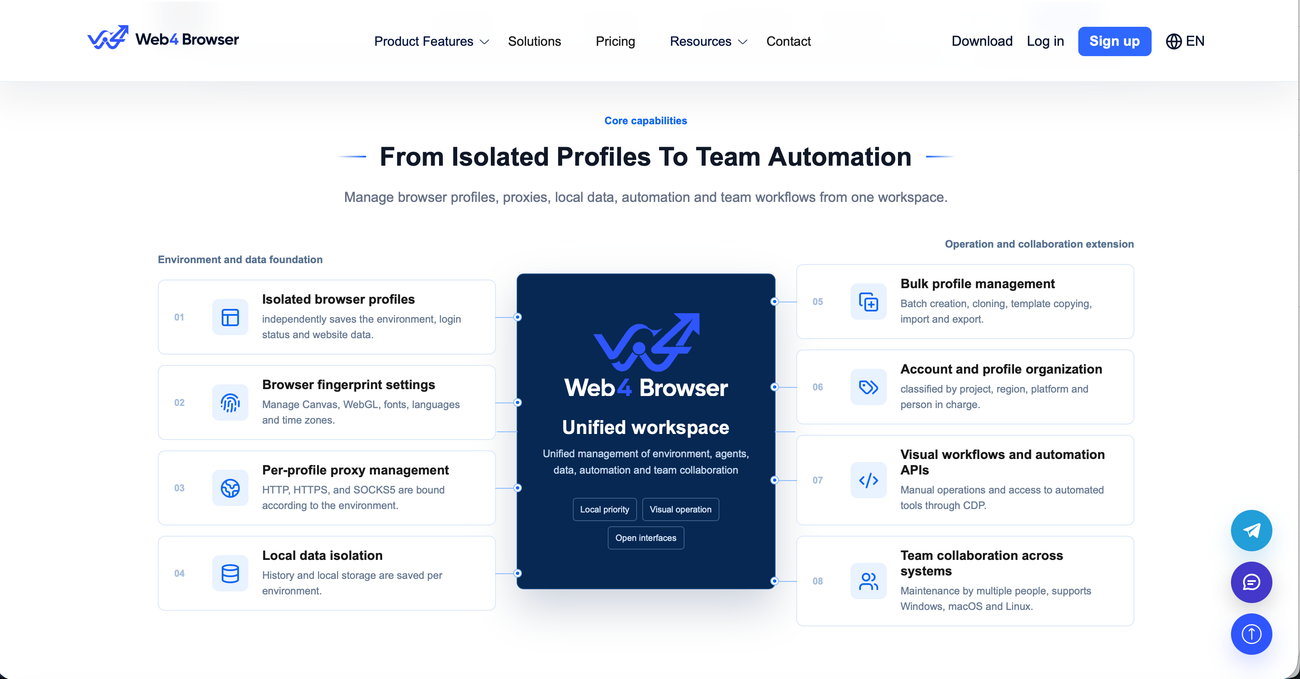
Web4 Browser is an AI-powered fingerprint browser and automation platform designed for multi-account operations. It creates isolated browser profiles with configurable fingerprints, individual proxy connections, independent local data, and separate login sessions.
Teams can organize profiles by project, platform, region, or responsible user. Web4 Browser also supports automation through AI Agents, CDP, Selenium, Playwright, Puppeteer, Skills, MCP services, and headless workflows.
Key Features
Isolated Browser Profiles
Create separate environments with individual fingerprints, cookies, browsing history, local storage, login sessions, and account data.
Fingerprint Configuration
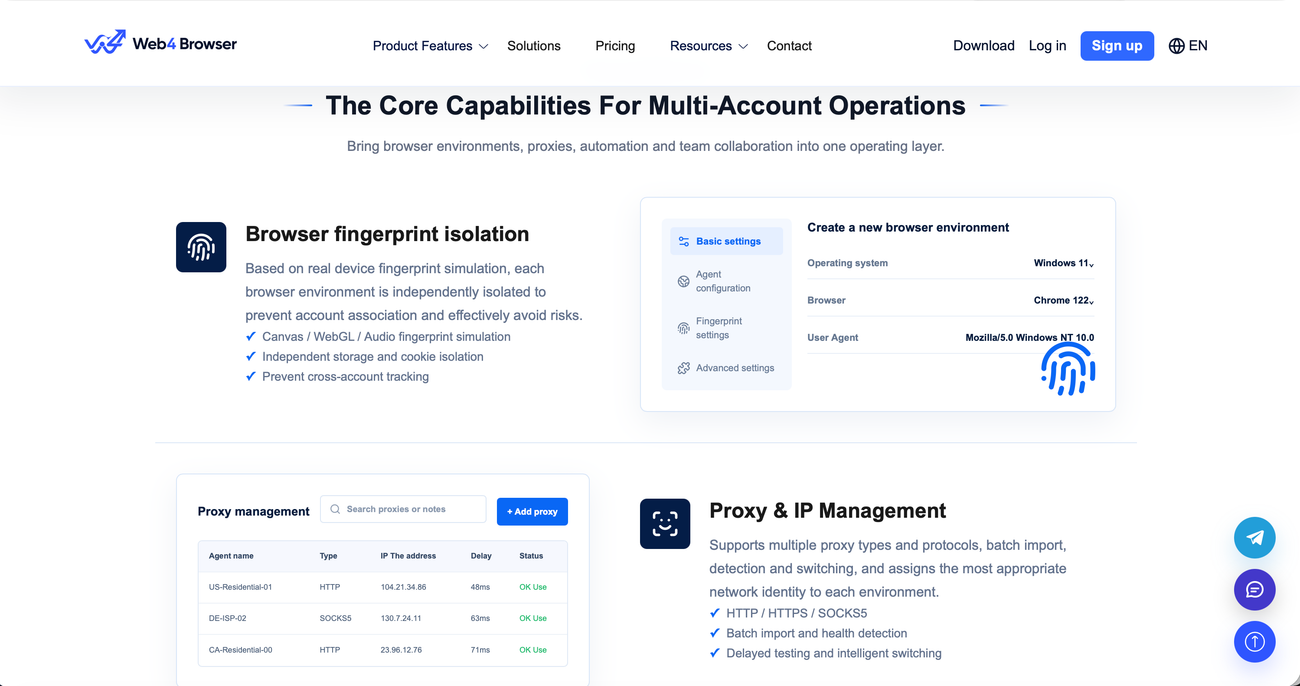
Configure Canvas, WebGL, AudioContext, fonts, languages, time zones, screen resolutions, operating systems, and other browser signals.
Proxy and IP Management
Assign HTTP, HTTPS, or SOCKS5 proxies to individual profiles, import proxies in bulk, check their status, and maintain consistent regional connections.
AI Agent Automation
Use AI Agents and natural-language instructions to perform repetitive browser tasks, extract information, complete forms, and run scheduled processes.
Skills and MCP Workflows
Connect reusable Skills, AI Agents, MCP services, Selenium, Playwright, Puppeteer, and CDP automation to selected browser profiles.
Team Collaboration
Create profile groups, assign access permissions, manage team responsibilities, share workflows, and review activity logs from one workspace.