Virtual number for Discord

Read 216 SMS from Discord received on free virtual numbers. Get verification codes from Discord online, with no signup and no personal phone number.

  1. 26
    ToFlag of Czech Republic+4207*******
    MessageYour Discord verification code is: 439116
    Time
  2. 27
    ToFlag of Czech Republic+4207*******
    MessageYour Discord verification code is: 537543
    Time
  3. 28
    ToFlag of Czech Republic+4207*******
    MessageVáš ověřovací kód Discord je: 964993
    Time
  4. 29
    ToFlag of Austria+4367*******
    MessageVotre code de vérification Discord est: 322471
    Time
  5. 30
    ToFlag of Austria+4367*******
    MessageDiscord güvenlik kodun: 670330 tzD9jY28Wrn
    Time
  6. 31
    ToFlag of Austria+4367*******
    MessageVotre code de vérification Discord est: 258436
    Time
  7. 32
    ToFlag of Czech Republic+4207*******
    MessageYour Discord verification code is: 123853
    Time
  8. 33
    ToFlag of Czech Republic+4207*******
    MessageYour Discord security code is: 846439 tzD9jY28Wrn
    Time
  9. 34
    ToFlag of Austria+4367*******
    MessageDiscord güvenlik kodun: 062511 tzD9jY28Wrn
    Time
  10. 35
    ToFlag of Czech Republic+4207*******
    MessageYour Discord verification code is: 827163
    Time
  11. 36
    ToFlag of Czech Republic+4207*******
    MessageYour Discord verification code is: 127938
    Time
  12. 37
    ToFlag of Ukraine+3807*******
    MessageВаш код безопасности Discord: 133138 tzD9jY28Wrn
    Time
  13. 38
    ToFlag of Ukraine+3807*******
    MessageYour Discord security code is: 477714
    Time
  14. 39
    ToFlag of Ukraine+3807*******
    MessageYour Discord security code is: 891797
    Time
  15. 40
    ToFlag of Ukraine+3807*******
    MessageYour Discord security code is: 920778
    Time
  16. 41
    ToFlag of Ukraine+3807*******
    MessageYour Discord security code is: 957066
    Time
  17. 42
    ToFlag of Ukraine+3807*******
    MessageYour Discord security code is: 434916
    Time
  18. 43
    ToFlag of Ukraine+3807*******
    MessageYour Discord security code is: 384656
    Time
  19. 44
    ToFlag of Ukraine+3807*******
    MessageYour Discord security code is: 314841
    Time
  20. 45
    ToFlag of Ukraine+3807*******
    MessageYour Discord security code is: 447738
    Time
  21. 46
    ToFlag of Ukraine+3807*******
    MessageYour Discord security code is: 856295
    Time
  22. 47
    ToFlag of Ukraine+3807*******
    MessageYour Discord security code is: 697181
    Time
  23. 48
    ToFlag of Ukraine+3807*******
    MessageYour Discord security code is: 621768
    Time
  24. 49
    ToFlag of Ukraine+3807*******
    MessageYour Discord security code is: 896235
    Time
  25. 50
    ToFlag of Hong Kong+8525*******
    MessageあなたのDiscord 認証コード: 911219
    Time

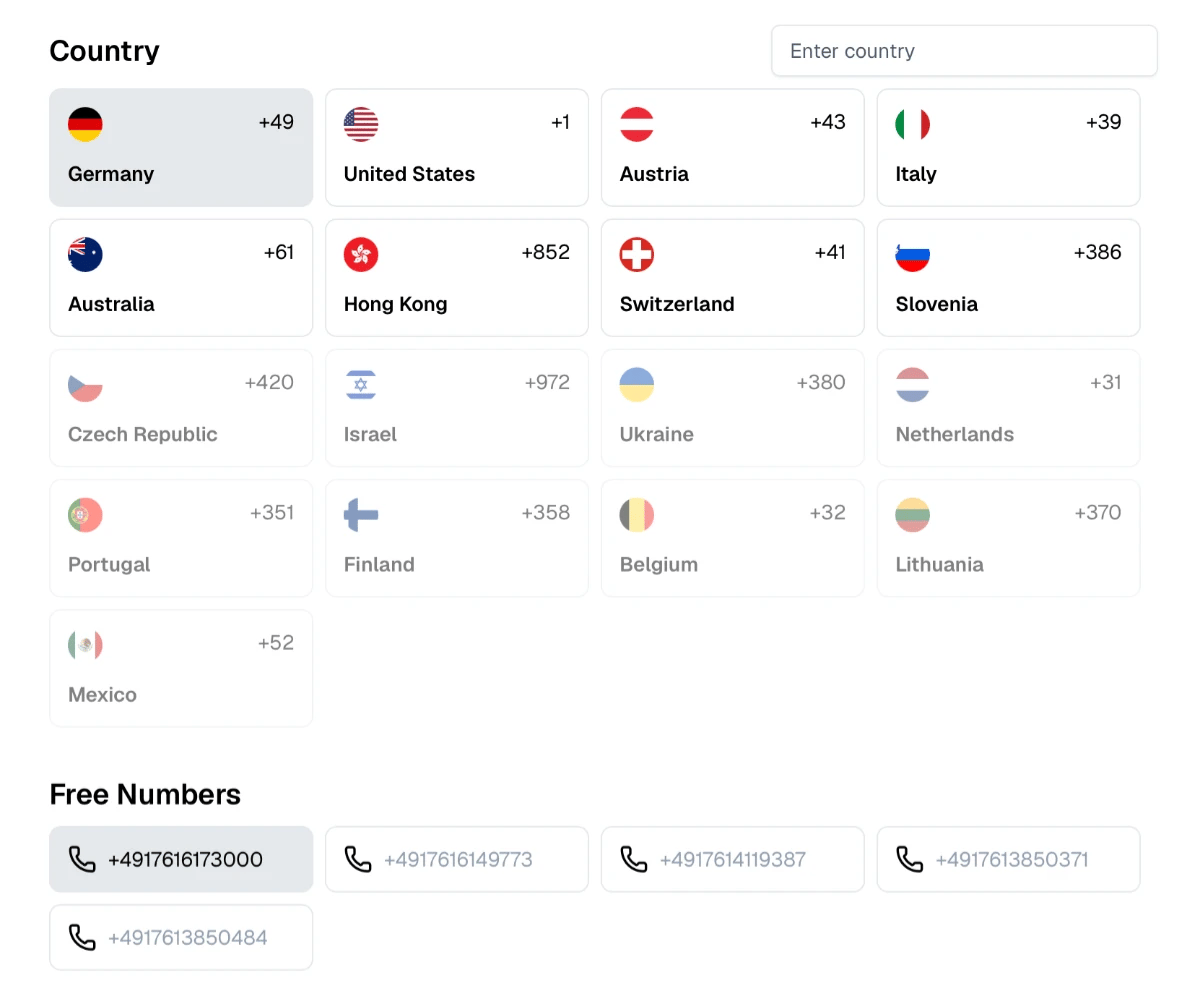
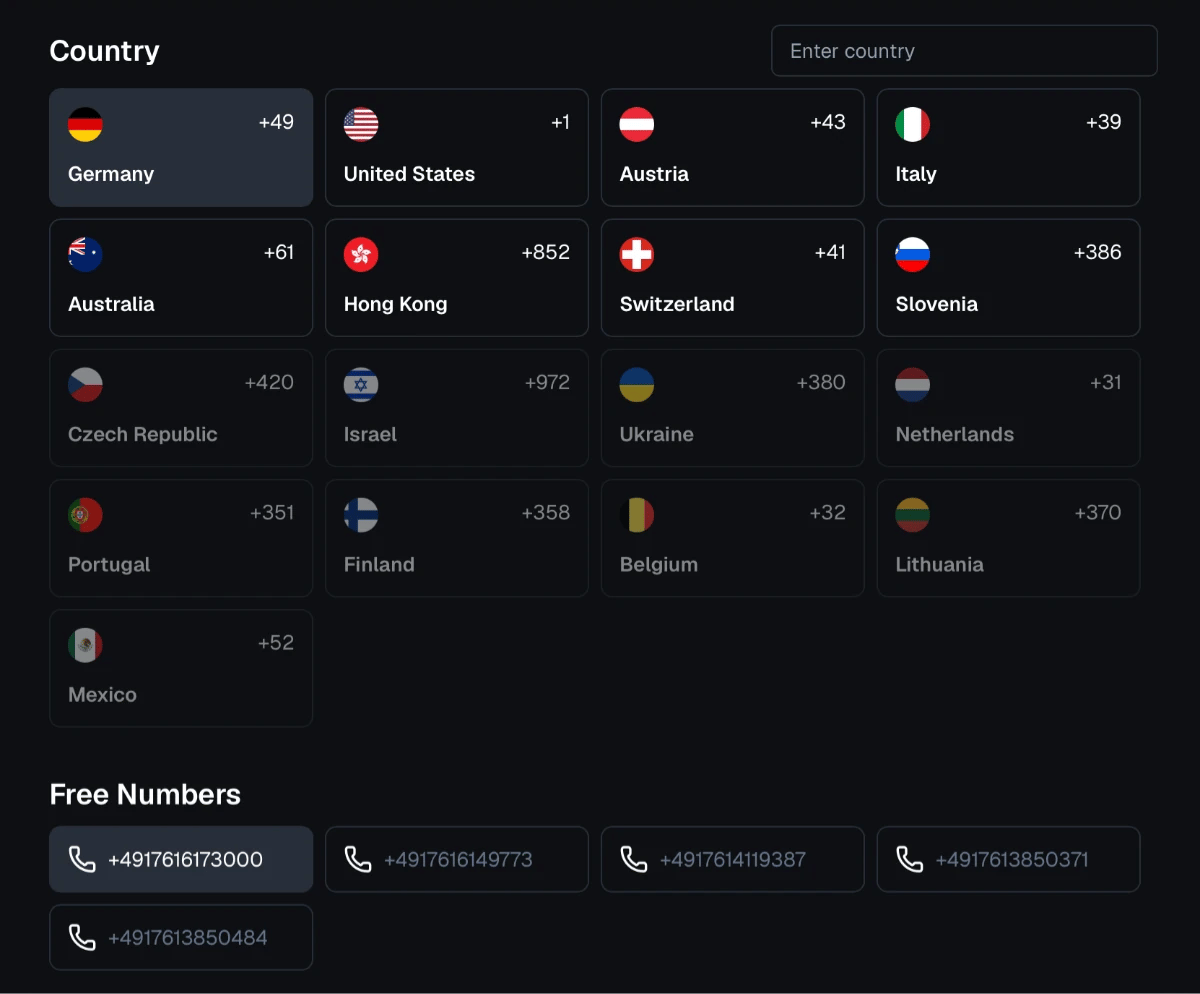
Free Virtual Numbers

Receive SMS online with free virtual numbers powered by real SIM-based mobile devices.

Learn how free numbers work

How to Receive SMS from Discord Using Proxied

  1. 1. Choose the Country and the Number

    Browse available countries and choose a phone number that suits your needs.

    Choose the Country and the Number
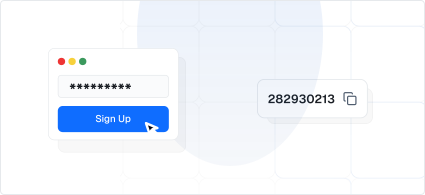
  2. 2. Use the Number to Sign Up

    Enter your chosen number on the website or app where you’re signing up.

    Use the Number to Sign Up
  3. 3. Wait for Your SMS

    Check your selected number’s inbox on our website for the incoming SMS.

    Wait for Your SMS
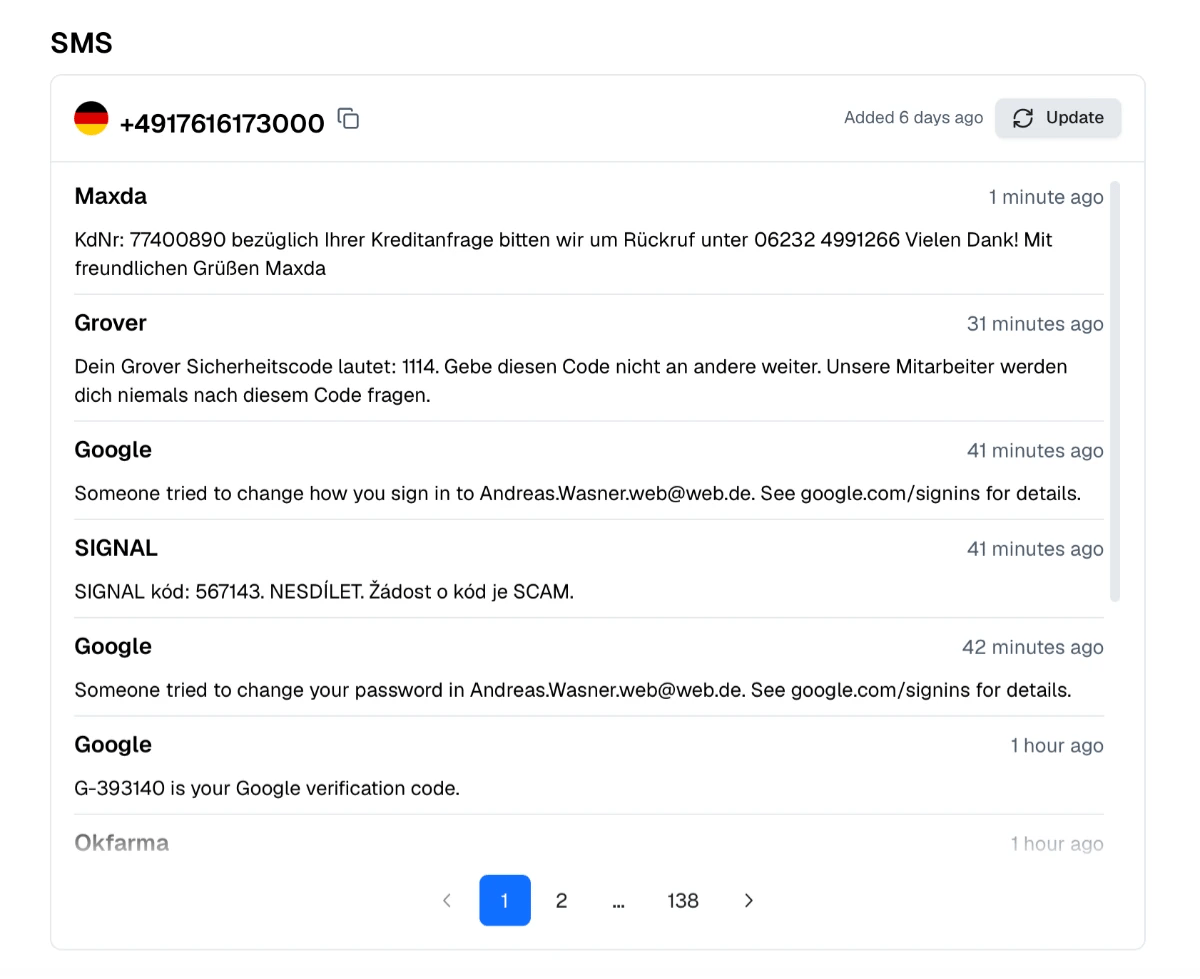
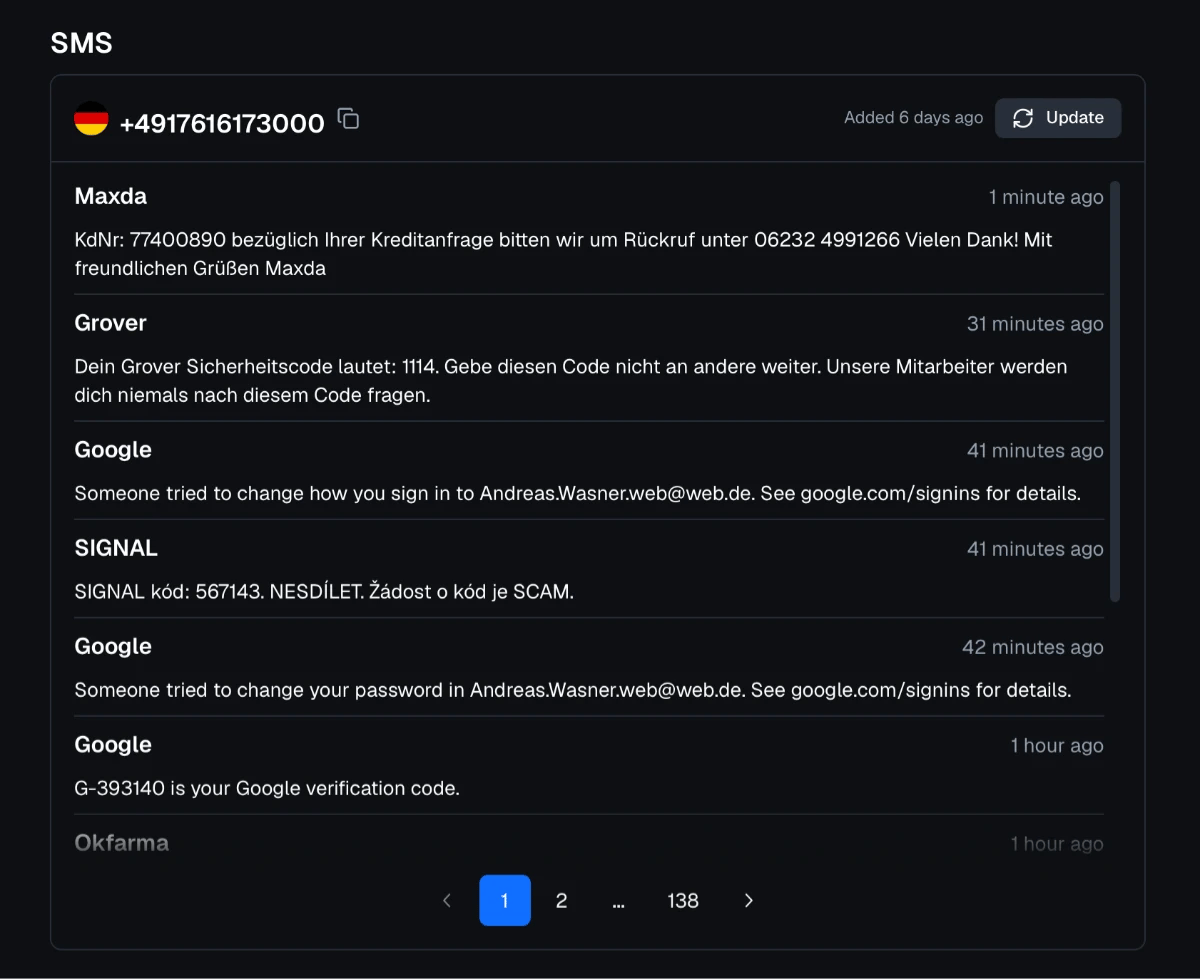
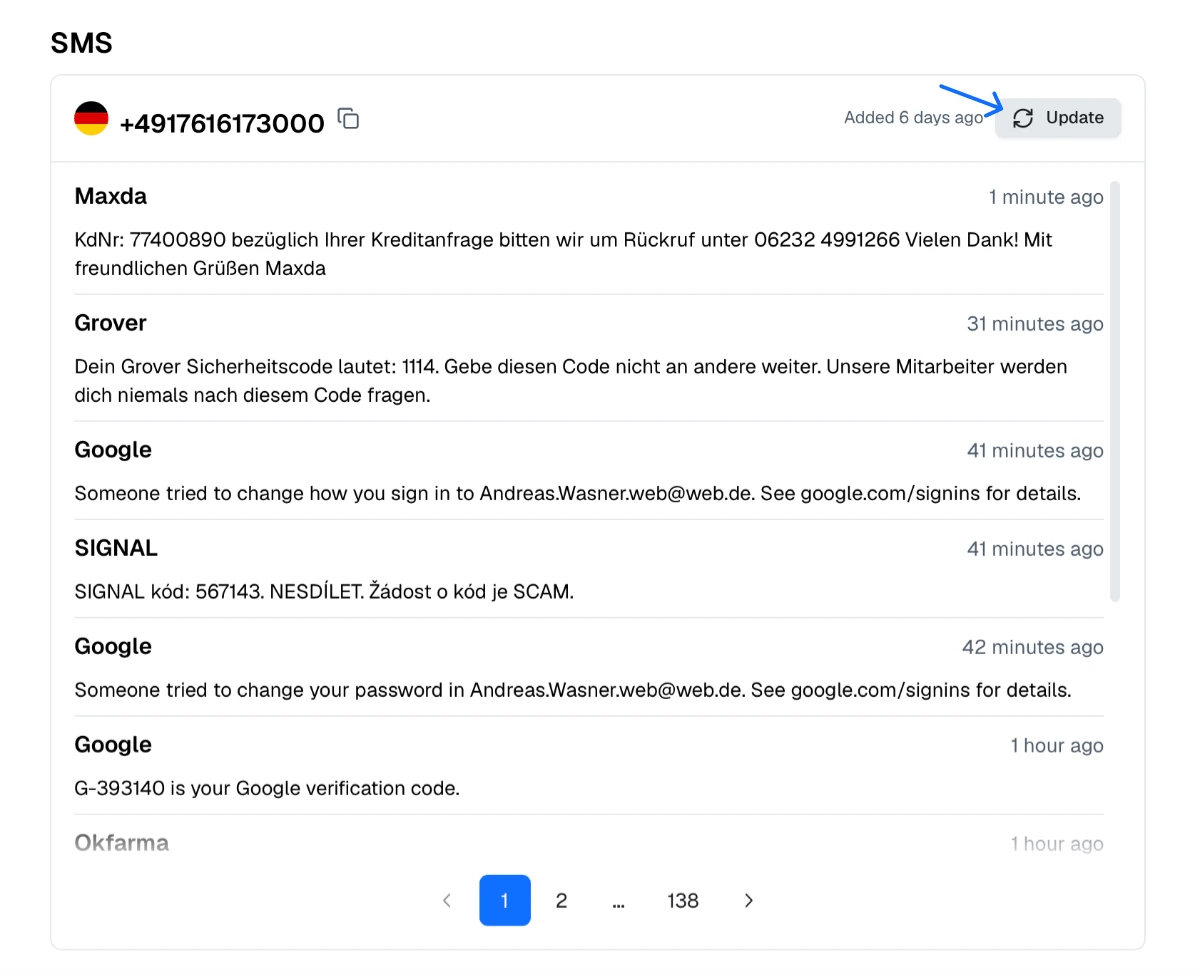
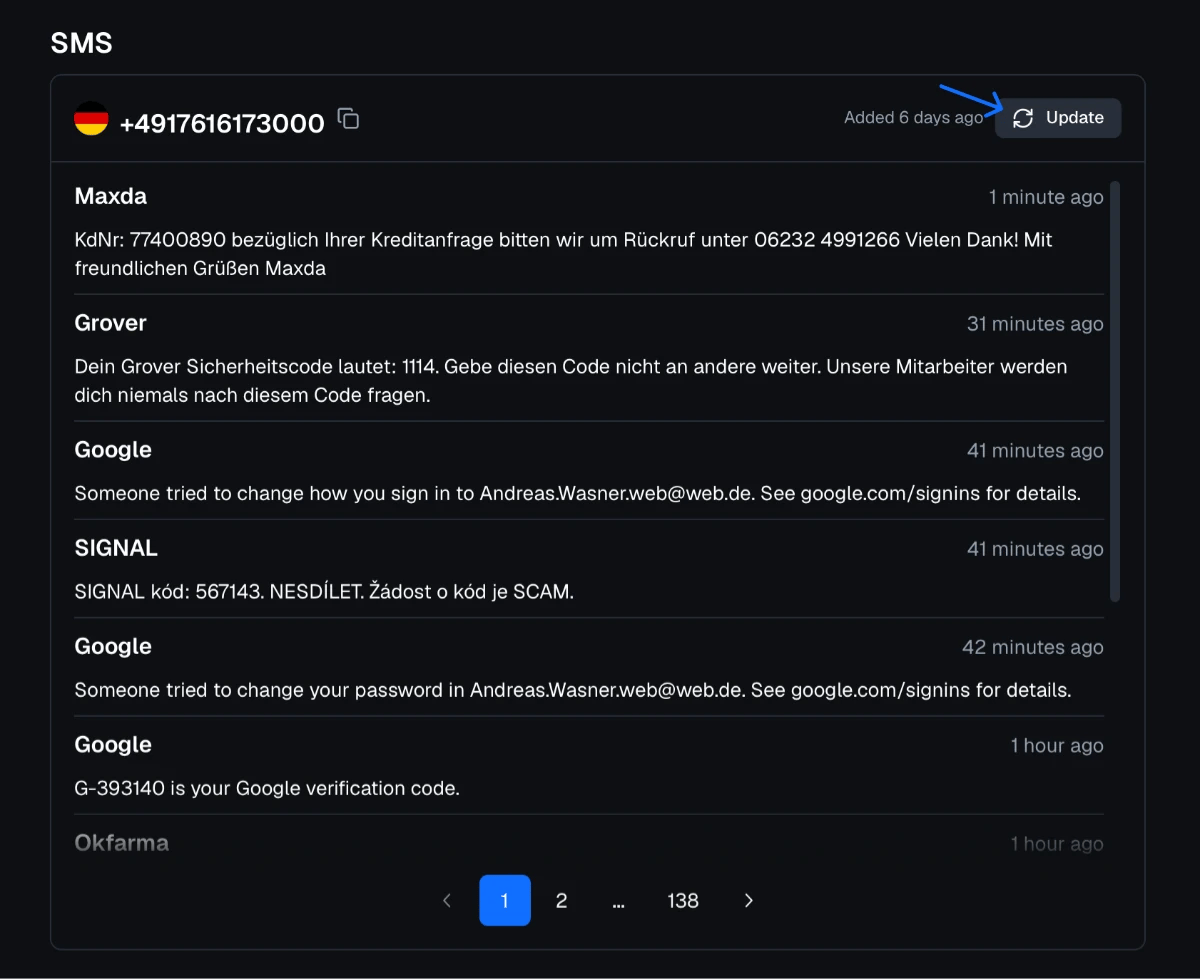
  4. 4. Refresh the Page Every Few Seconds

    If the message doesn’t show up, simply click “Update”.

    Refresh the Page Every Few Seconds

About Discord

Discord is the voice, video and text chat platform launched in 2015 and based in San Francisco. A Discord account can be created with an email address. Phone verification comes later: server owners can require members to have a verified phone number, Discord may ask for one when an account needs extra checks, and a phone number can be added for SMS-based account recovery and two-factor backup.

Why People Receive Discord Codes Online

Community moderators run test accounts to check how their server's verification settings work, bot developers need accounts for testing, and many users join servers that require a verified phone without wanting to connect their personal number to a gaming or community platform.

How to Verify Discord With a Free Number

  1. In Discord, open User Settings → My Account and choose to add a phone, or follow the server's prompt.

  2. Take a number from our free numbers page and select the matching country.

  3. Complete the captcha, then refresh the number's inbox after 20–30 seconds.

  4. Enter the code and confirm with your Discord password if asked.

If Discord says the number is already in use or invalid, choose another number or country.

Server Verification Levels

Discord servers can set verification levels for new members, and the highest level requires a verified phone number before members can send messages. Large communities use it to keep out spam accounts and raids.

Protect the Account Itself

A phone number on a Discord account can be used for password resets and as a two-factor backup. With a public number, others could request those codes too. After passing a server check, set up two-factor authentication with an authenticator app and keep an email address you control on the account.

Discord and Proxied Mobile Proxies

Proxied provides 4G/5G mobile proxies with real mobile carrier IPs in countries such as the United States, the United Kingdom, Germany, France and Spain. Moderators, community managers and bot developers who work with several accounts can choose a proxy in the same country as each account's phone number.

Find the Perfect
Proxy for Your Needs

Join Proxied